

Free available
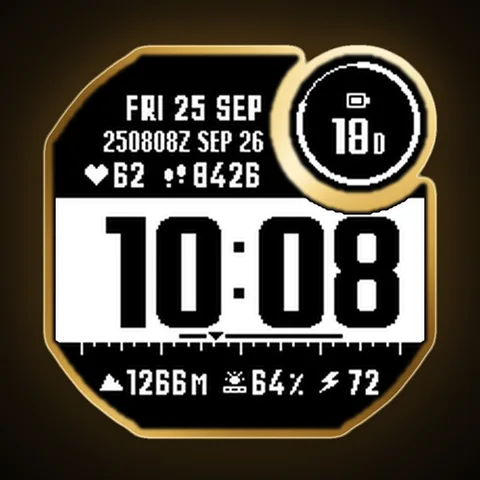
Recon
Field notes for your wrist.
BEST FACES FOR YOUR WATCH
Two very different screens share the Instinct 3 name. The AMOLED models run almost my whole catalogue; the Solar models have a monochrome MIP screen that only a few faces support, listed first below.
Updated .
172 of my faces run on the Instinct 3. 172 have a Free edition.
I make these faces (astra-dev studio), so this is not a neutral review: it is my own short list, with only faces approved for the Instinct 3 on the Connect IQ Store.
Field notes for your wrist.
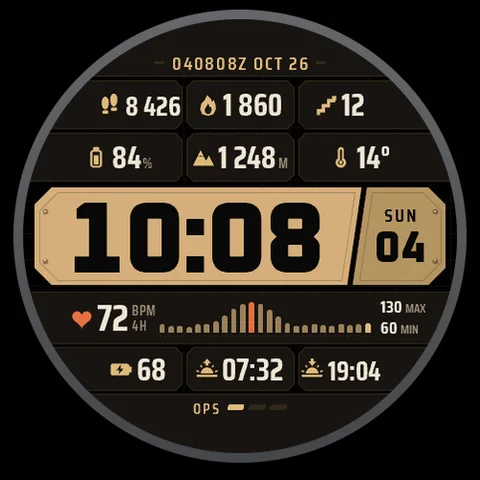
An outpost on your wrist.
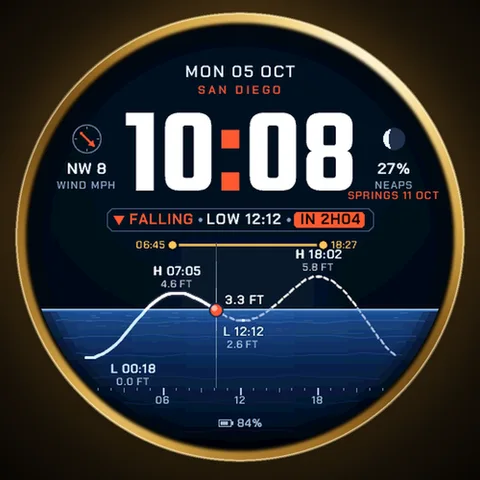
The tide, computed on your wrist.
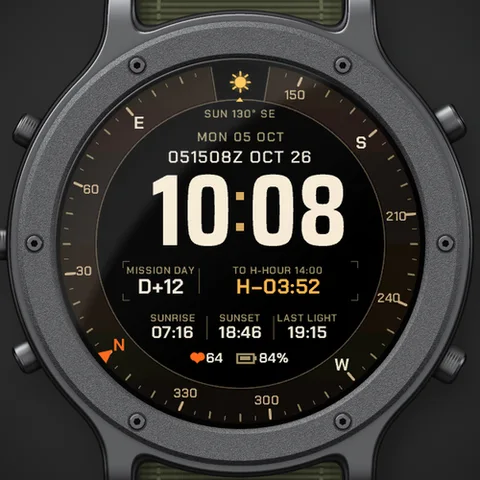
Point 12 at the sun, find north.
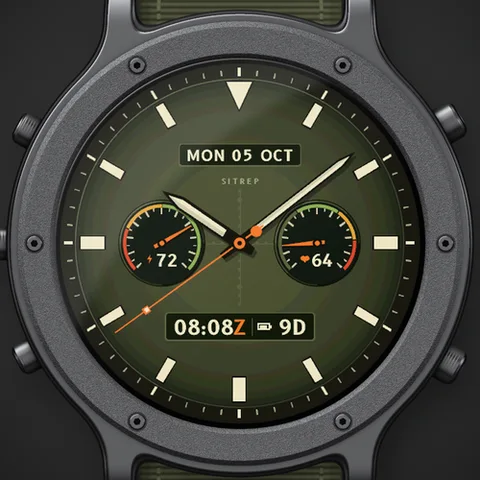
A tactical watch with real instrument gauges.
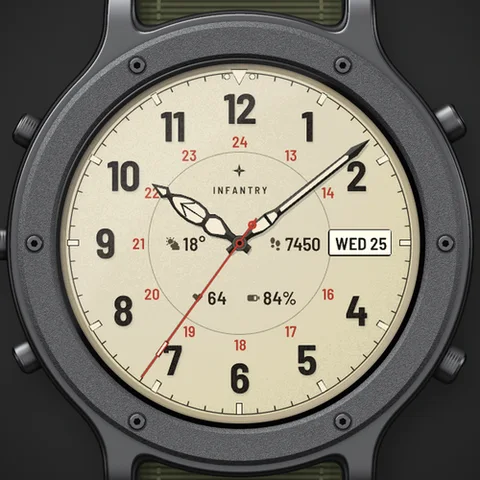
A military field watch, easier to read.
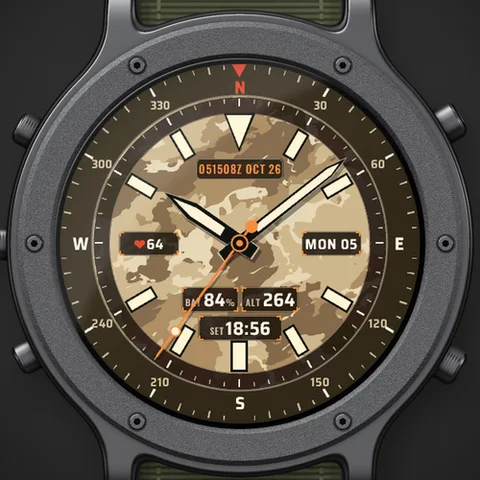
A field watch in camouflage.
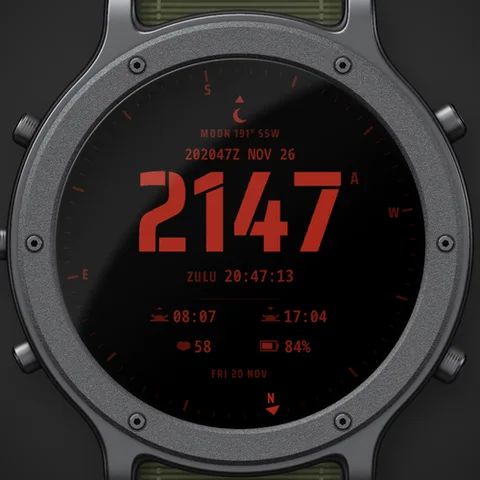
Read the time without losing your night vision.
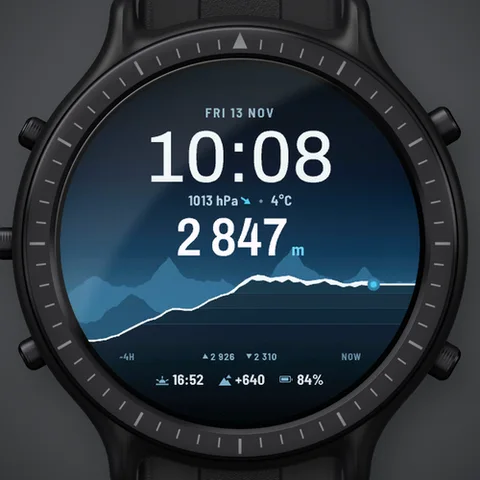
Your altitude, drawn as a mountain ridge.
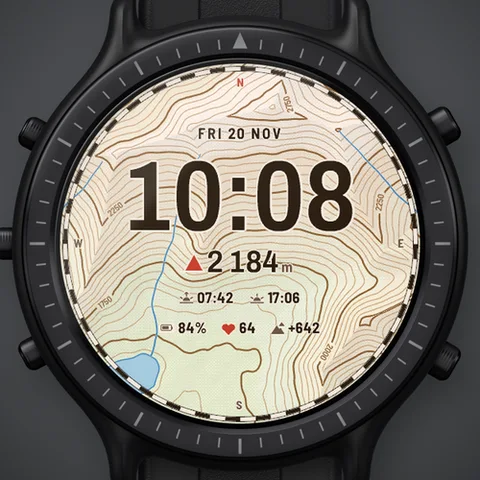
The time over a topographic map.
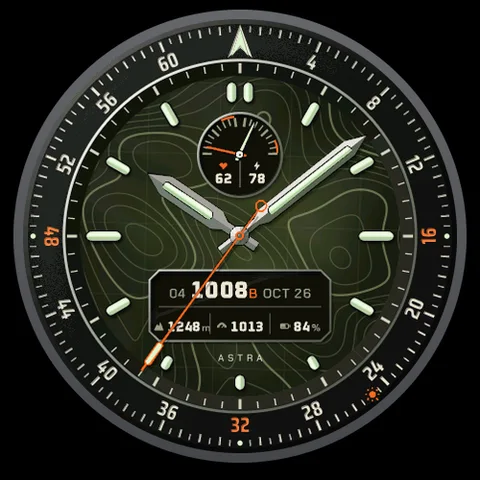
A compass laid on a map.
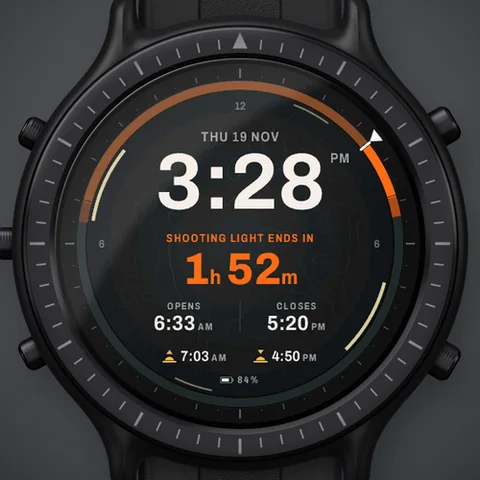
How long you can still shoot.
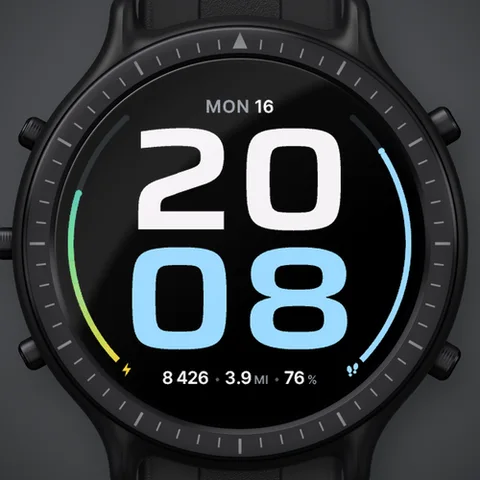
Big numbers you read mid-run.
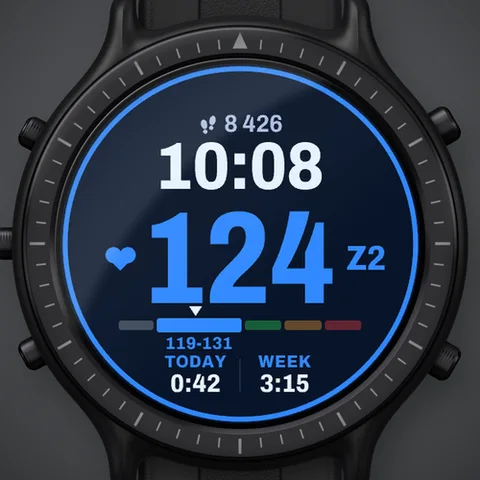
Stay in zone 2 and count your minutes.
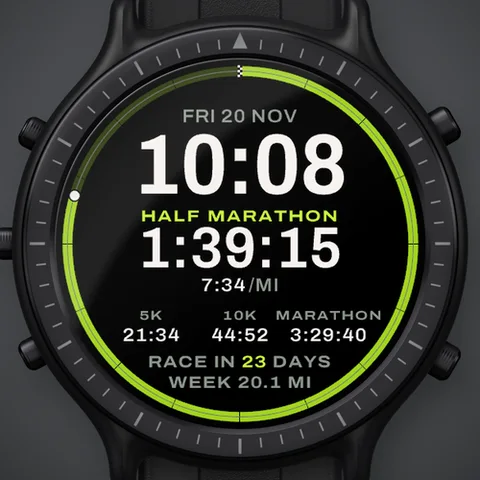
Your race times, predicted on the dial.
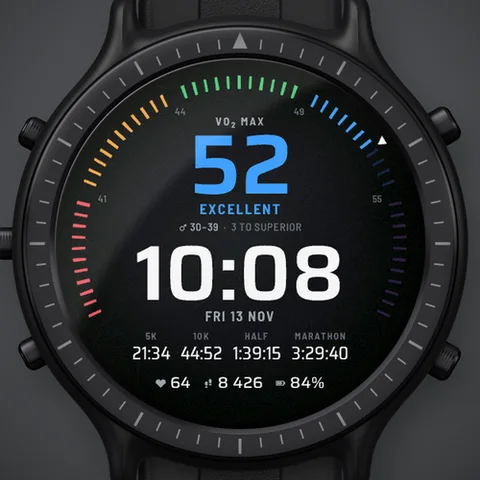
Your VO2 max, rated for your age.
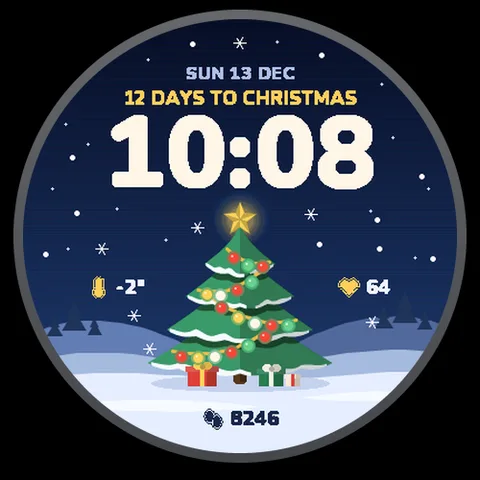
A little festive time.
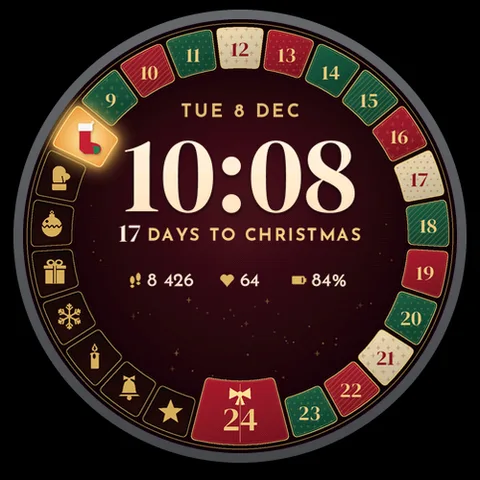
A new door every December morning.
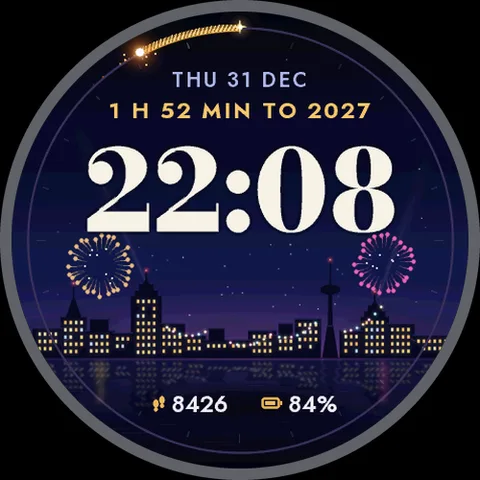
A fuse that burns down to midnight.
Each face page lists the approved models of its Free and Pro editions separately. The faces here run on at least one Instinct 3 model; on a family with several screens, check your exact model on the face page.
Every face here has a Free edition with no time limit. Pro is a one-time purchase on the store, or a Pro key on this site that unlocks Pro inside the Free face.
Install the Connect IQ Store app, sign in with your Garmin account, search for the face name (without "Pro") and install it, then select it in your watch's face menu. Step by step.
A LITTLE HELP GOES A LONG WAY
From your first install to your favorite settings. Make yourself at home.