

Animated Free available
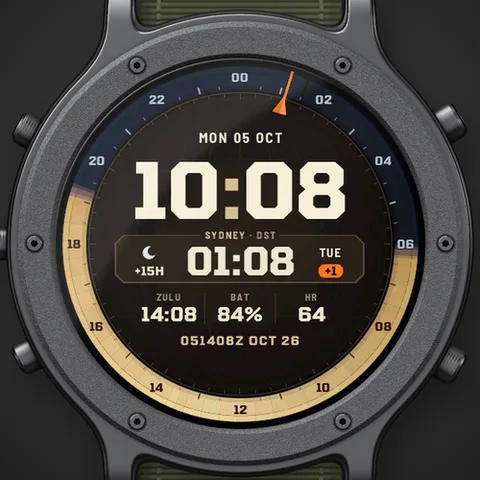
Tactical GMT
Your second time zone, never an hour off.
BEST FACES FOR YOUR WATCH
The fēnix 8 comes with AMOLED or Solar (MIP) screens, and the fēnix 8 Pro on top. Pick a face that lists your exact model: on MIP, colors are flatter and animations shorter, on AMOLED the always-on view is simplified.
Updated .
216 of my faces run on the fēnix 8. 215 have a Free edition.
I make these faces (astra-dev studio), so this is not a neutral review: it is my own short list, with only faces approved for the fēnix 8 on the Connect IQ Store.
Your second time zone, never an hour off.
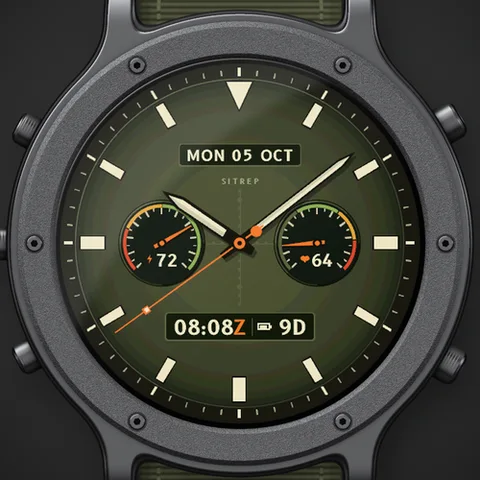
A tactical watch with real instrument gauges.
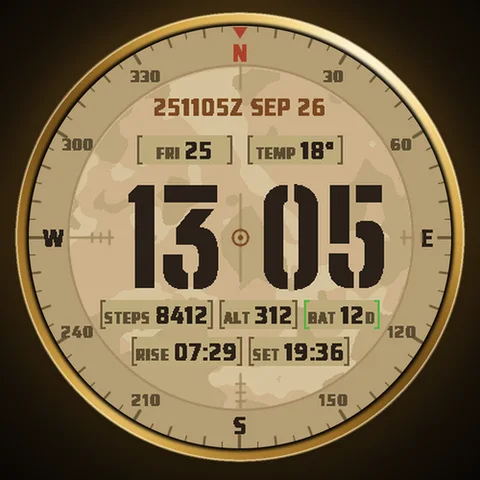
A sense of direction.
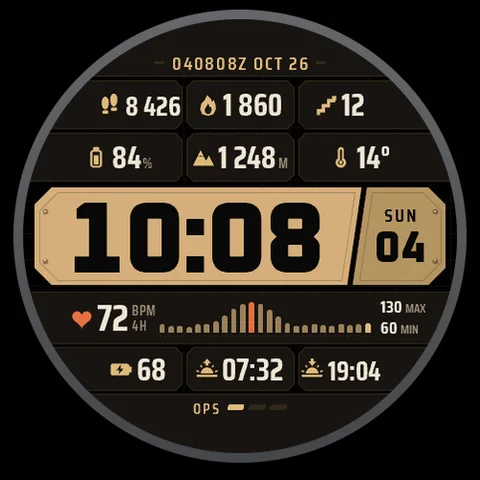
An outpost on your wrist.
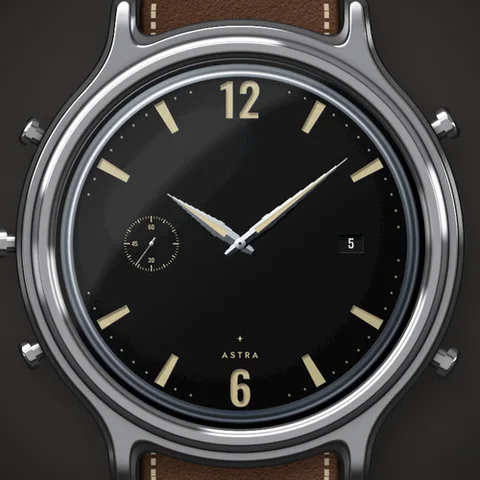
A navy diver with a sandwich dial.
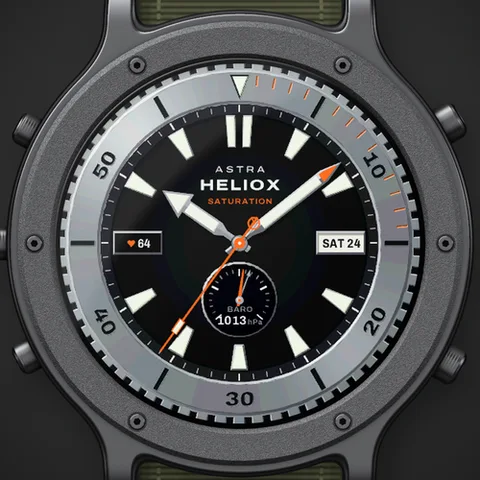
A saturation diver's tool watch.
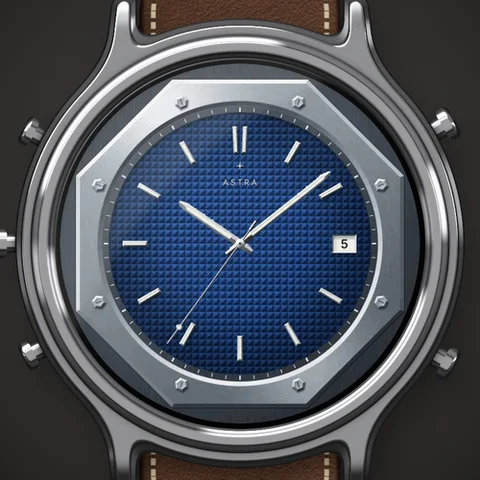
A luxury sport watch with a screwed octagonal bezel.
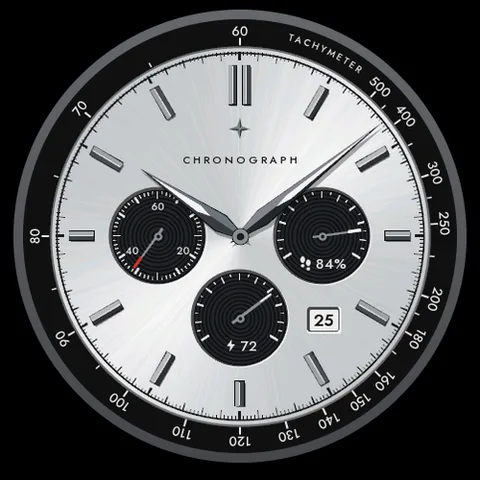
A modern classic, in motion.
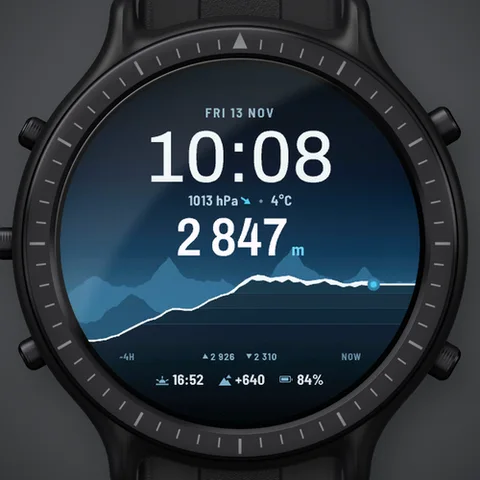
Your altitude, drawn as a mountain ridge.
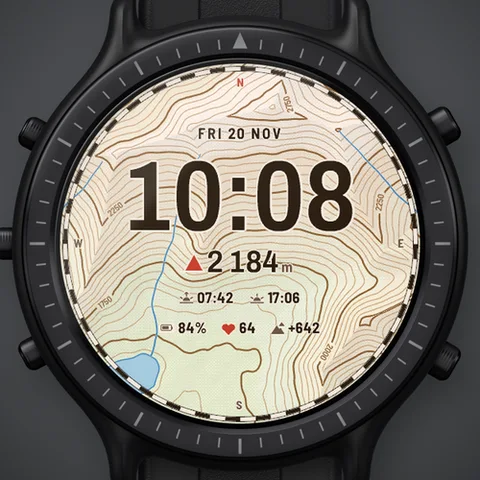
The time over a topographic map.
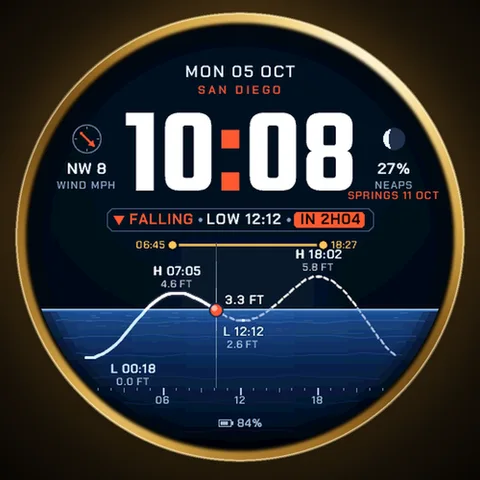
The tide, computed on your wrist.
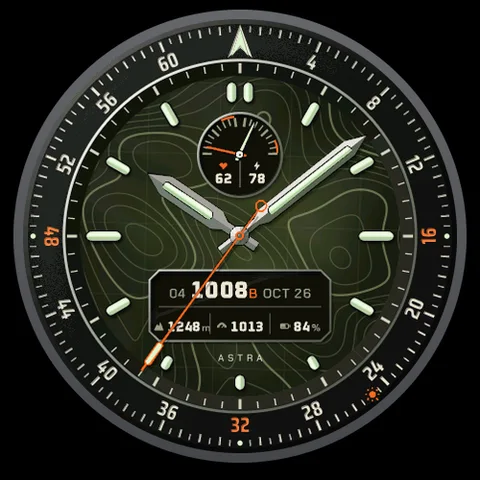
A compass laid on a map.
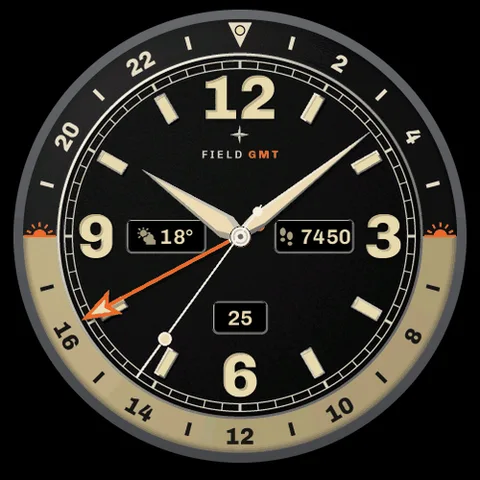
Two time zones. One field watch.
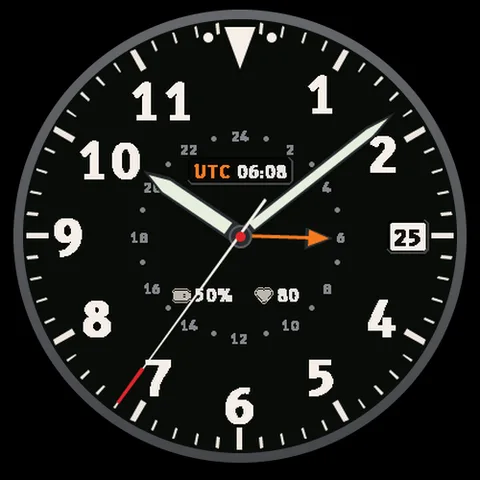
Time beyond the horizon.
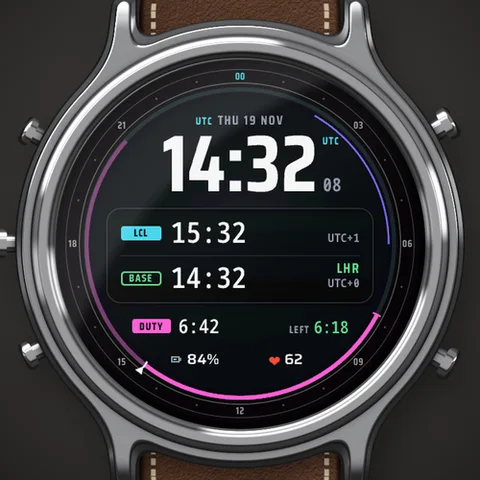
UTC, local and base time for flight crews.
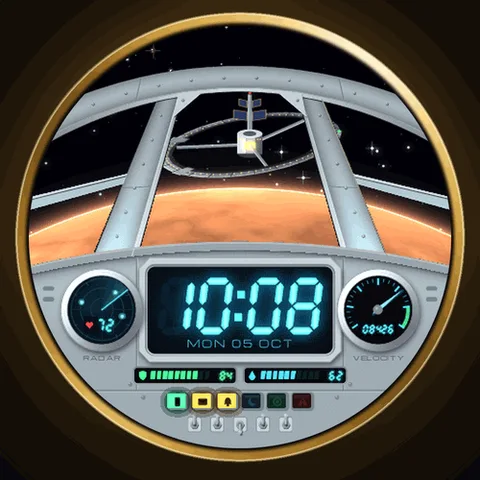
Your wrist. Another universe.
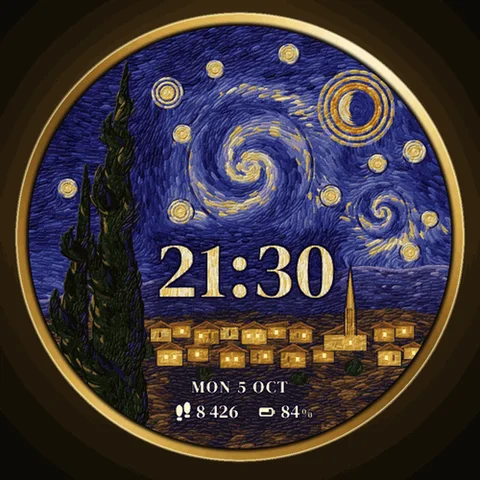
A masterpiece that comes alive.
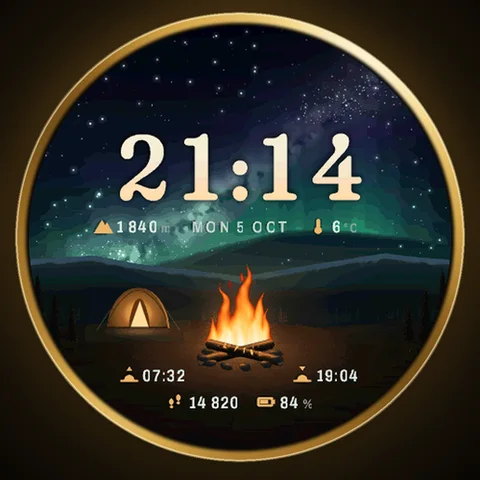
A little escape.
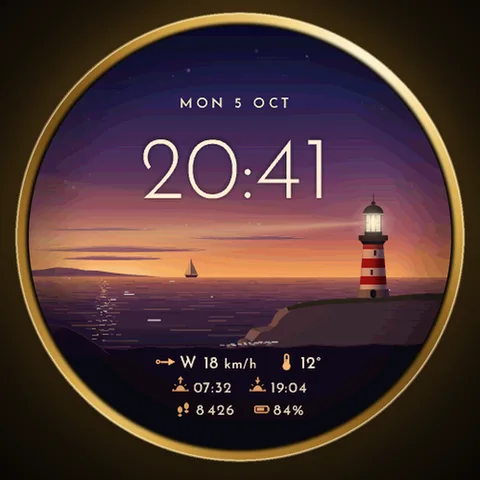
A moment by the sea.
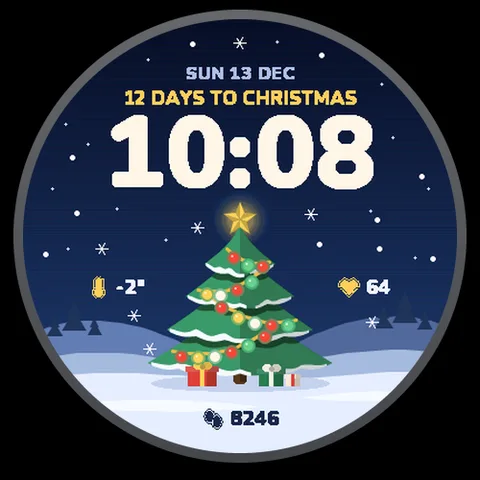
A little festive time.
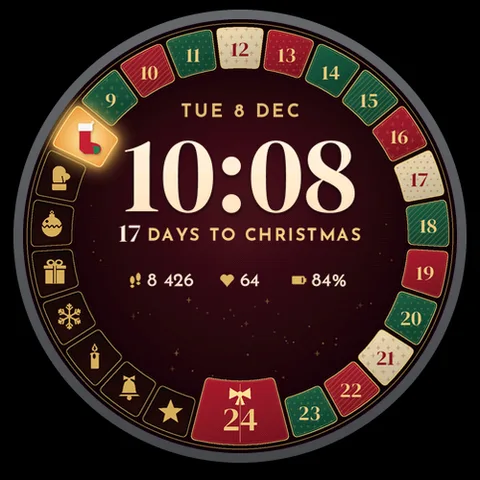
A new door every December morning.
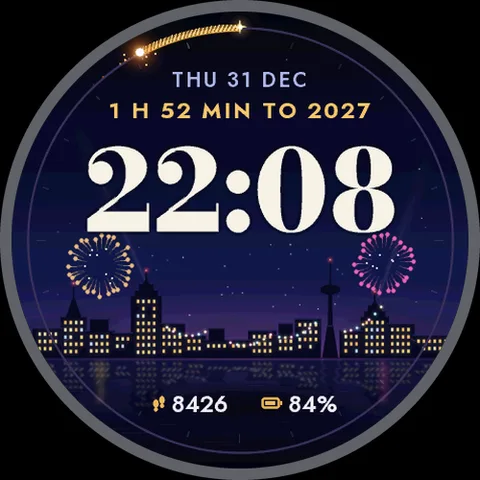
A fuse that burns down to midnight.
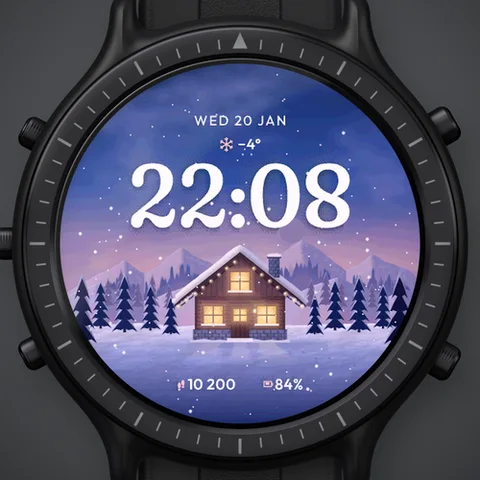
A cozy winter night on your wrist.
Each face page lists the approved models of its Free and Pro editions separately. The faces here run on at least one fēnix 8 model; on a family with several screens, check your exact model on the face page.
Every face here has a Free edition with no time limit. Pro is a one-time purchase on the store, or a Pro key on this site that unlocks Pro inside the Free face.
Install the Connect IQ Store app, sign in with your Garmin account, search for the face name (without "Pro") and install it, then select it in your watch's face menu. Step by step.
A LITTLE HELP GOES A LONG WAY
From your first install to your favorite settings. Make yourself at home.