

Free available
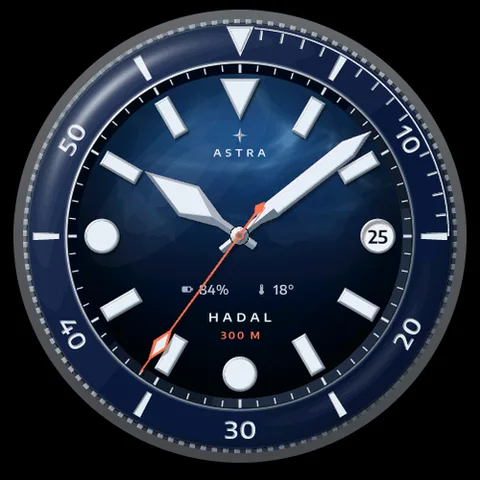
Hadal
A dive into deep blue.
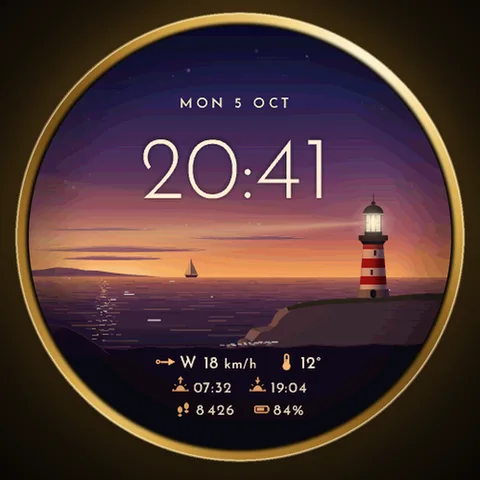
A moment by the sea.
A sweeping lighthouse, an open horizon and the quiet movement of the ocean. A tiny coastal escape, right on your wrist.
Price may vary by country. Final price and taxes are confirmed on Connect IQ.
Downloaded directly from Garmin Connect IQ.
No account needed.
A CLOSER LOOK
A sweeping lighthouse, an open horizon and the quiet movement of the ocean. A tiny coastal escape, right on your wrist.
A night travel poster of the coast. A white lighthouse stands on a rocky cape above the open sea, with a sailboat, a distant shore and the moon path on the water; the time sits in the starry sky in a fine Art Deco typeface. Raise your wrist and the beacon comes alive: the beam rises, lights up the time in gold digit by digit, flares toward you, then sweeps back behind the cape. For sailing, coastal and nautical fans who love the sea at night.
From the Pro listing on the Connect IQ Store.
YOUR FACE. YOUR CHOICE.
The Free edition is yours to keep. Choose Pro when you want the extra possibilities.
How Free & Pro workMADE FOR YOUR WATCH
Find your exact model. Compatibility is checked separately for each approved edition.
Explore by watchBoth editions run on the same 74 Garmin watch models, among them the fēnix 8, Forerunner 970, Venu 4, vívoactive 6 and Instinct 3. Search your exact model in the compatibility list on this page: the Connect IQ app only offers the face to a supported watch.
No. Astra Beacon Pro is a one-time purchase of $3.99 through the Garmin Connect IQ Store, with no renewal. The Free edition never expires. The store shows the final price for your country.
Yes. Install the Free edition, then buy the Astra Beacon Pro key (3.99 USD, one-time) on the Pro key page with the 8-character watch code shown under Pro key in the face settings. Enter the 10-character key there and the Free switches to Pro. See unlock Pro with a key.
Choose an available edition above to open its Connect IQ page. Select a compatible watch in the Connect IQ app, install the face and sync your watch. Then select the new face on your watch.
Animation behavior depends on your watch and the edition. Check the settings in Connect IQ and the edition description on its store page. Animation is limited while the watch is in its low-power state.
Open Connect IQ, find the installed watch face under My Device, and open Settings. Available options depend on the face and edition. Save the changes and sync your watch.
YOUR NEXT DISCOVERY
A dive into deep blue.
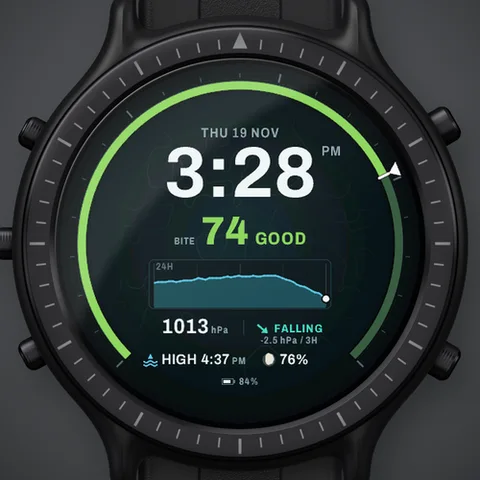
Your barometer says when to fish.
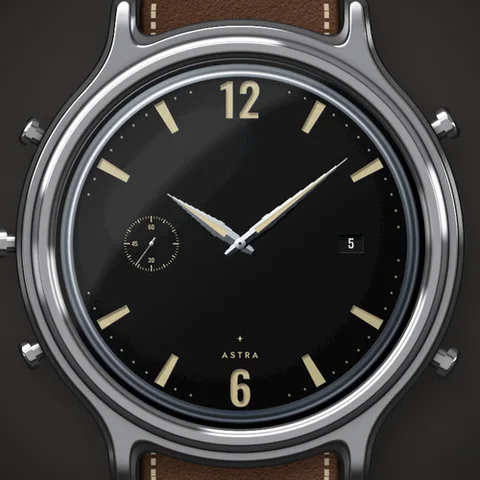
A navy diver with a sandwich dial.
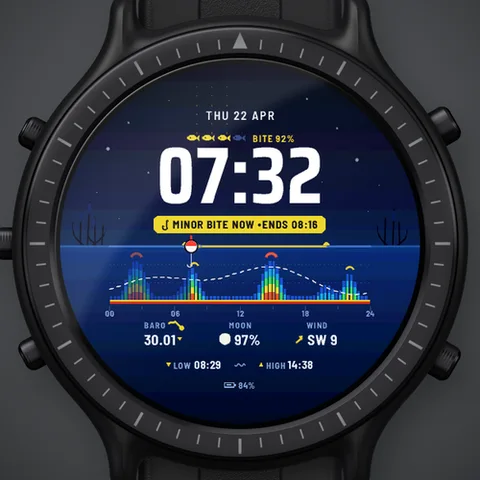
The best fishing times, on a sonar screen.
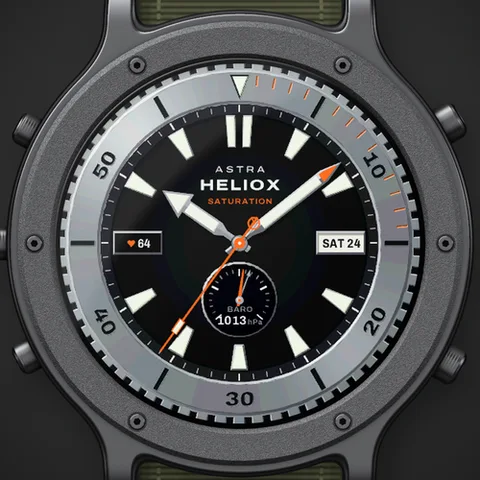
A saturation diver's tool watch.
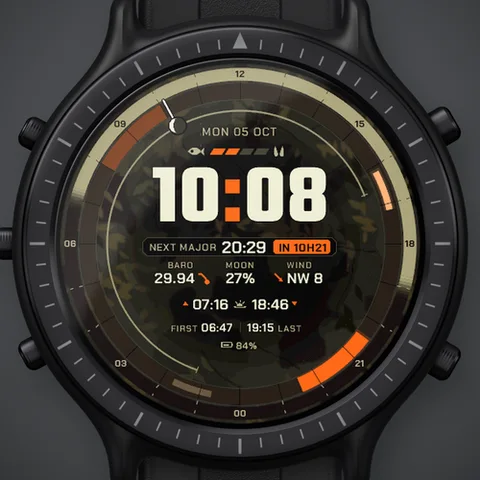
When the fish will bite.
A LITTLE HELP GOES A LONG WAY
From your first install to your favorite settings. Make yourself at home.