

Free available
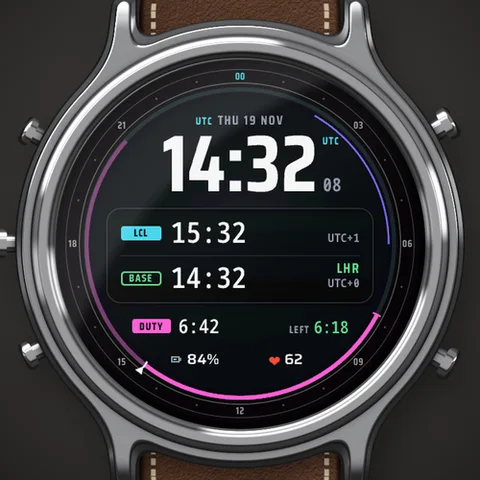
Block Time
UTC, local and base time for flight crews.
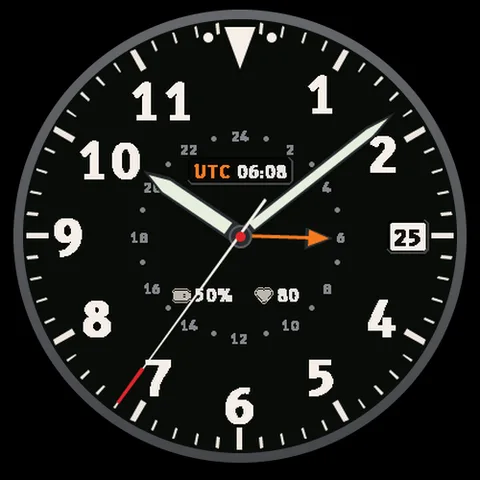
Time beyond the horizon.
Aviation-inspired timekeeping with a GMT and UTC character.
Price may vary by country. Final price and taxes are confirmed on Connect IQ.
Downloaded directly from Garmin Connect IQ.
No account needed.
A CLOSER LOOK
Aviation-inspired timekeeping with a GMT and UTC character.
Aviator watch face in the style of a classic pilot's watch: an analog flieger dial with a GMT hand and a UTC window for a second time zone. Clean and easy to read, with a no-nonsense military look, like the "Type A" pilot watches of aviation history, with large Arabic numerals set in B612 Bold, a typeface created for airliner cockpit screens.
Good to know: weather data needs a Garmin weather location, synced from the phone.
Enjoying this watch face? A short review helps a lot. Thank you!
From the Pro listing on the Connect IQ Store.
YOUR FACE. YOUR CHOICE.
The Free edition is yours to keep. Choose Pro when you want the extra possibilities.
How Free & Pro workMADE FOR YOUR WATCH
Find your exact model. Compatibility is checked separately for each approved edition.
Explore by watchBoth editions run on the same 74 Garmin watch models, among them the fēnix 8, Forerunner 970, Venu 4, vívoactive 6 and Instinct 3. Search your exact model in the compatibility list on this page: the Connect IQ app only offers the face to a supported watch.
No. Astra Pilot Pro is a one-time purchase of $3.99 through the Garmin Connect IQ Store, with no renewal. The Free edition never expires. The store shows the final price for your country.
Yes. Install the Free edition, then buy the Astra Pilot Pro key (3.99 USD, one-time) on the Pro key page with the 8-character watch code shown under Pro key in the face settings. Enter the 10-character key there and the Free switches to Pro. See unlock Pro with a key.
Choose an available edition above to open its Connect IQ page. Select a compatible watch in the Connect IQ app, install the face and sync your watch. Then select the new face on your watch.
Open Connect IQ, find the installed watch face under My Device, and open Settings. Available options depend on the face and edition. Save the changes and sync your watch.
YOUR NEXT DISCOVERY
UTC, local and base time for flight crews.
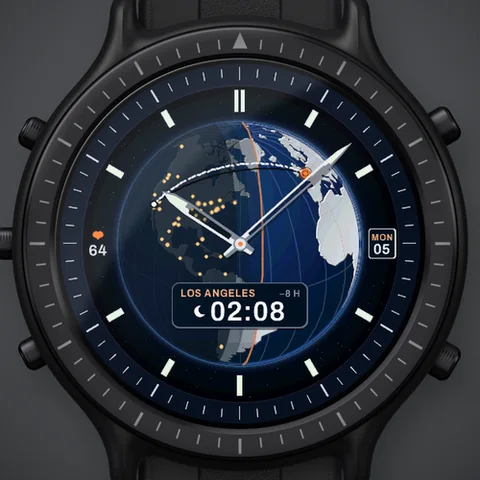
The Earth from space, lit by the real Sun.
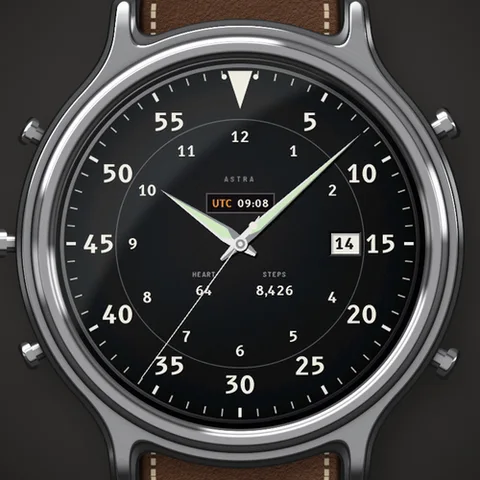
The Type B navigator's dial.
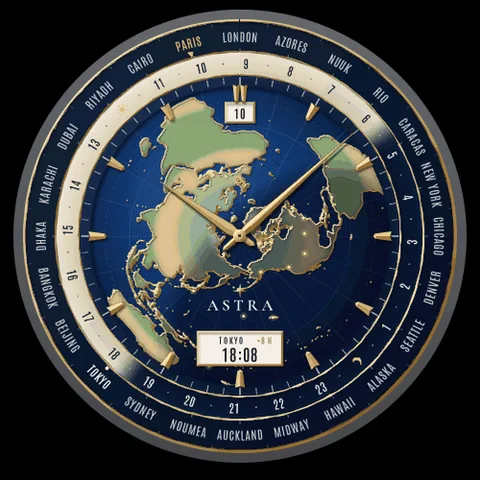
Every city at a glance.
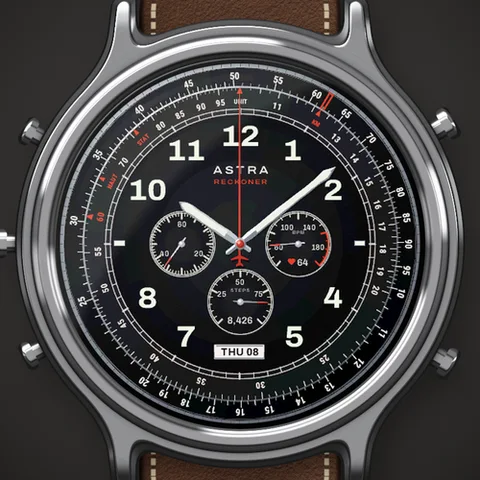
A pilot's chronograph with a working slide rule.
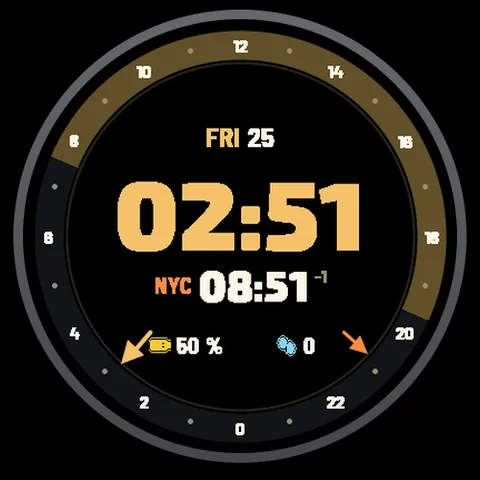
Two places. One glance.
A LITTLE HELP GOES A LONG WAY
From your first install to your favorite settings. Make yourself at home.