

Free available
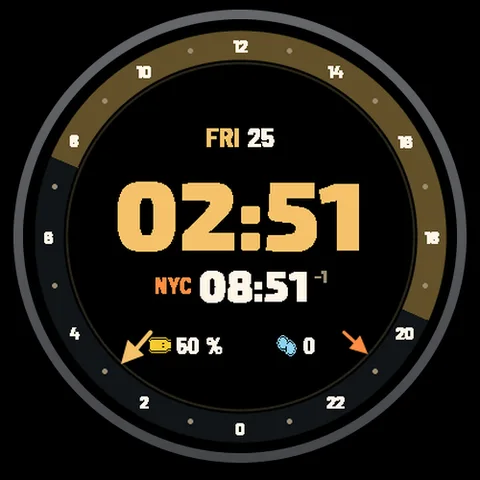
Globe
Two places. One glance.
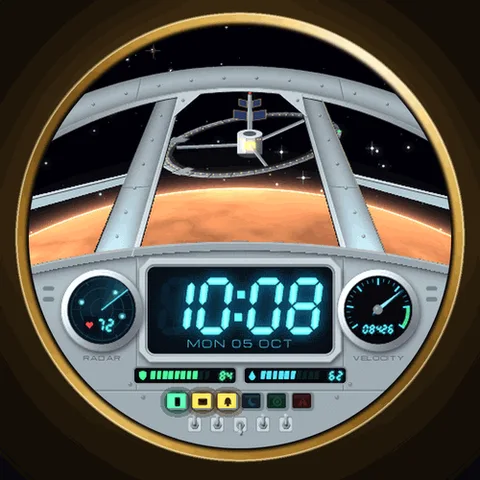
Your wrist. Another universe.
Raise your wrist and make the jump. A retro-futuristic cockpit turns your everyday data into the instruments of a starship.
Price may vary by country. Final price and taxes are confirmed on Connect IQ.
Downloaded directly from Garmin Connect IQ.
No account or payment on this website.
A CLOSER LOOK
Thoughtful details, from the first jump to the last glance of the day.
A planet, a ringed giant, a nebula, asteroids or a space station. Pro can choose a new destination with every jump.
From warm Amber to Phosphor Green and Arctic White. Pro adds five palettes, including a Red Alert night option.
In Pro, choose which data drives the shields, fuel, velocity and radar. Free keeps the original instrument layout.
AMOLED always-on keeps the time and fine outlines visible. Elements shift each minute to help reduce burn-in.
YOUR FACE. YOUR CHOICE.
The Free edition is yours to keep. Choose Pro when you want the extra possibilities.
How Free & Pro work| Your edition | Free | Pro $4.99 |
|---|---|---|
| Hyperspace jump | Short jump (0.8 sec) | Full jump (1.4 sec) |
| Cockpit palette | Amber | 6 cockpit palettes |
| Destination | Planet | 5 views + random destination |
| Data instruments | Fixed layout | Choose your instrument data |
| Animation modes | On wake / off | On wake / continuous / off |
| AMOLED always-on | Included | Included |
| Purchase | Free, no expiry | One-time purchase |
| Get Free | Get Pro |
MADE FOR YOUR WATCH
Find your exact model. Compatibility is checked separately for each approved edition.
Explore by watchChoose an available edition above to open its Connect IQ page. Select a compatible watch in the Connect IQ app, install the face and sync your watch. Then select the new face on your watch.
The Pro edition is a one-time purchase through Garmin Connect IQ. You do not pay Astra through this website.
The jump plays when you wake the watch. Pro also offers continuous animation while the display is awake. When your wrist is down, the AMOLED always-on view is still and updates once per minute. You can turn animation off in settings.
Open Connect IQ, find the installed watch face under My Device, and open Settings. Available options depend on the face and edition. Save the changes and sync your watch.
YOUR NEXT DISCOVERY
Two places. One glance.
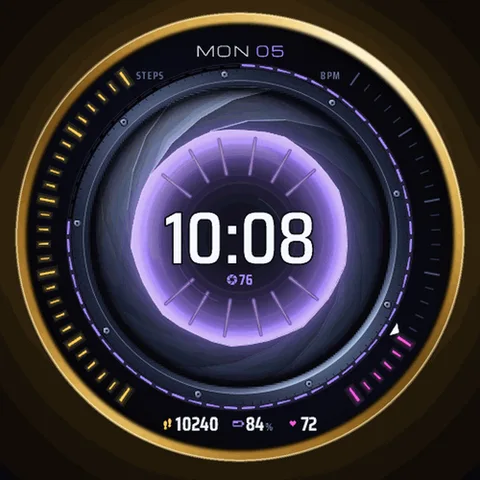
Open up another world.
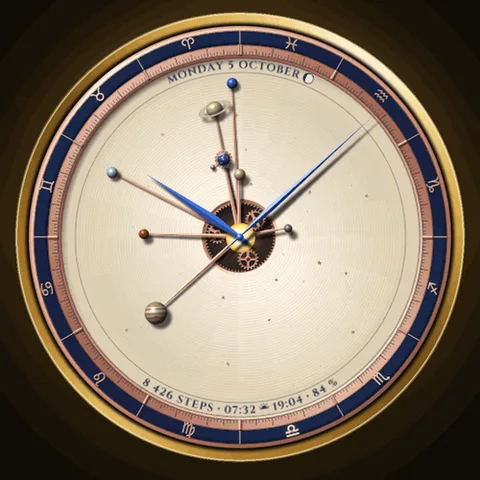
A universe of your own.
Keep a wider perspective.
A LITTLE HELP GOES A LONG WAY
From your first install to your favorite settings. Make yourself at home.