

Animated Free available
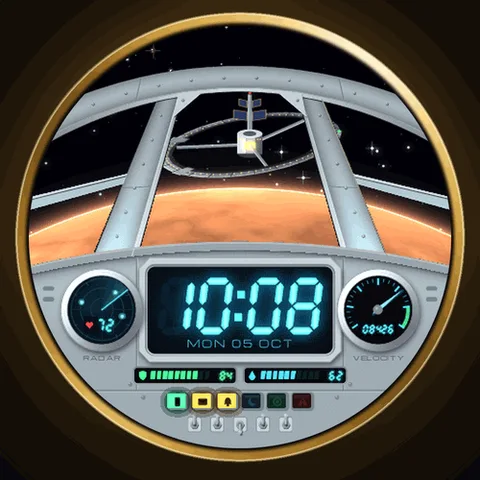
Hyperdrive
Your wrist. Another universe.
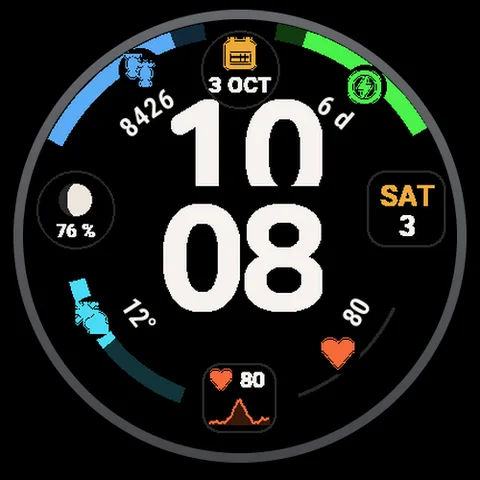
Keep a wider perspective.
A digital face that brings time, weather and the moon together.
Price may vary by country. Final price and taxes are confirmed on Connect IQ.
Downloaded directly from Garmin Connect IQ.
No account needed.
A CLOSER LOOK
A digital face that brings time, weather and the moon together.
Digital watch face with weather, moon phase and a 4-hour heart rate graph. Big stacked hours and minutes, eight customizable data fields in four styles (circle, outer gauge, inner gauge, box), 15 color themes and dynamic colors that change with your values.
From the Pro listing on the Connect IQ Store.
Steps and goal, distance, floors, calories, intensity minutes, heart rate, resting HR, heart rate graph (4 h), Body Battery, stress, Pulse Ox, battery in % or days, notifications, alarms, date, week number, second time zone, temperature, feels like, high/low, humidity, wind, rain chance, weather condition with icon, sunrise, sunset, moon phase, altitude, pressure, phone, do not disturb, recovery time.
Hold the screen, choose Customize: theme, dynamic colors, each field's data and style, seconds, always-on options. No phone needed. Tap a field to open the matching Garmin app.
Battery, Body Battery, stress, heart rate and temperature change color with their value, so you read the state before the number.
Outline digits in low-power mode, burn-in safe on AMOLED, with an optional solid variant.
YOUR FACE. YOUR CHOICE.
The Free edition is yours to keep. Choose Pro when you want the extra possibilities.
How Free & Pro workMADE FOR YOUR WATCH
Find your exact model. Compatibility is checked separately for each approved edition.
Explore by watchBoth editions run on the same 45 Garmin watch models, among them the fēnix 8, Forerunner 970, Venu 3, vívoactive 6 and epix Pro. Search your exact model in the compatibility list on this page: the Connect IQ app only offers the face to a supported watch.
No. Astra Orbit Pro is a one-time purchase of $3.99 through the Garmin Connect IQ Store, with no renewal. The Free edition never expires. The store shows the final price for your country.
Choose an available edition above to open its Connect IQ page. Select a compatible watch in the Connect IQ app, install the face and sync your watch. Then select the new face on your watch.
Open Connect IQ, find the installed watch face under My Device, and open Settings. Available options depend on the face and edition. Save the changes and sync your watch.
YOUR NEXT DISCOVERY
Your wrist. Another universe.
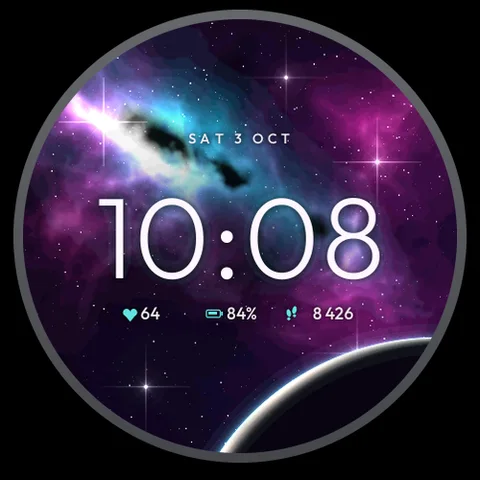
A little cosmos on your wrist.
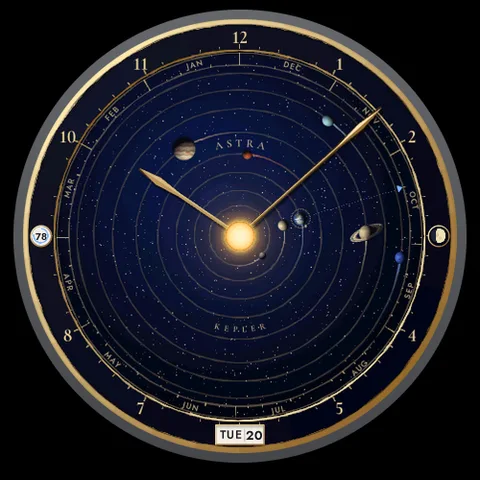
The planets, where they are today.
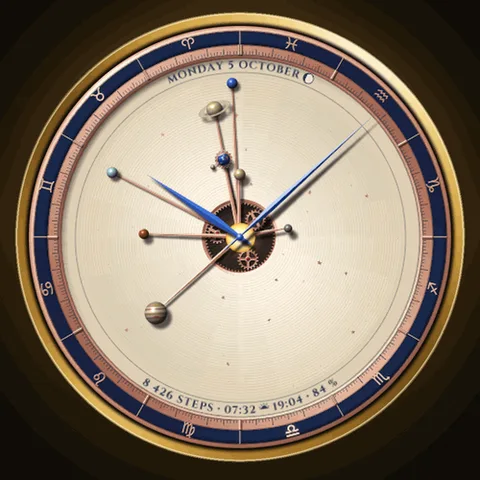
A universe of your own.
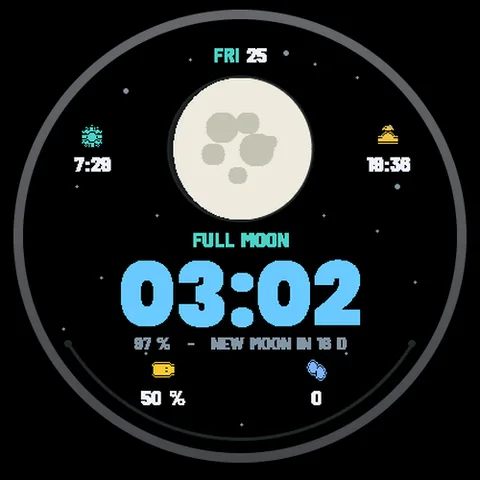
Stay in your phase.
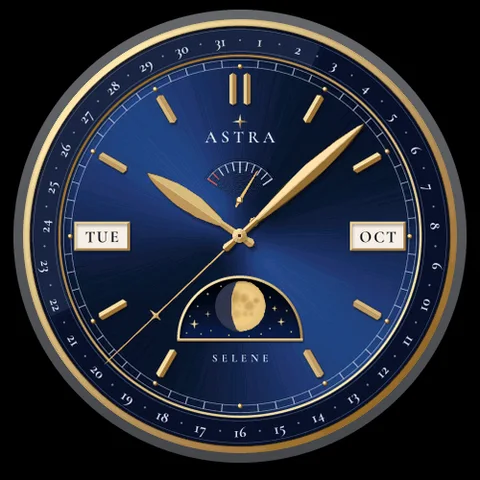
The moon, on your wrist.
A LITTLE HELP GOES A LONG WAY
From your first install to your favorite settings. Make yourself at home.