

Free available
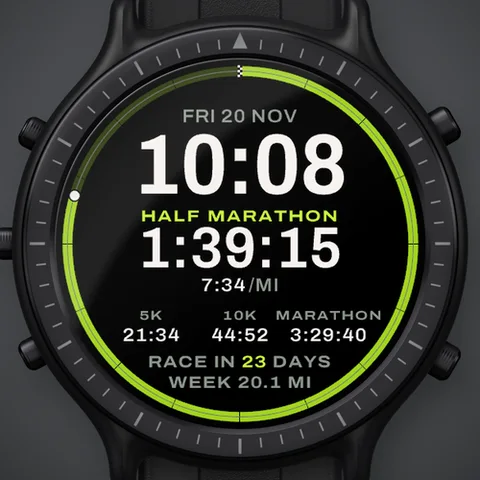
Pace
Your race times, predicted on the dial.
BEST FACES FOR YOUR WATCH
The Forerunner 265 and 265S share an AMOLED screen made for training data. Faces with a clear layout and your daily numbers work best; animated faces play when you raise your wrist.
Updated .
216 of my faces run on the Forerunner 265. 215 have a Free edition.
I make these faces (astra-dev studio), so this is not a neutral review: it is my own short list, with only faces approved for the Forerunner 265 on the Connect IQ Store.
Your race times, predicted on the dial.
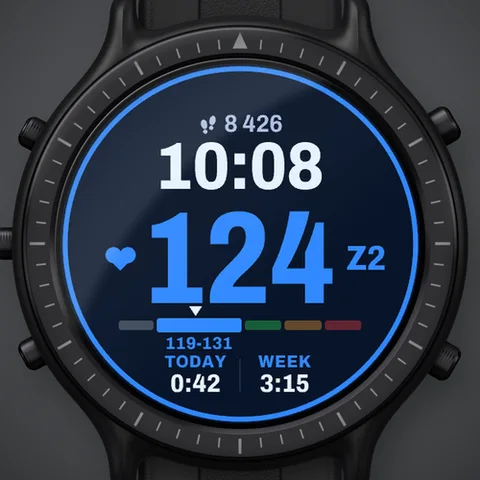
Stay in zone 2 and count your minutes.
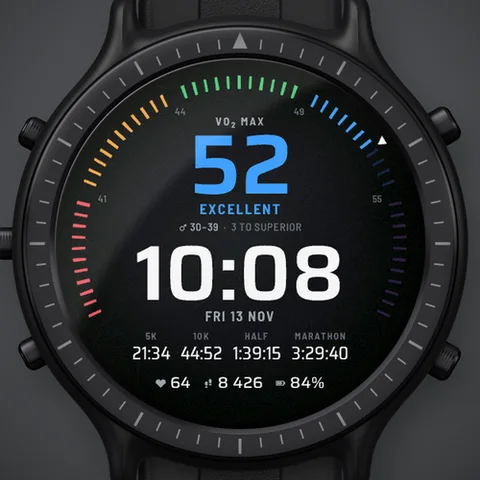
Your VO2 max, rated for your age.
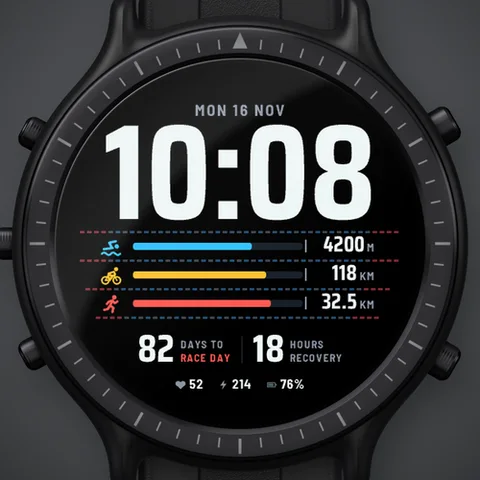
Your triathlon week in three pool lanes.
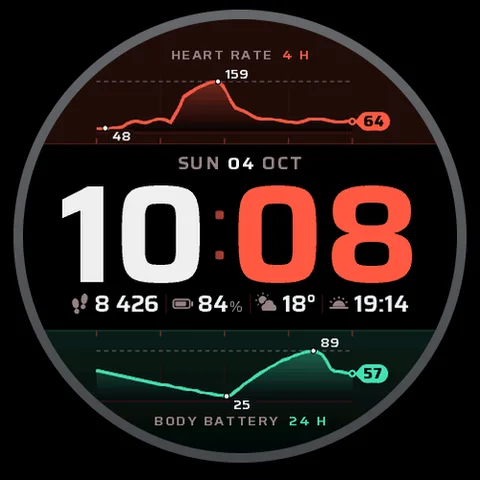
Your heart, on a graph.
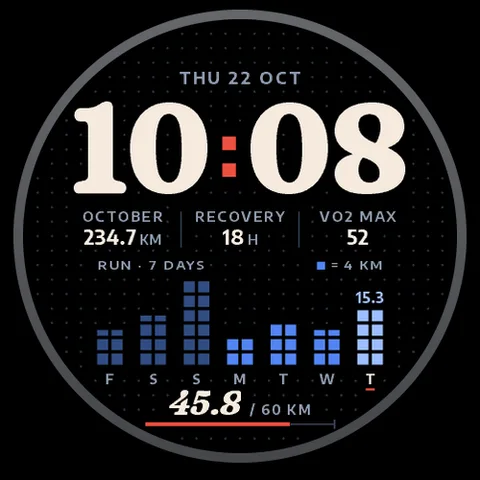
Your week, written in ink.
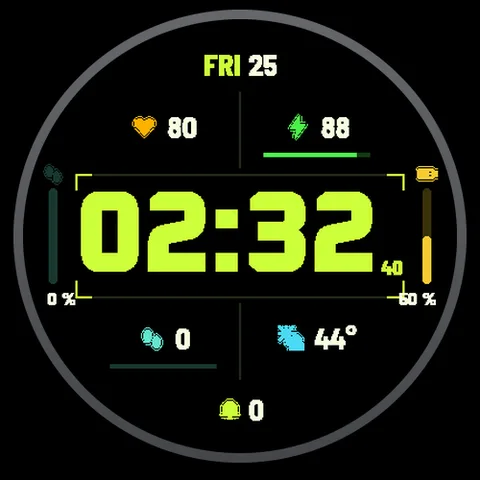
Your day, at a glance.
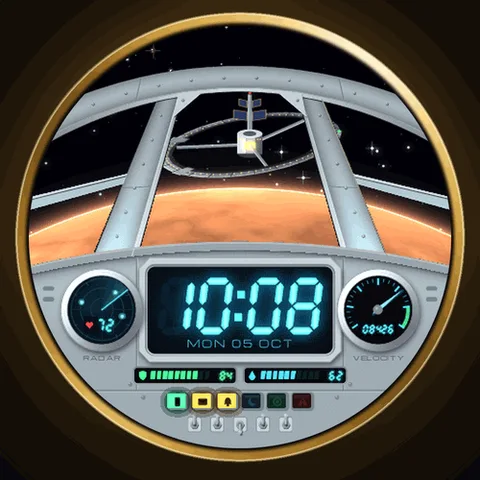
Your wrist. Another universe.
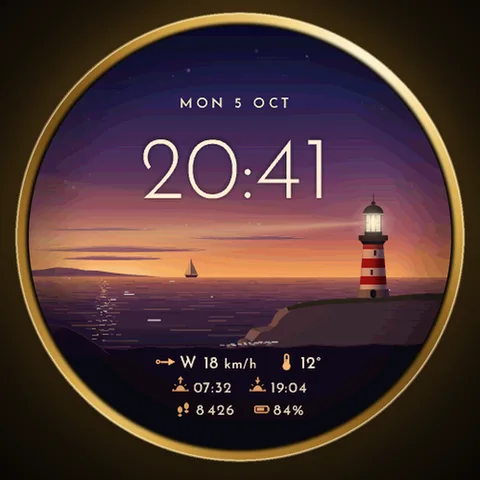
A moment by the sea.
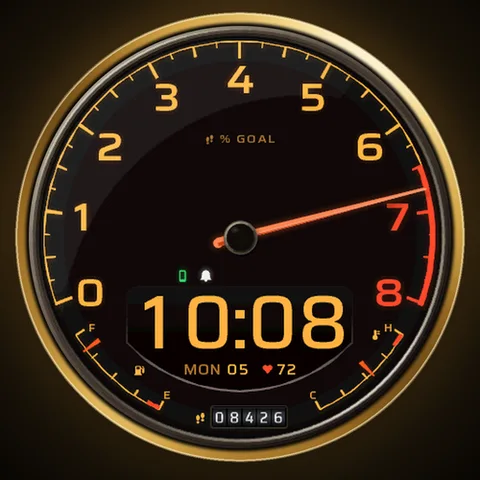
Time in the fast lane.
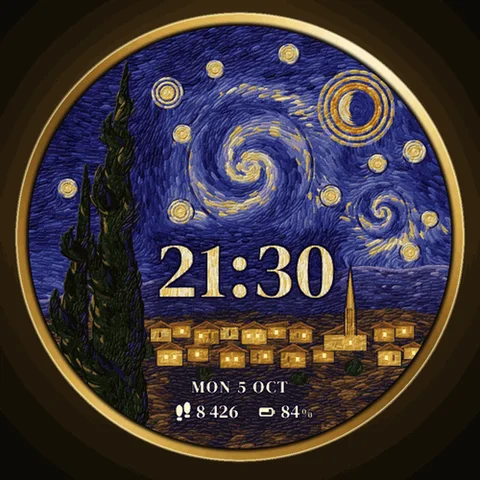
A masterpiece that comes alive.
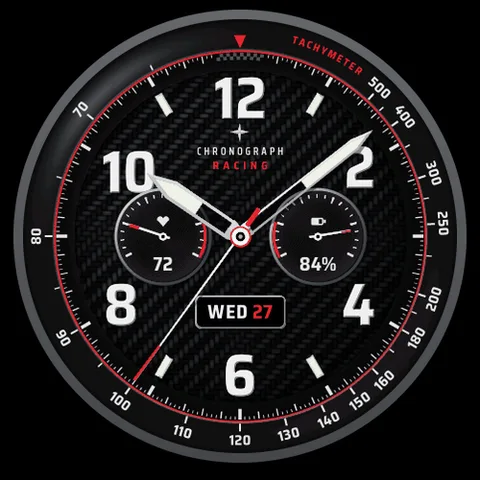
A racing state of mind.
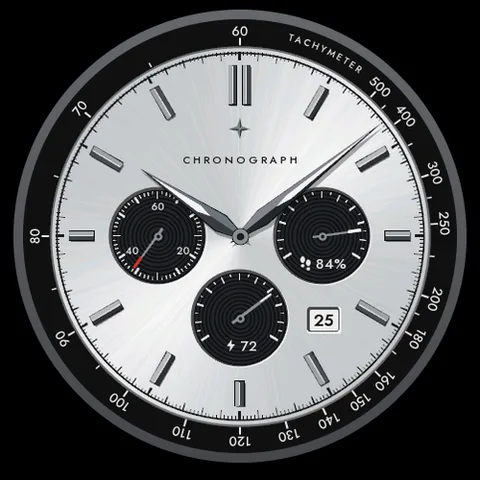
A modern classic, in motion.
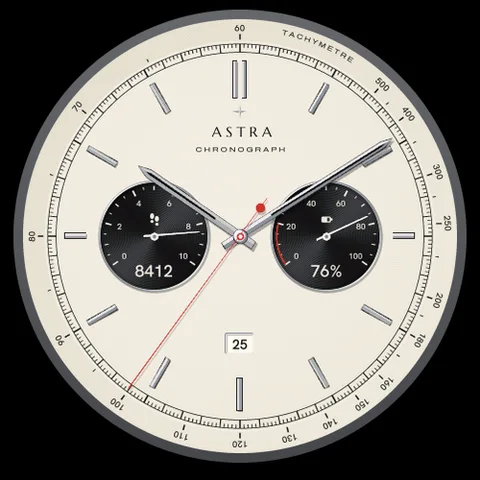
A nod to the originals.
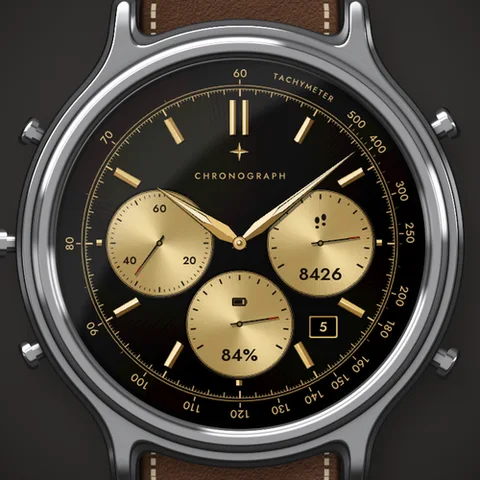
Black lacquer, gold hands.
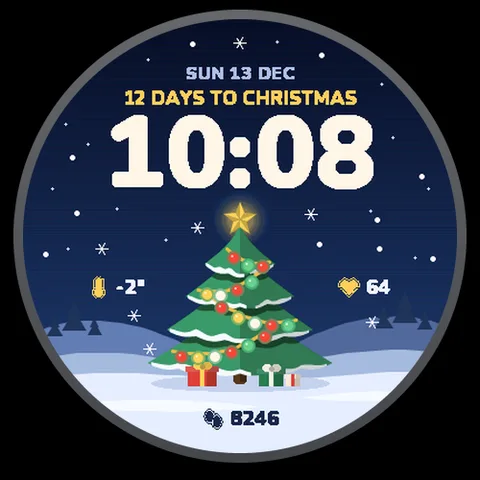
A little festive time.
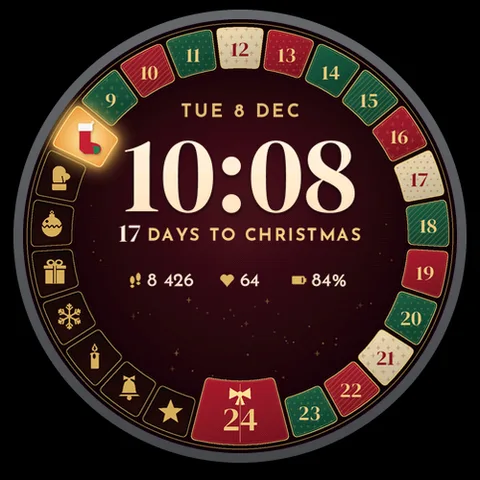
A new door every December morning.
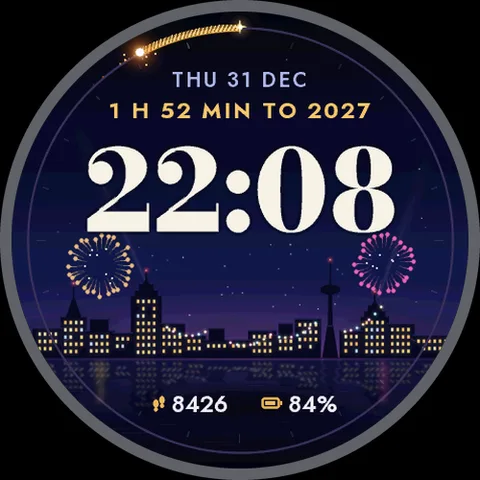
A fuse that burns down to midnight.
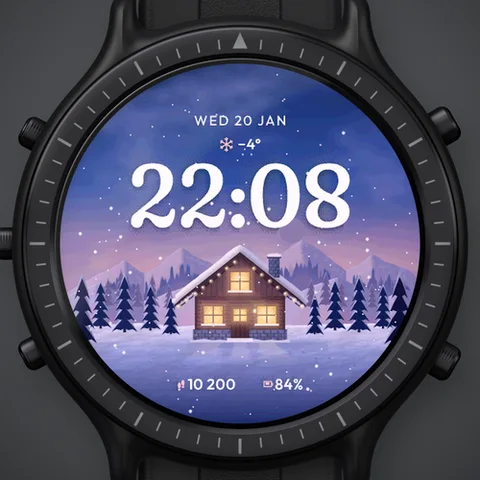
A cozy winter night on your wrist.
Each face page lists the approved models of its Free and Pro editions separately. The faces here run on at least one Forerunner 265 model; on a family with several screens, check your exact model on the face page.
Every face here has a Free edition with no time limit. Pro is a one-time purchase on the store, or a Pro key on this site that unlocks Pro inside the Free face.
Install the Connect IQ Store app, sign in with your Garmin account, search for the face name (without "Pro") and install it, then select it in your watch's face menu. Step by step.
A LITTLE HELP GOES A LONG WAY
From your first install to your favorite settings. Make yourself at home.