

Animated Free available
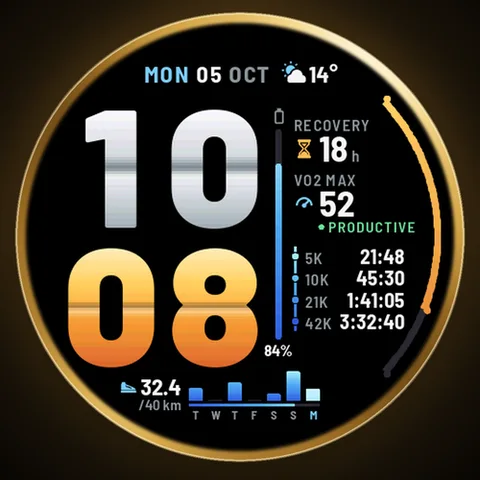
Kelvin Run
Big digits, made for runners.
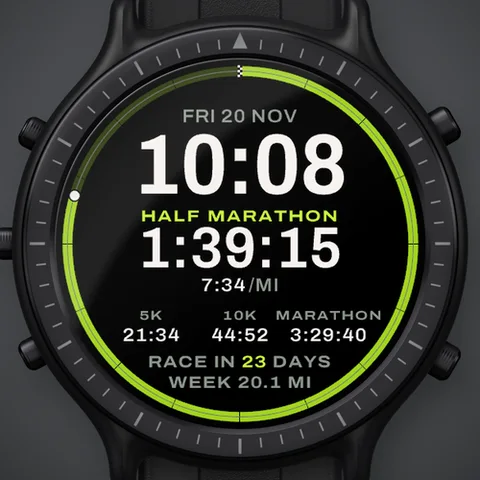
Your race times, predicted on the dial.
Astra Pace puts your predicted 5K, 10K, half marathon and marathon times on your Garmin watch face, with the pace, your running VO2 max and a race-day countdown on a 16-week track. Without a watch prediction, times are estimated from VO2 max and marked EST. Free and offline; Pro, 3.99 USD once, adds goal times. A guide, not a promise.
Price may vary by country. Final price and taxes are confirmed on Connect IQ.
Downloaded directly from Garmin Connect IQ.
No account needed.
A CLOSER LOOK
Your predicted 5K, 10K, half marathon and marathon times with the pace, your running VO2 max and a countdown to race day with a 16-week track and its runner; when the watch gives no prediction, the times are estimated from VO2 max and marked EST, a guide, not a promise. Pro adds the race of your choice in large digits, a goal time for each distance with the gap in green or amber, predictions from your own race result, a bottom line from 7 choices, four more themes and your predicted time in always-on.
What time will you run on race day? Race time predictor watch face for runners: your predicted 5K, 10K, half marathon and marathon times and paces right on the dial, a goal pace and a countdown to your race. Works offline: no companion app, no subscription, no phone needed.
The race you train for in large digits, the three other distances below, and the days left before the start. Around the dial, a running track of 16 weeks: a runner moves towards the finish line as race day gets closer.
Predicted times, VO2 max, weekly distance and recovery come from your watch: if it does not give one, the face shows a dash, or estimates the times from VO2 max and marks them EST. Your watch's own predictions need a watch that shares them with watch faces; an estimate is a guide, not a promise of a result.
From the Pro listing on the Connect IQ Store.
YOUR FACE. YOUR CHOICE.
The Free edition is yours to keep. Choose Pro when you want the extra possibilities.
How Free & Pro workMADE FOR YOUR WATCH
Find your exact model. Compatibility is checked separately for each approved edition.
Explore by watchYes, when your watch shares them with watch faces, which depends on the model and its firmware. Otherwise the face estimates the times from your running VO2 max and marks them EST; without a VO2 max, it shows a dash. An estimate is a guide, not a promise of a result.
On the watch, when you customize the face, or in the Connect IQ app. Around the dial, a runner moves along a 16-week track towards the finish line as race day gets closer.
In the Pro, yes: enter a recent race time and distance, and the face scales it to the other distances. The Pro also sets a goal time for each distance, with your goal pace and the gap in green when ahead, amber when behind.
The four predicted times, with the half marathon in large digits and its pace, the race-day countdown and track, your running VO2 max and the Track theme. The Pro lets you put any of the four races in large digits and adds goals, a bottom line from 7 choices, 4 more themes and your predicted time in always-on.
The Free edition runs on 155 Garmin watch models and the Pro on 99, among them the fēnix 8, Forerunner 970, Venu 4, vívoactive 6 and Instinct 3. Search your exact model in the compatibility list on this page: the Connect IQ app only offers the face to a supported watch.
No. Astra Pace Pro is a one-time purchase of $3.99 through the Garmin Connect IQ Store, with no renewal. The Free edition never expires. The store shows the final price for your country.
Yes. Install the Free edition, then buy the Astra Pace Pro key (3.99 USD, one-time) on the Pro key page with the 8-character watch code shown under Pro key in the face settings. Enter the 10-character key there and the Free switches to Pro. See unlock Pro with a key.
Choose an available edition above to open its Connect IQ page. Select a compatible watch in the Connect IQ app, install the face and sync your watch. Then select the new face on your watch.
Open Connect IQ, find the installed watch face under My Device, and open Settings. Available options depend on the face and edition. Save the changes and sync your watch.
Page updated on , from the current Connect IQ listings and the face itself.
YOUR NEXT DISCOVERY
Big digits, made for runners.
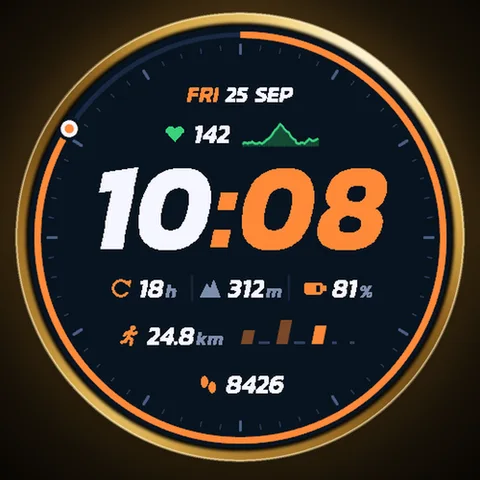
Find your rhythm.
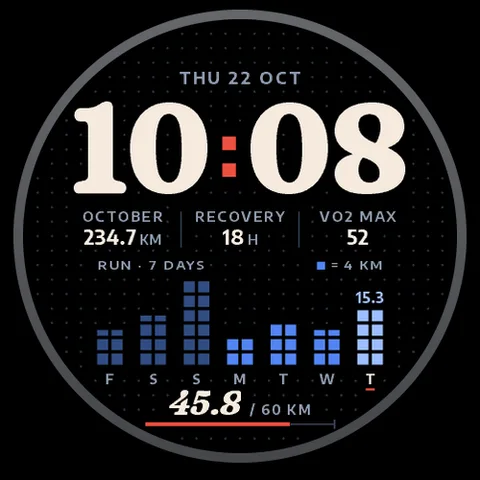
Your week, written in ink.
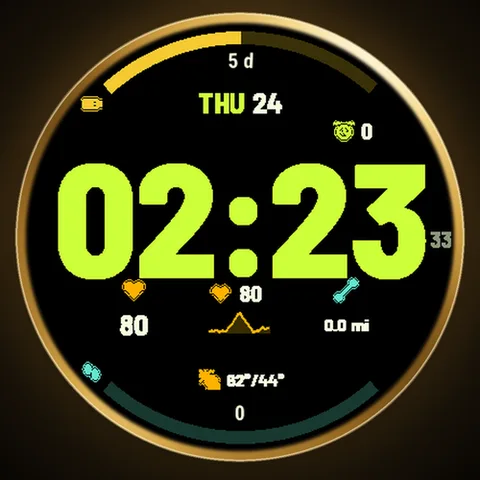
Big digits. Ready to run.
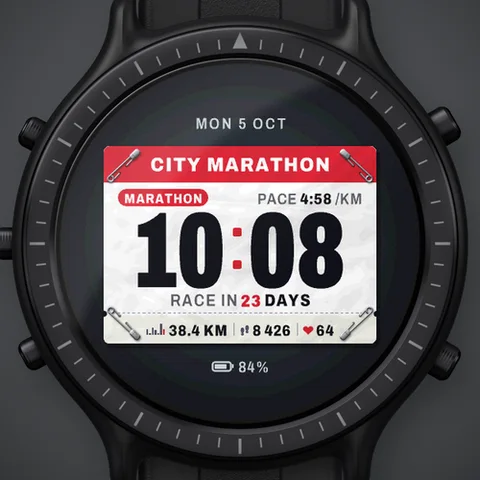
Your race bib, pinned to your wrist.
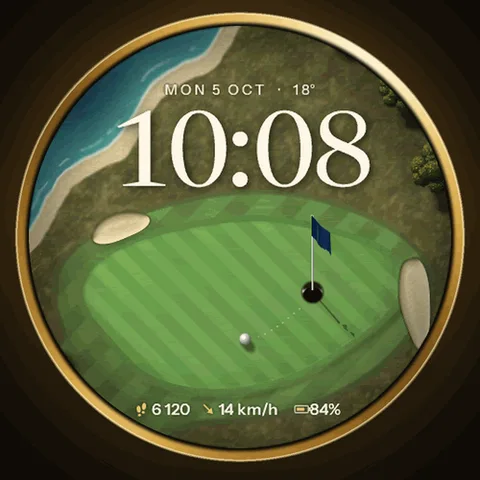
A little green on your wrist.
A LITTLE HELP GOES A LONG WAY
From your first install to your favorite settings. Make yourself at home.