

Free available
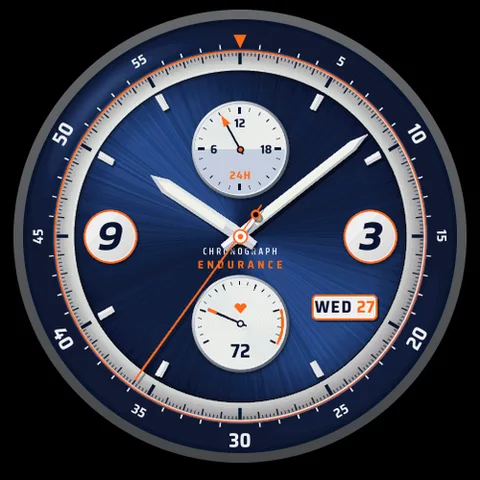
Chrono Endurance
Built for the long race.
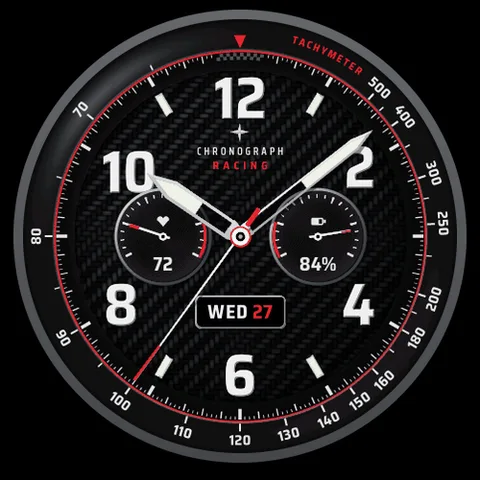
A racing state of mind.
Carbon-inspired textures and chronograph details with a sporting edge.
Price may vary by country. Final price and taxes are confirmed on Connect IQ.
Downloaded directly from Garmin Connect IQ.
No account needed.
A CLOSER LOOK
Carbon-inspired textures and chronograph details with a sporting edge.
Racing chronograph watch face with a motorsport soul: a twill carbon fibre dial, big applied numerals, a black ceramic tachymeter bezel with a red racing stripe, two rev-counter subdials and a digital window at 6. It is a chronograph first, with a racing accent, and no brand name on the dial.
Good to know: weather and sun times use the Garmin weather location from your phone. Garmin does not give watch faces training readiness, load or HRV.
From the Pro listing on the Connect IQ Store.
YOUR FACE. YOUR CHOICE.
The Free edition is yours to keep. Choose Pro when you want the extra possibilities.
How Free & Pro workMADE FOR YOUR WATCH
Find your exact model. Compatibility is checked separately for each approved edition.
Explore by watchBoth editions run on the same 70 Garmin watch models, among them the fēnix 8, Forerunner 970, Venu 4, vívoactive 6 and Instinct 3. Search your exact model in the compatibility list on this page: the Connect IQ app only offers the face to a supported watch.
No. Astra Chrono Racing Pro is a one-time purchase of $3.99 through the Garmin Connect IQ Store, with no renewal. The Free edition never expires. The store shows the final price for your country.
Yes. Install the Free edition, then buy the Astra Chrono Racing Pro key (3.99 USD, one-time) on the Pro key page with the 8-character watch code shown under Pro key in the face settings. Enter the 10-character key there and the Free switches to Pro. See unlock Pro with a key.
Choose an available edition above to open its Connect IQ page. Select a compatible watch in the Connect IQ app, install the face and sync your watch. Then select the new face on your watch.
Animation behavior depends on your watch and the edition. Check the settings in Connect IQ and the edition description on its store page. Animation is limited while the watch is in its low-power state.
Open Connect IQ, find the installed watch face under My Device, and open Settings. Available options depend on the face and edition. Save the changes and sync your watch.
YOUR NEXT DISCOVERY
Built for the long race.
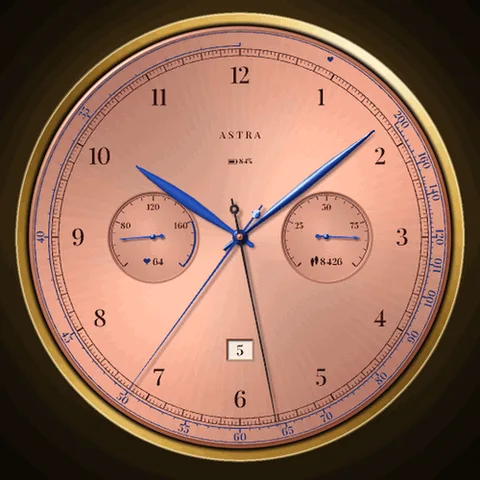
A split second, on your pulse.
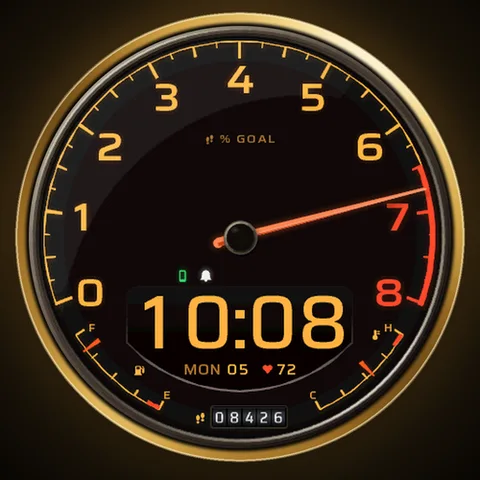
Time in the fast lane.
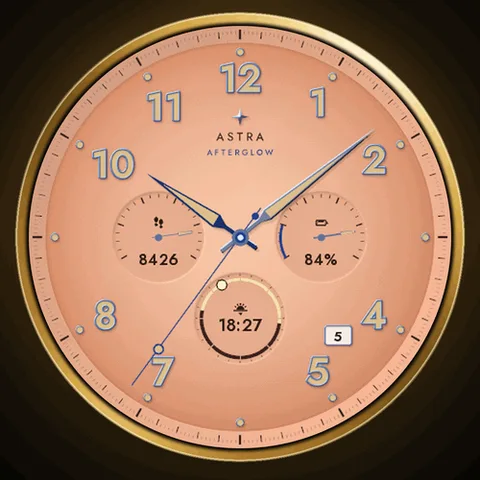
A chronograph that glows at night.
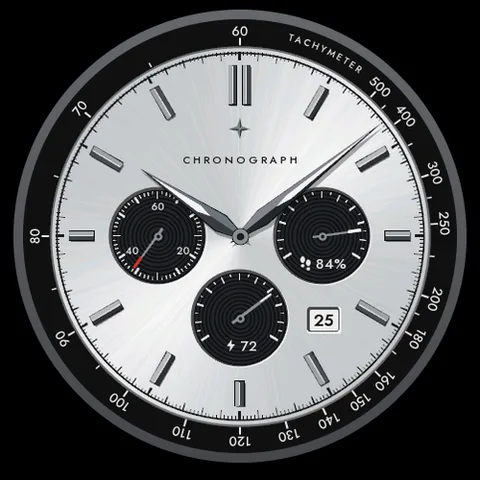
A modern classic, in motion.
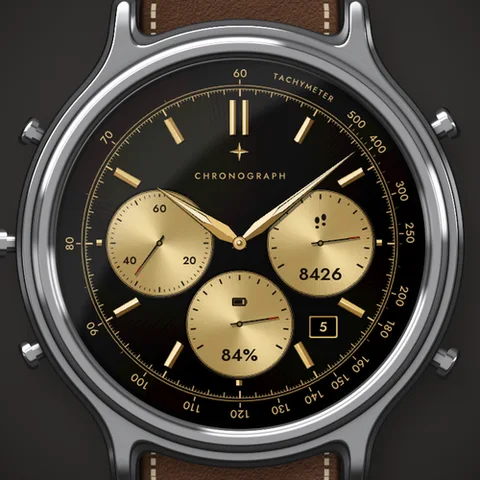
Black lacquer, gold hands.
A LITTLE HELP GOES A LONG WAY
From your first install to your favorite settings. Make yourself at home.