

Animated Free available
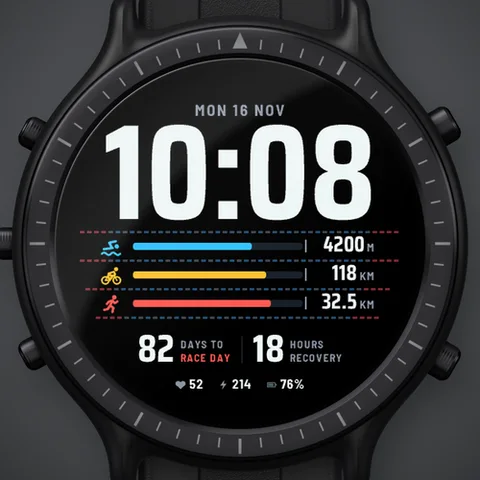
Triad
Your triathlon week in three pool lanes.
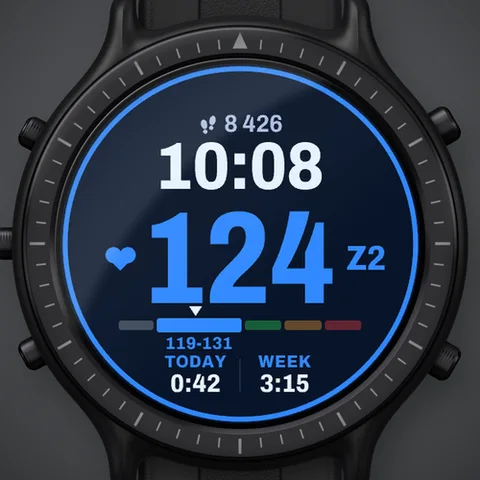
Stay in zone 2 and count your minutes.
Astra Zone 2 is a heart rate watch face for Garmin for easy runs and base training: a large heart rate colored by zone, your zone 2 target and your minutes in zone 2 today and this week, from your watch's zones. Offline. Free; Pro, 3.99 USD once, adds custom zones and a weekly goal. Not a medical device.
Price may vary by country. Final price and taxes are confirmed on Connect IQ.
Downloaded directly from Garmin Connect IQ.
No account needed.
A CLOSER LOOK
A large heart rate colored by zone with Z1 to Z5 next to it, your zone 2 target in bpm under a bar of the 5 zones with a marker at your heart rate, and the minutes you spent in zone 2 today and this week, counted by the face from the zones of your watch; made for easy runs and base training, not a medical device. Pro adds custom zones (percent of max, heart rate reserve, 180 minus age or your own bpm), a weekly zone 2 goal ring from 60 to 360 minutes, a top line from 10 choices with VO2 max and resting heart rate, and four more themes.
Zone 2 heart rate watch face: a large heart rate colored by zone, your zone 2 target always in view, and the minutes you spent in zone 2 today and this week. Made for easy runs and base training; not a medical device. Works offline: no companion app, no subscription, no phone needed.
One glance tells you if you are still in zone 2: the number is blue in zone 2, green in zone 3, orange in zone 4, red in zone 5 and gray in zone 1. Zone 2 training is easy aerobic running or riding, at a pace where you can still talk.
Heart rate, its history, VO2 max, steps and calories come from your watch: if it does not give one, the face shows a dash. Zone 2 minutes are counted by the face from the heart rate history of your watch, from the day you install it; activity minutes are added when you return to the face and can differ from your activity reports.
From the Pro listing on the Connect IQ Store.
YOUR FACE. YOUR CHOICE.
The Free edition is yours to keep. Choose Pro when you want the extra possibilities.
How Free & Pro workMADE FOR YOUR WATCH
Find your exact model. Compatibility is checked separately for each approved edition.
Explore by watchFrom the heart rate zones of your watch profile by default. The Pro adds percent of max heart rate, percent of heart rate reserve, 180 minus age, or your own zone 2 bounds in bpm, set in the phone app.
Yes, from the heart rate history of your watch, from the day you install the face. Activity minutes are added when you return to the face, so the total can differ from your activity reports.
The number is gray in zone 1, blue in zone 2, green in zone 3, orange in zone 4 and red in zone 5, with REST below zone 1. A bar of the 5 zones with a marker at your heart rate shows how close you are to the edges of zone 2.
The zone-colored heart rate, the zone 2 target from your watch zones, today's and this week's zone 2 minutes with a 150-minute weekly goal ring, and the Black theme. The Pro adds a goal from 60 to 360 minutes, a top line from 10 choices (VO2 max, resting heart rate, intensity minutes...) and 4 more themes.
The Free edition runs on 155 Garmin watch models and the Pro on 99, among them the fēnix 8, Forerunner 970, Venu 4, vívoactive 6 and Instinct 3. Search your exact model in the compatibility list on this page: the Connect IQ app only offers the face to a supported watch.
No. Astra Zone 2 Pro is a one-time purchase of $3.99 through the Garmin Connect IQ Store, with no renewal. The Free edition never expires. The store shows the final price for your country.
Yes. Install the Free edition, then buy the Astra Zone 2 Pro key (3.99 USD, one-time) on the Pro key page with the 8-character watch code shown under Pro key in the face settings. Enter the 10-character key there and the Free switches to Pro. See unlock Pro with a key.
Choose an available edition above to open its Connect IQ page. Select a compatible watch in the Connect IQ app, install the face and sync your watch. Then select the new face on your watch.
Open Connect IQ, find the installed watch face under My Device, and open Settings. Available options depend on the face and edition. Save the changes and sync your watch.
Page updated on , from the current Connect IQ listings and the face itself.
YOUR NEXT DISCOVERY
Your triathlon week in three pool lanes.
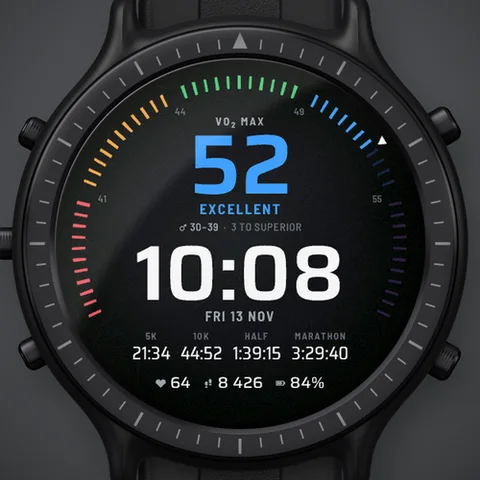
Your VO2 max, rated for your age.
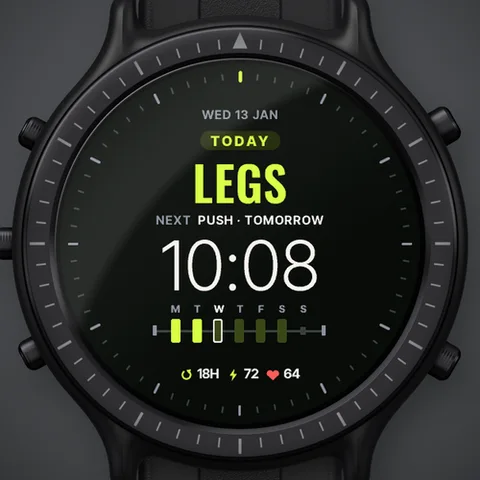
Today's session, in big letters.
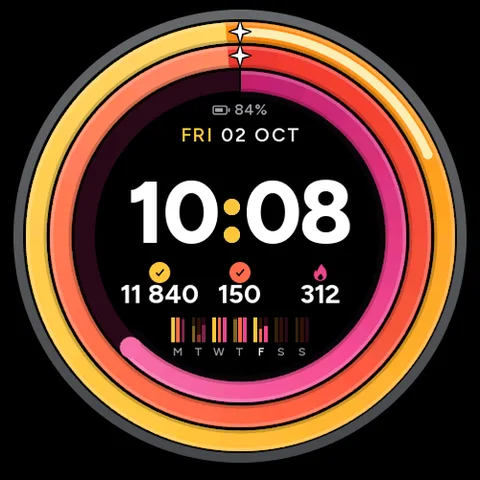
Every goal, one lap at a time.
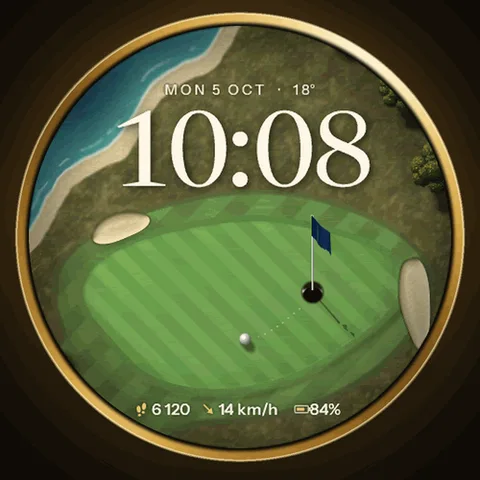
A little green on your wrist.
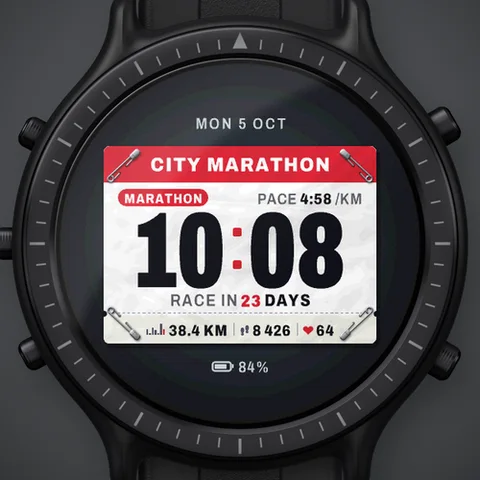
Your race bib, pinned to your wrist.
A LITTLE HELP GOES A LONG WAY
From your first install to your favorite settings. Make yourself at home.