

Free available
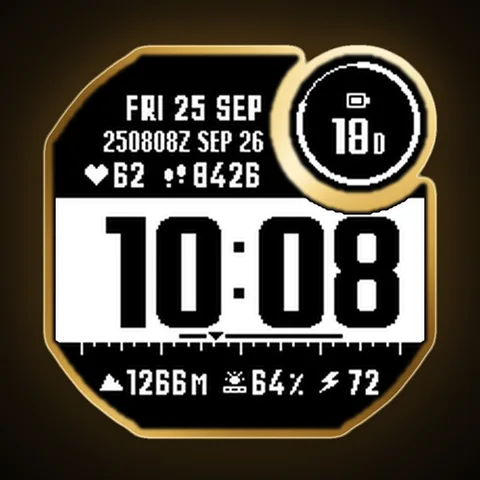
Recon
Field notes for your wrist.
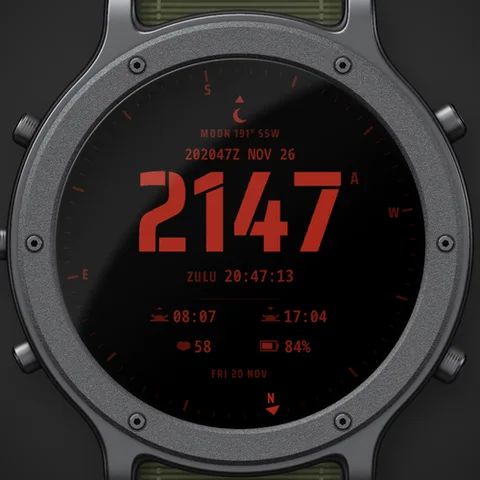
Read the time without losing your night vision.
Astra Night Ops lets you read the time at night without losing your dark adaptation: the whole Garmin watch face is one dim NVG green with nothing bright white, with big military time, DTG Zulu and a sun and moon compass. Offline. Pro, 3.99 USD once, adds red, amber, 4 brightness levels and Blackout. Not for navigation.
Price may vary by country. Final price and taxes are confirmed on Connect IQ.
Downloaded directly from Garmin Connect IQ.
No account needed.
A CLOSER LOOK
A night vision watch face: the whole dial in one dim NVG green with nothing bright white, big military time in stencil digits with the zone letter, the DTG in Zulu, Zulu time with seconds, sunrise and sunset, battery and a sun and moon compass computed from the last known position of the watch; not a magnetic compass, not for navigation. Pro adds red and amber, four brightness levels down to very dim, a blackout layout with the time alone, a second time zone, the local DTG, first and last light and two data of your choice.
Night vision watch face for tactical use in the dark: the whole dial in one dim color, NVG green, red or amber, with nothing bright white, 4 brightness levels, big military time, DTG Zulu and a sun and moon compass. Works offline: no companion app, no subscription, no phone needed; everything is computed on the watch.
Light discipline on your wrist: read the time at night without killing your dark adaptation or lighting up your position.
The compass is not a magnetic compass: it computes the sun or the moon from the last known position of your watch, when one is 2 to 70 degrees high; otherwise no letters. Not for navigation. Heart rate, steps and altitude come from your watch: if it does not give one, a dash. Sunrise and sunset come from the watch, or are computed from its last known position; the face never starts the GPS.
From the Pro listing on the Connect IQ Store.
YOUR FACE. YOUR CHOICE.
The Free edition is yours to keep. Choose Pro when you want the extra possibilities.
How Free & Pro workMADE FOR YOUR WATCH
Find your exact model. Compatibility is checked separately for each approved edition.
Explore by watchYes: one color and no white. The Free is NVG green at Medium brightness. The Pro adds red, which keeps your night vision, and amber, 4 brightness levels down to Min (very dim) and a Blackout layout that shows only the time.
The bezel turns every minute to keep the sun (by day) or the moon (by night) at 12: point 12 at it and N shows north. It is computed from the last known position of your watch when the sun or moon is 2 to 70 degrees high; otherwise no letters. It is not a magnetic compass and not for navigation.
Yes: military time in stencil digits with the zone letter, a DTG line in Zulu (201947Z NOV 26) and Zulu time with seconds. The Pro adds the local DTG with its zone letter, a second time zone (86 cities and airports, or a UTC offset) and first and last light.
No. Everything is computed on the watch from the position it already has, and the face never starts the GPS. Heart rate, steps and altitude come from your watch, or a dash if it does not give one.
The Free edition runs on 155 Garmin watch models and the Pro on 99, among them the fēnix 8, Forerunner 970, Venu 4, vívoactive 6 and Instinct 3. Search your exact model in the compatibility list on this page: the Connect IQ app only offers the face to a supported watch.
No. Astra Night Ops Pro is a one-time purchase of $3.99 through the Garmin Connect IQ Store, with no renewal. The Free edition never expires. The store shows the final price for your country.
Yes. Install the Free edition, then buy the Astra Night Ops Pro key (3.99 USD, one-time) on the Pro key page with the 8-character watch code shown under Pro key in the face settings. Enter the 10-character key there and the Free switches to Pro. See unlock Pro with a key.
Choose an available edition above to open its Connect IQ page. Select a compatible watch in the Connect IQ app, install the face and sync your watch. Then select the new face on your watch.
Open Connect IQ, find the installed watch face under My Device, and open Settings. Available options depend on the face and edition. Save the changes and sync your watch.
Page updated on , from the current Connect IQ listings and the face itself.
YOUR NEXT DISCOVERY
Field notes for your wrist.
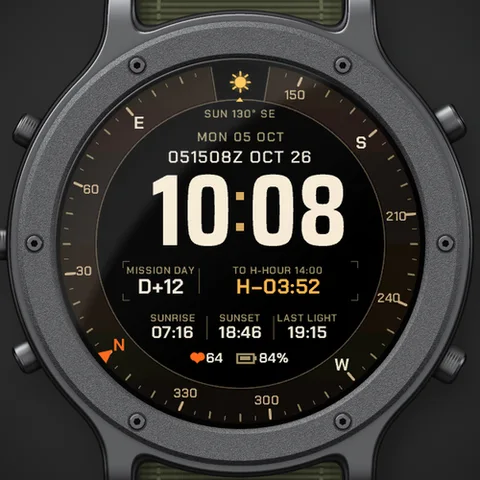
Point 12 at the sun, find north.
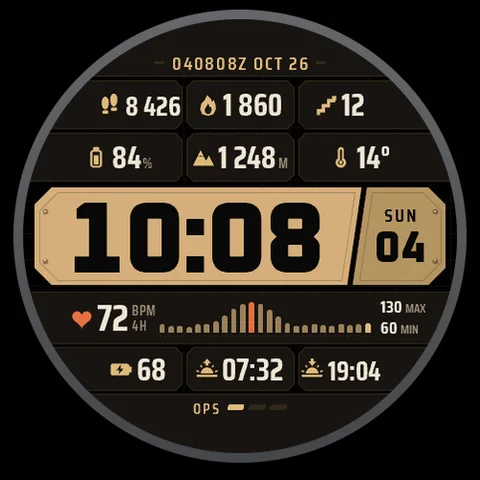
An outpost on your wrist.
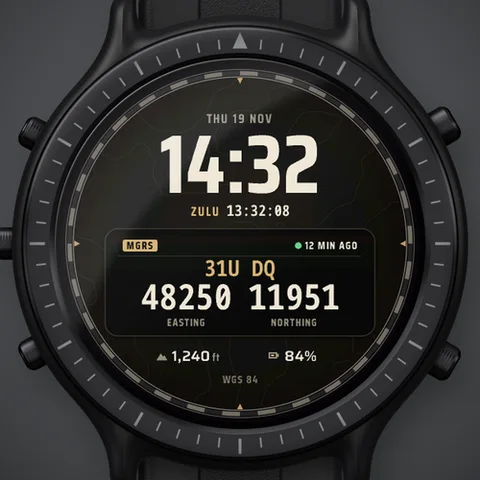
Your MGRS grid reference, offline.
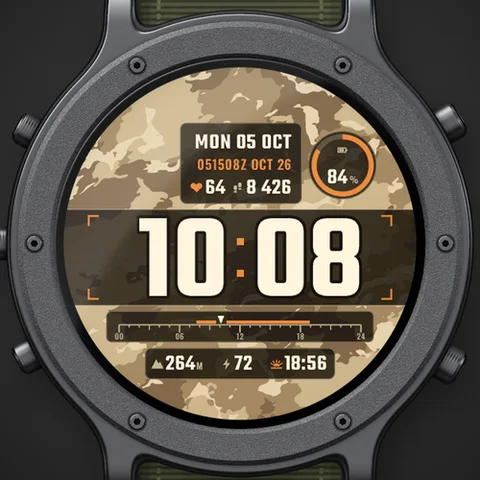
Camouflage that stays readable.
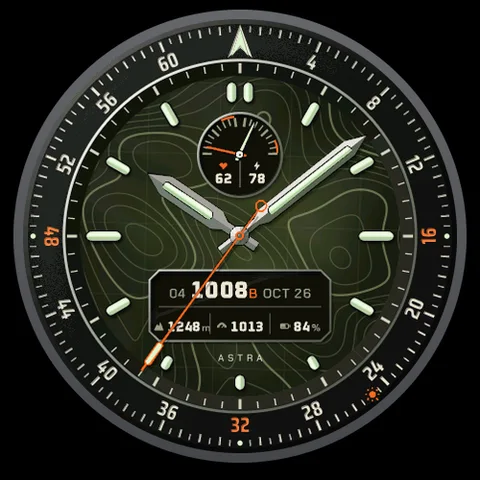
A compass laid on a map.
A LITTLE HELP GOES A LONG WAY
From your first install to your favorite settings. Make yourself at home.