

Free available
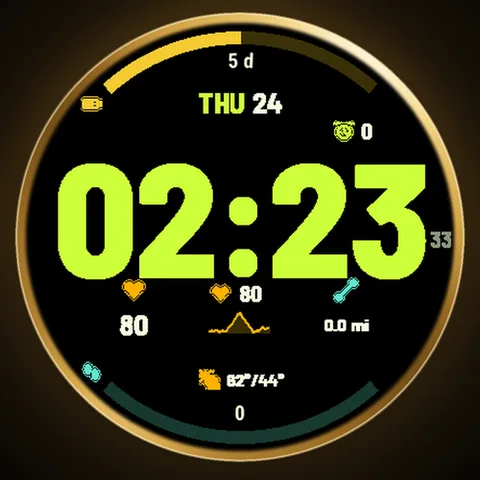
Run
Big digits. Ready to run.
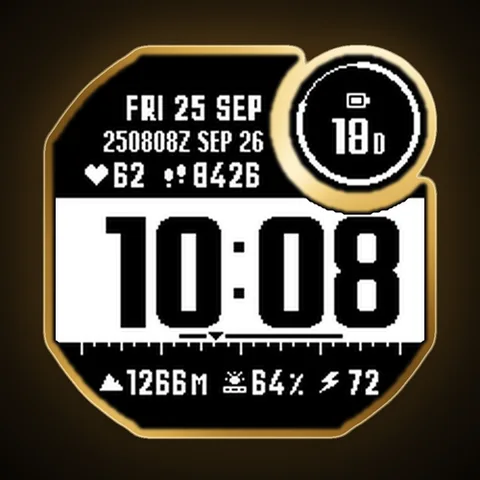
Field notes for your wrist.
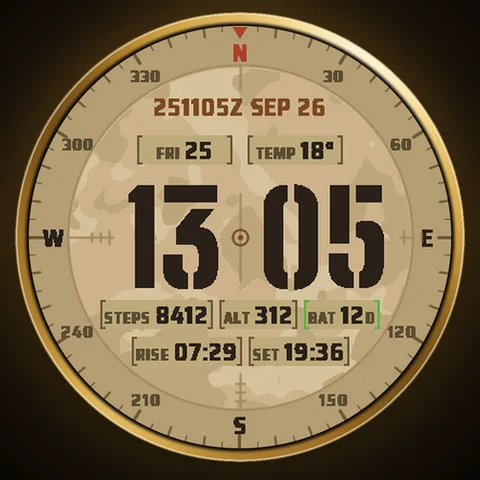
A purposeful tactical layout with military-inspired detailing.
Price may vary by country. Final price and taxes are confirmed on Connect IQ.
Downloaded directly from Garmin Connect IQ.
No account or payment on this website.
A CLOSER LOOK
A purposeful tactical layout with military-inspired detailing.
Explore the screenshots for a closer look at the design. The Connect IQ listing for each available edition contains its full feature list and settings.
Explore built for your dayYOUR FACE. YOUR CHOICE.
The Free edition is yours to keep. Choose Pro when you want the extra possibilities.
How Free & Pro workMADE FOR YOUR WATCH
Find your exact model. Compatibility is checked separately for each approved edition.
Explore by watchChoose an available edition above to open its Connect IQ page. Select a compatible watch in the Connect IQ app, install the face and sync your watch. Then select the new face on your watch.
The Pro edition is a one-time purchase through Garmin Connect IQ. You do not pay Astra through this website.
Open Connect IQ, find the installed watch face under My Device, and open Settings. Available options depend on the face and edition. Save the changes and sync your watch.
YOUR NEXT DISCOVERY
Big digits. Ready to run.
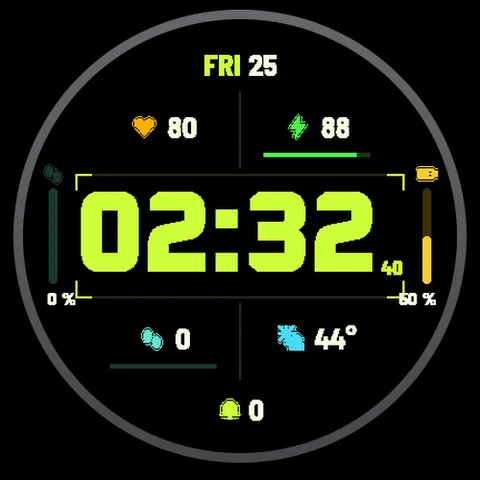
Your day, at a glance.
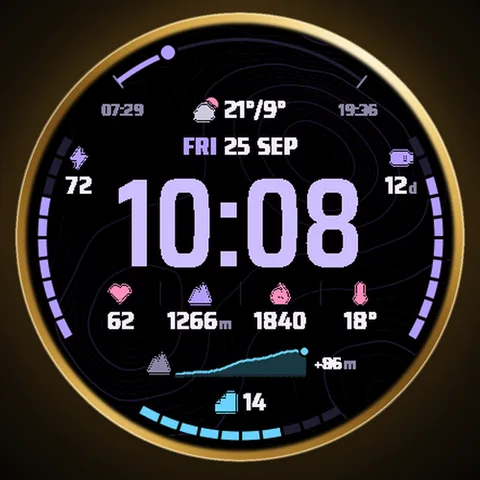
Take the long way home.
A sense of direction.
A LITTLE HELP GOES A LONG WAY
From your first install to your favorite settings. Make yourself at home.