

Free available
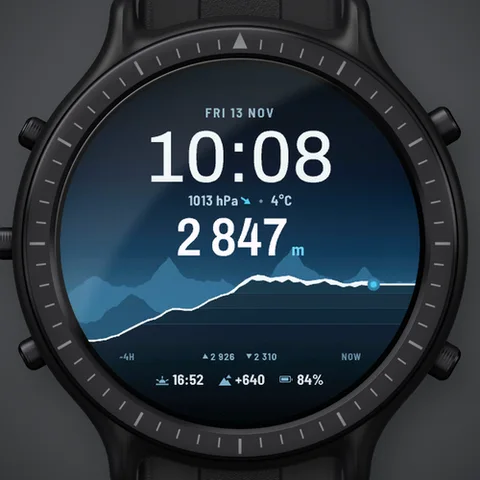
Ascent
Your altitude, drawn as a mountain ridge.
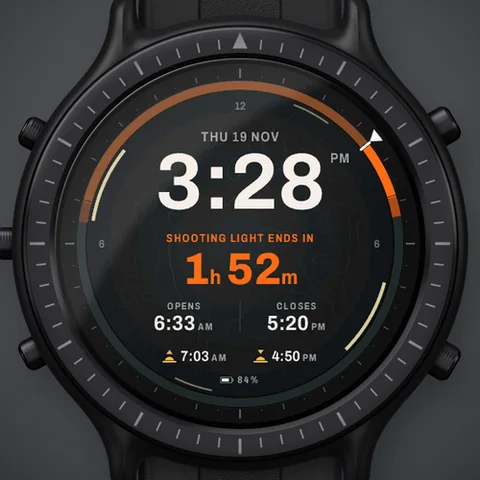
How long you can still shoot.
Astra Shooting Light counts down to the start and end of legal shooting light on your Garmin watch face, from sunrise and sunset, computed offline on the watch. The Free uses 30 minutes before sunrise to 30 after sunset. Pro, 3.99 USD once, sets 0 to 90 minutes and adds a red last-light alert. Always check your local regulations.
Guide: Solunar hunting and fishing times on a Garmin watch face, offlinePrice may vary by country. Final price and taxes are confirmed on Connect IQ.
Downloaded directly from Garmin Connect IQ.
No account needed.
A CLOSER LOOK
A countdown to the start and the end of legal shooting light, worked out on the watch from sunrise and sunset (30 minutes before and after by default), with today's opening and closing times and a 24-hour ring that paints the legal window in hunter orange; a helper, always check your local regulations. Pro adds legal hours you can adjust from 0 to 90 minutes, a red last-light alert, solunar periods on the ring, an automatic Night Red theme, two data of your choice and four more themes.
Legal hunting hours on your watch face: a countdown to the start and the end of legal shooting light, computed on the watch from sunrise and sunset (30 minutes before sunrise to 30 minutes after sunset by default, adjustable to match your state). Works offline: no phone, no internet, no subscription.
Made for deer hunters in the stand: one big number tells you how long you can still shoot, or how long until you can. The 24-hour ring paints today's legal window in hunter orange and fades the part already gone.
Times are computed from the sunrise and sunset of your watch, or from its last known position: they are a helper, not legal advice. Legal hunting hours depend on your state, season and species, so always check your local hunting regulations. No account, no network: nothing leaves the watch.
From the Pro listing on the Connect IQ Store.
YOUR FACE. YOUR CHOICE.
The Free edition is yours to keep. Choose Pro when you want the extra possibilities.
How Free & Pro workMADE FOR YOUR WATCH
Find your exact model. Compatibility is checked separately for each approved edition.
Explore by watchIn the Pro, yes: 0 to 90 minutes before sunrise and 0 to 90 minutes after sunset (for example 30 and 30, 30 and 0, or 30 and 20). The Free is fixed at 30 minutes before sunrise to 30 minutes after sunset. Legal hours depend on your state, season and species, so always check your local hunting regulations: the face is a helper, not legal advice.
No, a watch face cannot vibrate. The Pro's last-light alert is visual: the countdown and its label turn red in the last 5 to 30 minutes of the window.
The 24-hour ring paints today's legal window in hunter orange and fades the part already gone, with a now marker. Under the countdown, OPENS and CLOSES give today's legal start and end times. The Pro also draws the solunar majors and minors as arcs on the ring.
Yes, in the Pro: a Night Red theme to keep your night vision before dawn, which can also switch on automatically whenever the window is closed. The Free has the Blaze theme.
No. Times are computed from the sunrise and sunset of your watch, or from its last known position. No account, no network: nothing leaves the watch.
The Free edition runs on 127 Garmin watch models and the Pro on 99, among them the fēnix 8, Forerunner 970, Venu 4, vívoactive 6 and Instinct 3. Search your exact model in the compatibility list on this page: the Connect IQ app only offers the face to a supported watch.
No. Astra Shooting Light Pro is a one-time purchase of $3.99 through the Garmin Connect IQ Store, with no renewal. The Free edition never expires. The store shows the final price for your country.
Yes. Install the Free edition, then buy the Astra Shooting Light Pro key (3.99 USD, one-time) on the Pro key page with the 8-character watch code shown under Pro key in the face settings. Enter the 10-character key there and the Free switches to Pro. See unlock Pro with a key.
Choose an available edition above to open its Connect IQ page. Select a compatible watch in the Connect IQ app, install the face and sync your watch. Then select the new face on your watch.
Open Connect IQ, find the installed watch face under My Device, and open Settings. Available options depend on the face and edition. Save the changes and sync your watch.
Page updated on , from the current Connect IQ listings and the face itself.
YOUR NEXT DISCOVERY
Your altitude, drawn as a mountain ridge.
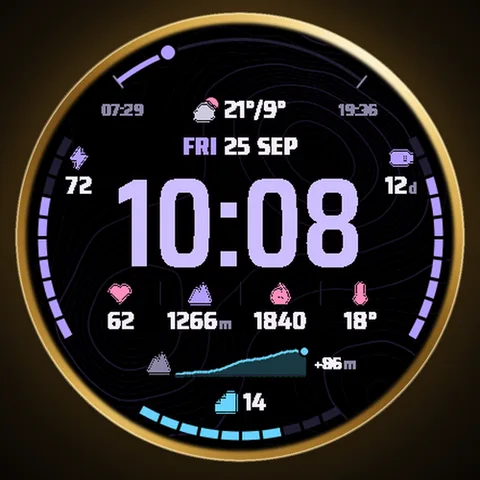
Take the long way home.
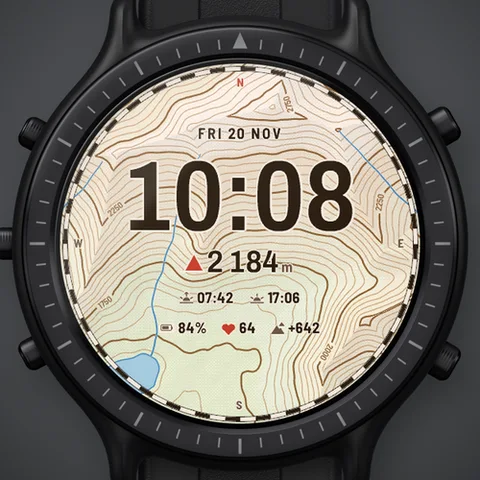
The time over a topographic map.
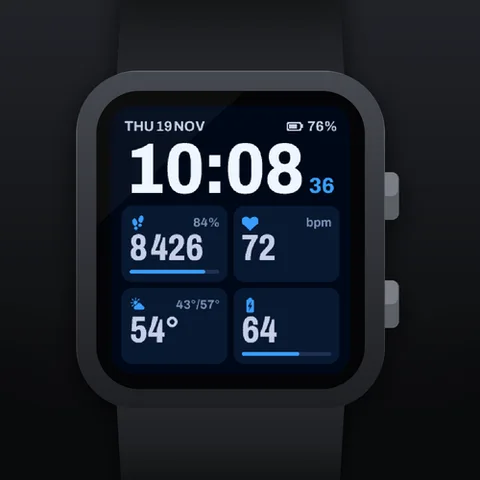
A square watch face drawn for the rectangle.
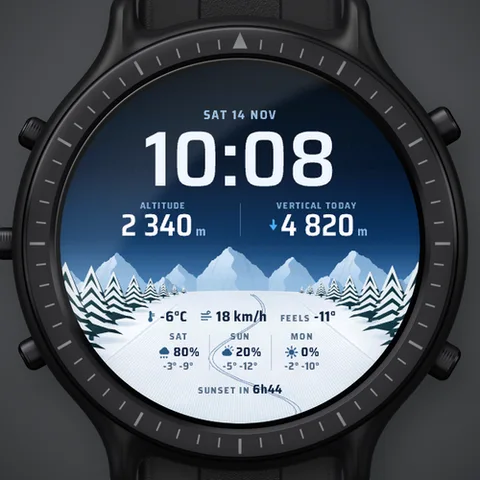
Your altitude and today's vertical, readable with gloves.
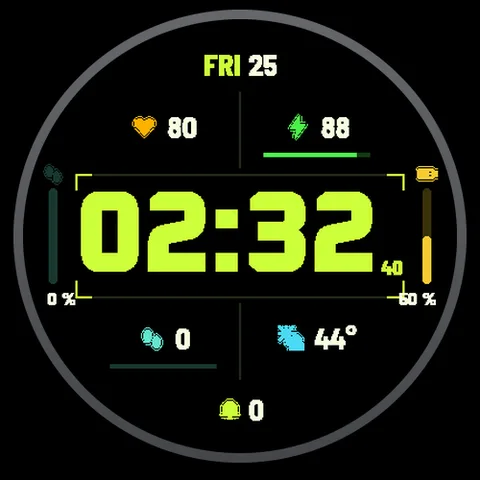
Your day, at a glance.
A LITTLE HELP GOES A LONG WAY
From your first install to your favorite settings. Make yourself at home.