

Free available
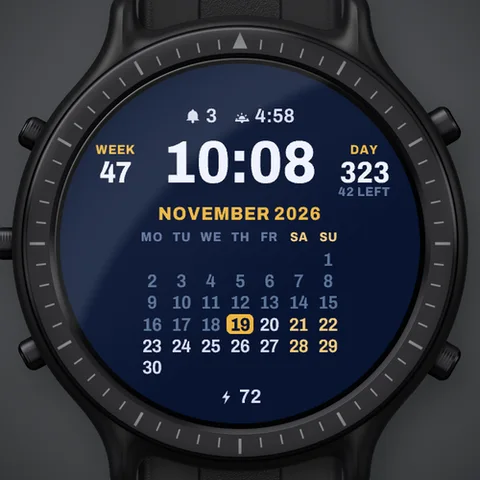
Agenda
The whole month and the week number on your wrist.
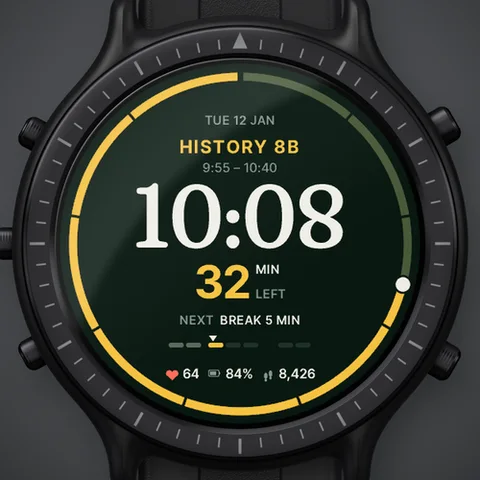
The minutes left before the bell.
Astra Bell is a Garmin watch face for teachers: a ring that empties until the next bell, a big MIN LEFT countdown, the next class and the school day as a bar, from a timetable you type once in the Connect IQ app. Free; Pro 4.99 USD once adds class names, a timetable per weekday, A/B weeks and holidays. It cannot vibrate.
Guide: A visual timer for time blindness on your Garmin watch facePrice may vary by country. Final price and taxes are confirmed on Connect IQ.
Downloaded directly from Garmin Connect IQ.
No account needed.
A CLOSER LOOK
A teacher's watch face: a ring that empties until the bell, a big countdown, the next class and the whole school day, from the timetable you type once in the Connect IQ app. Pro adds a timetable per weekday and A/B weeks, your class names, holidays, a red last-minutes alert and four more themes.
Teacher watch face and class timer: the minutes left before the bell, the current and next class, from the timetable you type once in the Connect IQ app: made for teachers, trainers and anyone whose day runs on a schedule of lessons and periods. The face always shows the current class, the time left and what comes next.
Good to know: a watch face cannot make the watch vibrate (Garmin does not allow it), so the last minutes are shown in color instead.
From the Pro listing on the Connect IQ Store.
In the Connect IQ app on your phone, open the settings of the face and type your periods: 8:00-8:45 Math 7B, 8:50-9:35 History. Put commas between periods and the class name after the times; the gaps are your breaks. 8.00, 8h00 and 1:15pm also work. Everything runs on the watch: no account, no network, no subscription.
YOUR FACE. YOUR CHOICE.
The Free edition is yours to keep. Choose Pro when you want the extra possibilities.
How Free & Pro workMADE FOR YOUR WATCH
Find your exact model. Compatibility is checked separately for each approved edition.
Explore by watchIn the Connect IQ app on your phone, open the face settings and type your periods separated by commas: 8:00-8:45 Math 7B, 8:50-9:35 History. The class name goes after the times and the gaps are your breaks; 8.00, 8h00 and 1:15pm also work. Everything then runs on the watch, with no account or network.
No: Garmin does not let a watch face vibrate. In the Pro, the ring and the countdown turn red 1, 2 or 5 minutes before the bell, and the countdown can show seconds on wrist raise for timed activities.
Yes, in the Pro: one timetable per weekday from Monday to Sunday, plus a week B timetable for odd or even ISO weeks. Holidays can be date ranges (20.12-05.01, 11.11) or a holiday mode from the watch menu. The Free uses one timetable for all school days and shows PERIOD 1, 2, 3 instead of class names.
On weekends and days off the face shows the next bell, such as MON 8:00. You choose the school days: Monday to Friday, Monday to Saturday, Sunday to Thursday or every day.
The Free edition runs on 101 Garmin watch models and the Pro on 98, among them the fēnix 8, Forerunner 970, Venu 4, vívoactive 6 and Instinct 3. Search your exact model in the compatibility list on this page: the Connect IQ app only offers the face to a supported watch.
No. Astra Bell Pro is a one-time purchase of $4.99 through the Garmin Connect IQ Store, with no renewal. The Free edition never expires. The store shows the final price for your country.
Yes. Install the Free edition, then buy the Astra Bell Pro key (4.99 USD, one-time) on the Pro key page with the 8-character watch code shown under Pro key in the face settings. Enter the 10-character key there and the Free switches to Pro. See unlock Pro with a key.
Choose an available edition above to open its Connect IQ page. Select a compatible watch in the Connect IQ app, install the face and sync your watch. Then select the new face on your watch.
Open Connect IQ, find the installed watch face under My Device, and open Settings. Available options depend on the face and edition. Save the changes and sync your watch.
Page updated on , from the current Connect IQ listings and the face itself.
YOUR NEXT DISCOVERY
The whole month and the week number on your wrist.
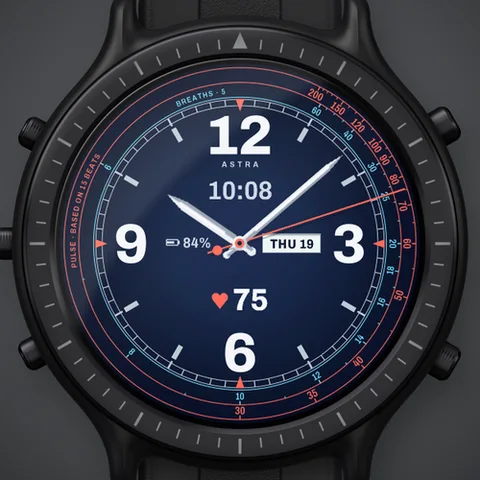
Count the pulse with the seconds hand.
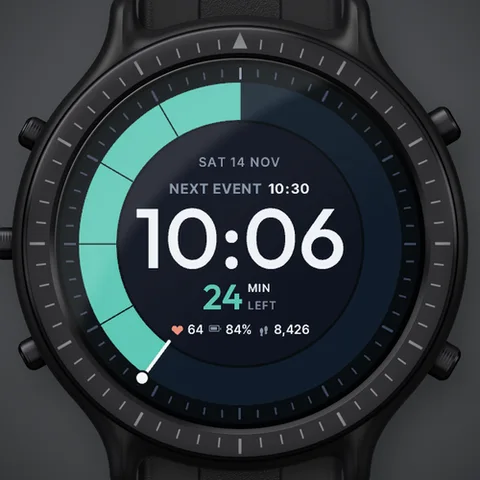
See time pass, made for time blindness.
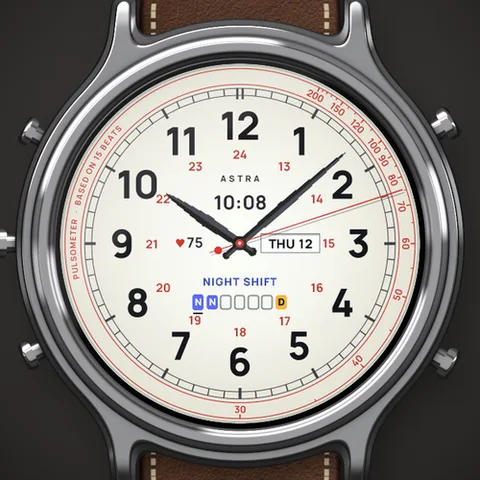
The nurse's watch, with a pulsometer scale.
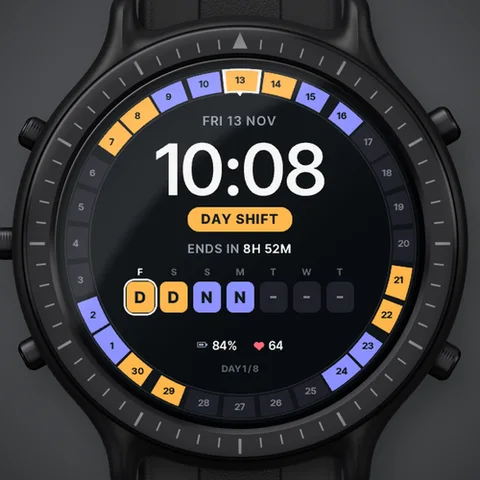
Your shift rota, on your wrist.
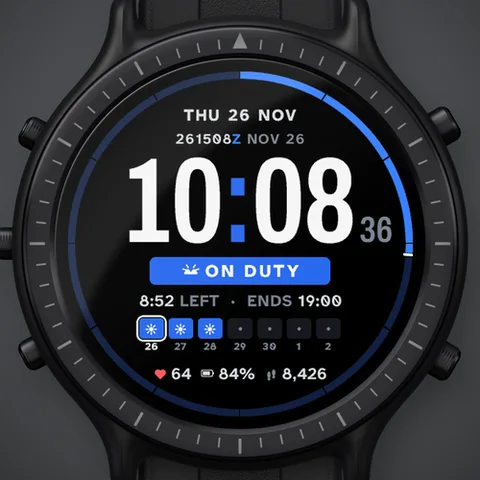
Huge 24 h time and the time left in your shift.
A LITTLE HELP GOES A LONG WAY
From your first install to your favorite settings. Make yourself at home.