

Free available
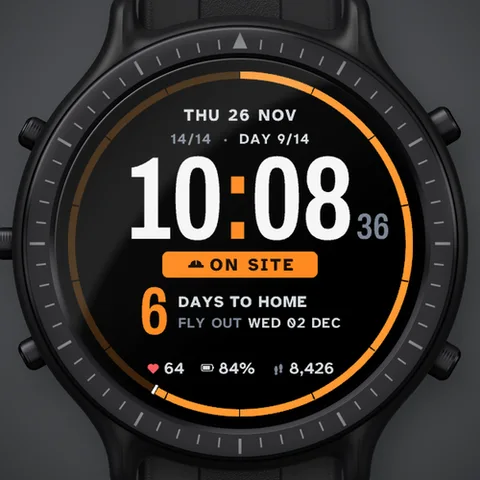
Homeward
Days until home, for FIFO and offshore crews.
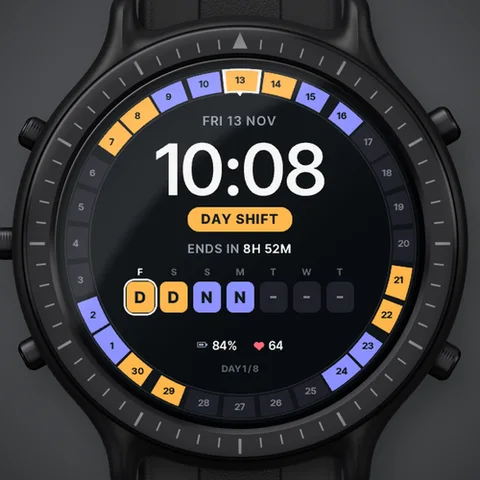
Your shift rota, on your wrist.
Astra Rota puts your shift calendar on a Garmin watch face: today's shift in a large badge, a countdown to its start or end and the next 7 days. Pick one of 13 cycles (4 on 4 off, 2-2-3 Panama, DuPont, 24/48…) and set today's cycle day. Free; Pro 4.99 USD once adds your own cycle. It ignores swaps and overtime.
Guide: Shift work calendar on a Garmin watch, worked out on the watchPrice may vary by country. Final price and taxes are confirmed on Connect IQ.
Downloaded directly from Garmin Connect IQ.
No account needed.
A CLOSER LOOK
Today's shift in a large colored badge, a countdown to its start or end and the next seven days, from 13 ready-made cycles (2-2-3, 4 on 4 off, 3x8, 24/48, DuPont…) calculated on the watch. Pro adds a 28-day ring, your own cycle of up to 60 days, a second rota for your partner or another team, and three more themes.
Shift work calendar on your wrist: 2-2-3, 4 on 4 off, 3x8, 24/48, DuPont and more, calculated on the watch, no app or website needed.
Shift work calendar watch face for nurses, firefighters, police, factory and offshore workers Your rota and shift calendar calculated on the watch: no extra app to buy, no web account.
The face follows the cycle you enter: it does not know shift swaps, overtime or holidays, so check the first days against your roster from work after setup.
From the Pro listing on the Connect IQ Store.
Everything is calculated on the watch: works offline, no companion app, no web account, no subscription, no network request.
YOUR FACE. YOUR CHOICE.
The Free edition is yours to keep. Choose Pro when you want the extra possibilities.
How Free & Pro workMADE FOR YOUR WATCH
Find your exact model. Compatibility is checked separately for each approved edition.
Explore by watchThirteen ready-made cycles, in the Free too: 2 days 2 nights 4 off, 4 on 4 off, 2-2-3 Panama, 2-2-3 Pitman day/night, DuPont, 3x8 rapid 2-2-2-4, 3x8 weekly, 5 on 2 off, 24/48, 24/72, Kelly, and 14/14 and 21/21 offshore rotations. In the Pro you can type your own cycle as letters, up to 60 days (D day, N night, M morning, A afternoon, X 24-hour duty, a dash for off).
On the watch, open Customize and set Cycle day today; or enter a start date in the Connect IQ app. A DAY 4 / 8 line on the face confirms the day of the cycle. Check the first days against your roster from work after setup.
Yes, in the Pro: a second rota shows under yours, for your spouse or another team, so common days off stand out. The Pro also adds the 28-day ring on the bezel, your shift start times and a day or night length from 8 to 12 hours.
No. It follows the cycle you enter, calculated on the watch with no app or account, so a swap, overtime or a holiday does not change it. It also cannot vibrate before a shift: Garmin does not let watch faces do that.
The Free edition runs on 123 Garmin watch models and the Pro on 98, among them the fēnix 8, Forerunner 970, Venu 4, vívoactive 6 and Instinct 3. Search your exact model in the compatibility list on this page: the Connect IQ app only offers the face to a supported watch.
No. Astra Rota Pro is a one-time purchase of $4.99 through the Garmin Connect IQ Store, with no renewal. The Free edition never expires. The store shows the final price for your country.
Yes. Install the Free edition, then buy the Astra Rota Pro key (4.99 USD, one-time) on the Pro key page with the 8-character watch code shown under Pro key in the face settings. Enter the 10-character key there and the Free switches to Pro. See unlock Pro with a key.
Choose an available edition above to open its Connect IQ page. Select a compatible watch in the Connect IQ app, install the face and sync your watch. Then select the new face on your watch.
Open Connect IQ, find the installed watch face under My Device, and open Settings. Available options depend on the face and edition. Save the changes and sync your watch.
Page updated on , from the current Connect IQ listings and the face itself.
YOUR NEXT DISCOVERY
Days until home, for FIFO and offshore crews.
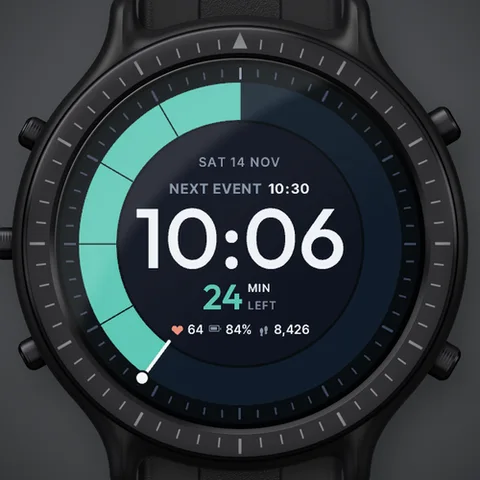
See time pass, made for time blindness.
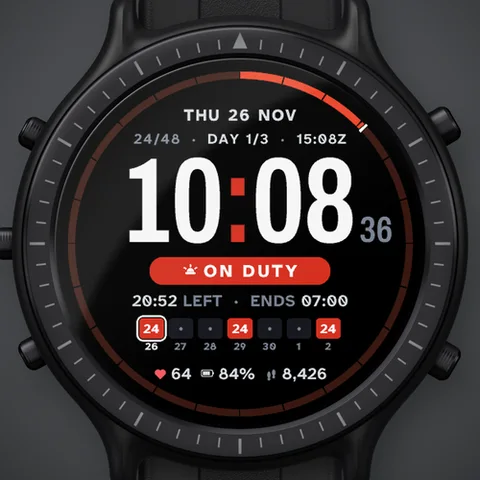
Your shift, for firefighters and EMS.
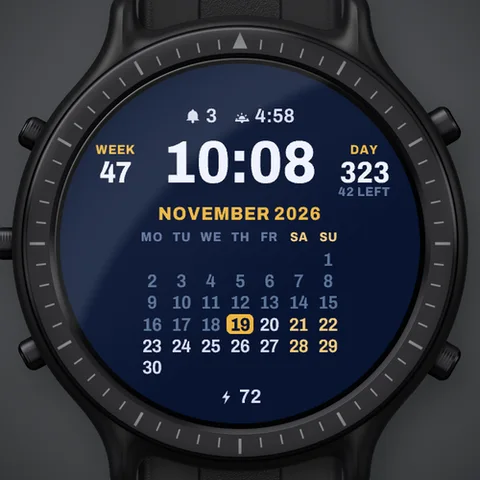
The whole month and the week number on your wrist.
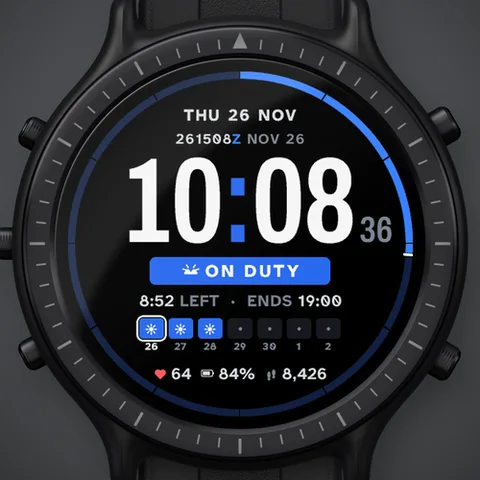
Huge 24 h time and the time left in your shift.
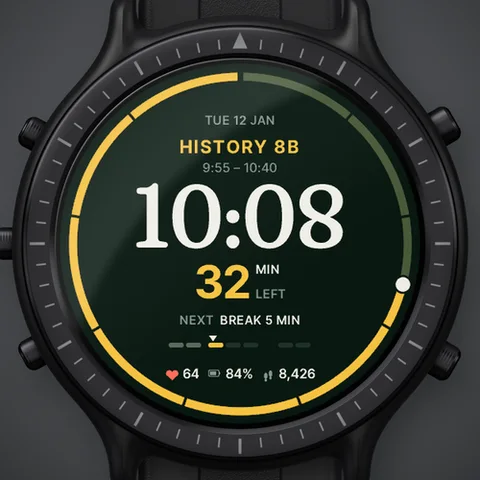
The minutes left before the bell.
A LITTLE HELP GOES A LONG WAY
From your first install to your favorite settings. Make yourself at home.