

Animated Free available
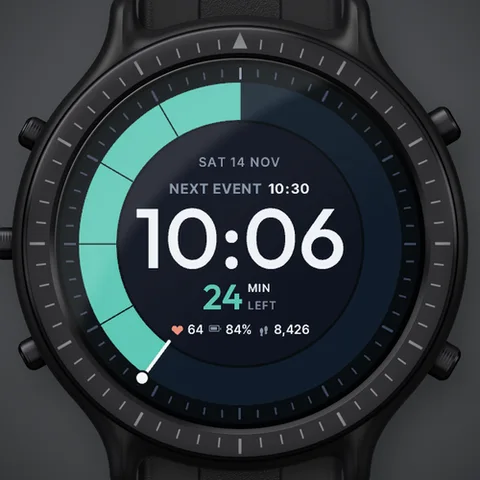
Tempo
See time pass, made for time blindness.
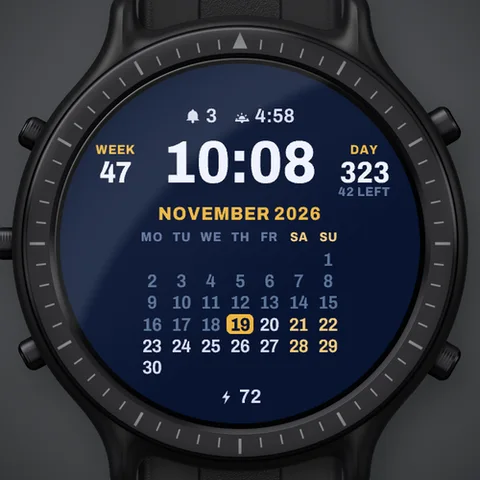
The whole month and the week number on your wrist.
A calendar watch face: the month in a grid under a large time, today in a colored pill, past days dimmed and weekends tinted, the ISO week number, the day of the year and the days left, and your next calendar event, with the grid computed on the watch. Pro adds the week starting on Monday, Sunday or Saturday, two more views (the next 5 weeks and a detailed week) with week numbers in the grid, 4 data fields from 9 choices, including heart rate and Body Battery, and four more themes.
Price may vary by country. Final price and taxes are confirmed on Connect IQ.
Downloaded directly from Garmin Connect IQ.
No account needed.
A CLOSER LOOK
A calendar watch face: the month in a grid under a large time, today in a colored pill, past days dimmed and weekends tinted, the ISO week number, the day of the year and the days left, and your next calendar event, with the grid computed on the watch. Pro adds the week starting on Monday, Sunday or Saturday, two more views (the next 5 weeks and a detailed week) with week numbers in the grid, 4 data fields from 9 choices, including heart rate and Body Battery, and four more themes.
Calendar watch face with the whole month in a grid, the ISO week number, the day of the year and your next calendar event, under a large clear time. For anyone who plans by the week: office, school, shifts, travel. Works offline: no companion app, no subscription, no phone needed for the calendar grid.
One glance gives the date, the week number and the days ahead: today sits in a colored pill, past days fade out and weekends are tinted.
The next event, steps, heart rate, calories, notifications, sunrise, sunset and Body Battery come from your watch: if it does not give one, the face shows a dash. The next event is the time of the next entry in the calendar your watch receives from your phone, on watches that share it with watch faces (recent models); the calendar grid, the week number and the day of the year are computed on the watch.
From the Pro listing on the Connect IQ Store.
YOUR FACE. YOUR CHOICE.
The Free edition is yours to keep. Choose Pro when you want the extra possibilities.
How Free & Pro workMADE FOR YOUR WATCH
Find your exact model. Compatibility is checked separately for each approved edition.
Explore by watchThe Free edition runs on 155 Garmin watch models and the Pro on 99, among them the fēnix 8, Forerunner 970, Venu 4, vívoactive 6 and Instinct 3. Search your exact model in the compatibility list on this page: the Connect IQ app only offers the face to a supported watch.
No. Astra Agenda Pro is a one-time purchase of $3.99 through the Garmin Connect IQ Store, with no renewal. The Free edition never expires. The store shows the final price for your country.
Yes. Install the Free edition, then buy the Astra Agenda Pro key (3.99 USD, one-time) on the Pro key page with the 8-character watch code shown under Pro key in the face settings. Enter the 10-character key there and the Free switches to Pro. See unlock Pro with a key.
Choose an available edition above to open its Connect IQ page. Select a compatible watch in the Connect IQ app, install the face and sync your watch. Then select the new face on your watch.
Open Connect IQ, find the installed watch face under My Device, and open Settings. Available options depend on the face and edition. Save the changes and sync your watch.
YOUR NEXT DISCOVERY
See time pass, made for time blindness.
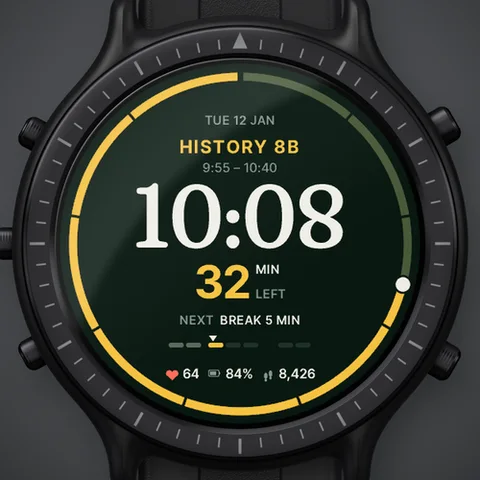
The minutes left before the bell.
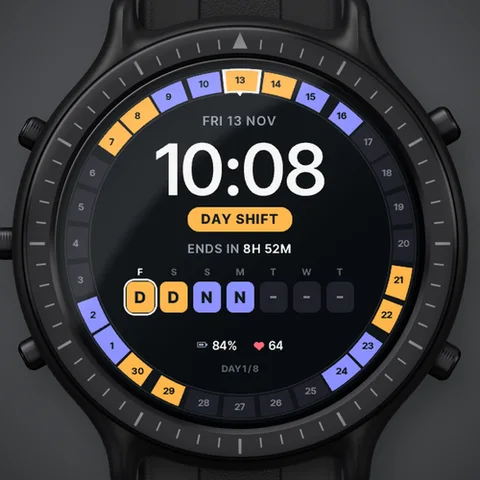
Your shift rota, on your wrist.
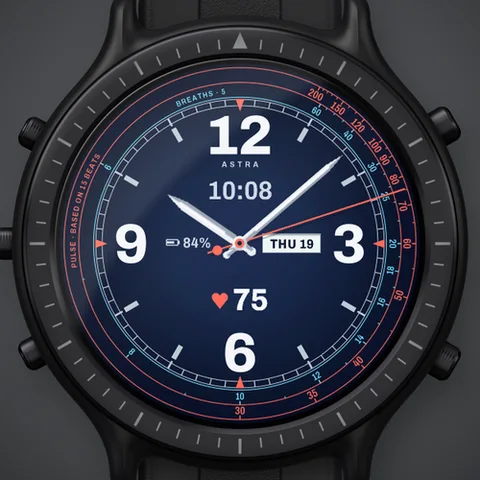
Count the pulse with the seconds hand.
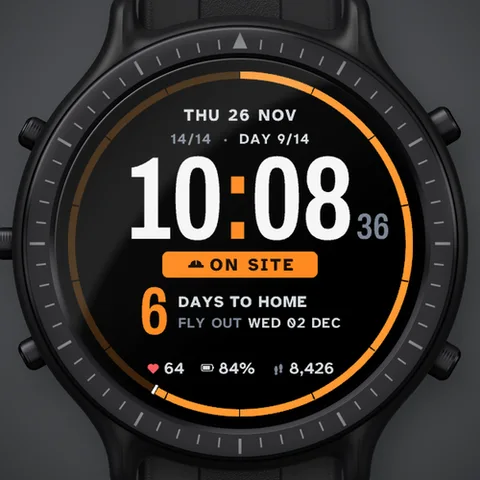
Days until home, for FIFO and offshore crews.
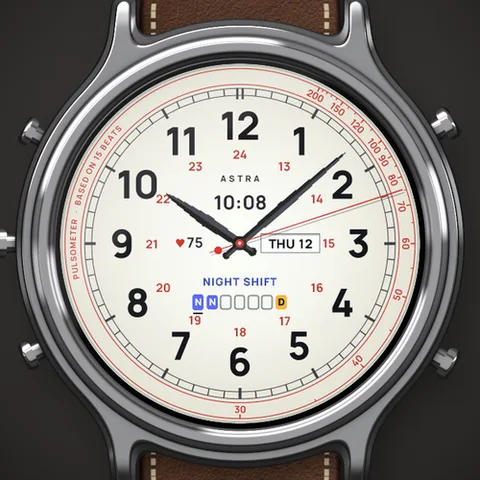
The nurse's watch, with a pulsometer scale.
A LITTLE HELP GOES A LONG WAY
From your first install to your favorite settings. Make yourself at home.