

Free available
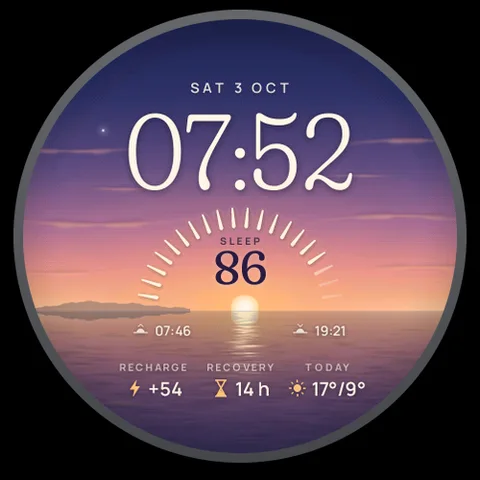
Daybreak
Your night, in the dawn.
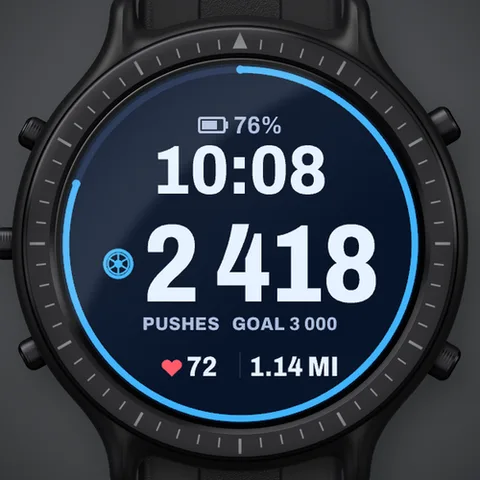
Your wheelchair pushes, front and center.
A wheelchair watch face for manual wheelchair users: the pushes of the day in large digits next to a wheel, your daily push goal as a ring around the edge, heart rate and push distance, read from the wheelchair mode of your watch (Venu 3, 3S and 4, vívoactive 5 and 6, D2 Air X15); not a medical device. Pro adds a 7-day chart and a streak of days at your goal, a fixed goal from 1,500 to 6,000 pushes, intensity minutes or calories at the bottom, a top line from 10 choices, large text, a move bar and four more themes.
Price may vary by country. Final price and taxes are confirmed on Connect IQ.
Downloaded directly from Garmin Connect IQ.
No account needed.
A CLOSER LOOK
A wheelchair watch face for manual wheelchair users: the pushes of the day in large digits next to a wheel, your daily push goal as a ring around the edge, heart rate and push distance, read from the wheelchair mode of your watch (Venu 3, 3S and 4, vívoactive 5 and 6, D2 Air X15); not a medical device. Pro adds a 7-day chart and a streak of days at your goal, a fixed goal from 1,500 to 6,000 pushes, intensity minutes or calories at the bottom, a top line from 10 choices, large text, a move bar and four more themes.
Wheelchair watch face: your pushes of the day in large digits, your daily push goal as a ring, heart rate and push distance, read from the wheelchair mode of your watch. Made for manual wheelchair users who track their activity; not a medical device. Works offline: no companion app, no subscription, no phone needed.
In wheelchair mode your watch counts pushes instead of steps; this face puts that number first, with the goal of the day around the edge. The ring fills as you push, and the goal turns to the theme color once it is reached.
Pushes, push goal, push distance, heart rate and calories come from your watch: if it does not give one, the face shows a dash. Pushes are counted only by watches that have a wheelchair mode, when it is turned on in the watch settings; otherwise the face says WHEELCHAIR MODE OFF. The chart and the streak use the last 7 days kept by the watch.
From the Pro listing on the Connect IQ Store.
YOUR FACE. YOUR CHOICE.
The Free edition is yours to keep. Choose Pro when you want the extra possibilities.
How Free & Pro workMADE FOR YOUR WATCH
Find your exact model. Compatibility is checked separately for each approved edition.
Explore by watchBoth editions run on the same 7 Garmin watch models, among them the Venu 4 and vívoactive 6. Search your exact model in the compatibility list on this page: the Connect IQ app only offers the face to a supported watch.
No. Astra Push Pro is a one-time purchase of $3.99 through the Garmin Connect IQ Store, with no renewal. The Free edition never expires. The store shows the final price for your country.
Yes. Install the Free edition, then buy the Astra Push Pro key (3.99 USD, one-time) on the Pro key page with the 8-character watch code shown under Pro key in the face settings. Enter the 10-character key there and the Free switches to Pro. See unlock Pro with a key.
Choose an available edition above to open its Connect IQ page. Select a compatible watch in the Connect IQ app, install the face and sync your watch. Then select the new face on your watch.
Open Connect IQ, find the installed watch face under My Device, and open Settings. Available options depend on the face and edition. Save the changes and sync your watch.
YOUR NEXT DISCOVERY
Your night, in the dawn.
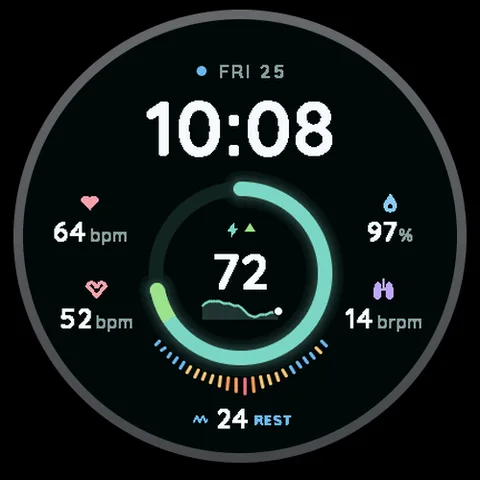
Tune in to your day.
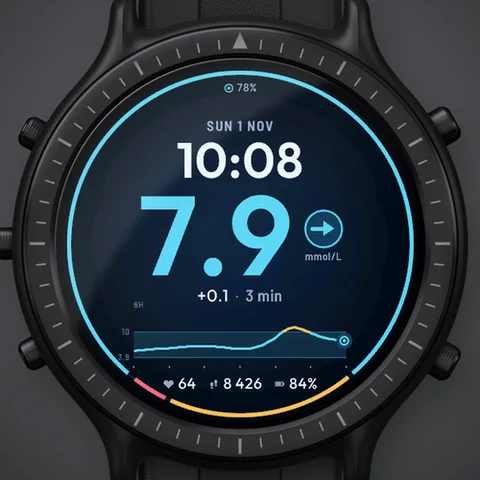
Your glucose, large and clear.
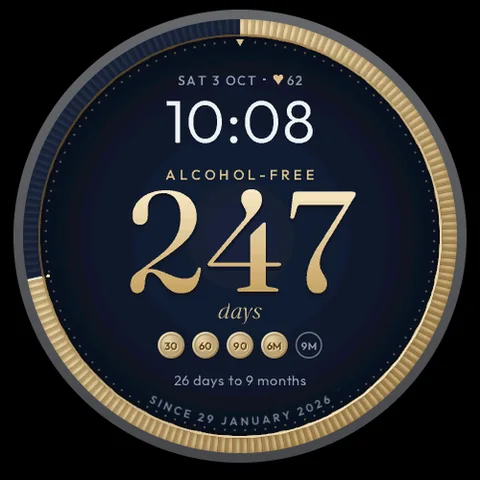
Count the days that matter.
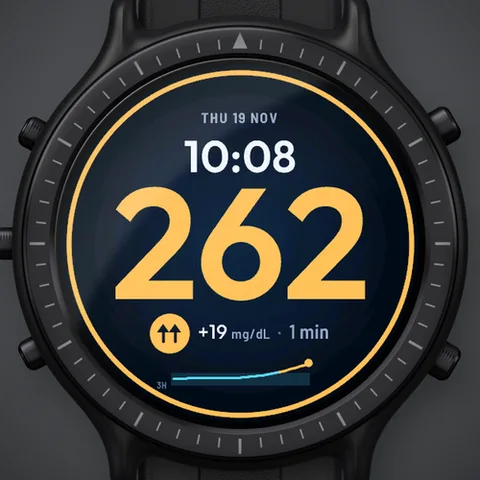
Blood sugar you can read across the room.
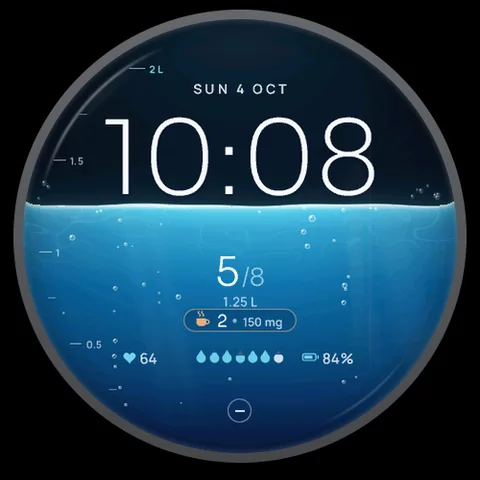
One more glass.
A LITTLE HELP GOES A LONG WAY
From your first install to your favorite settings. Make yourself at home.