

Free available
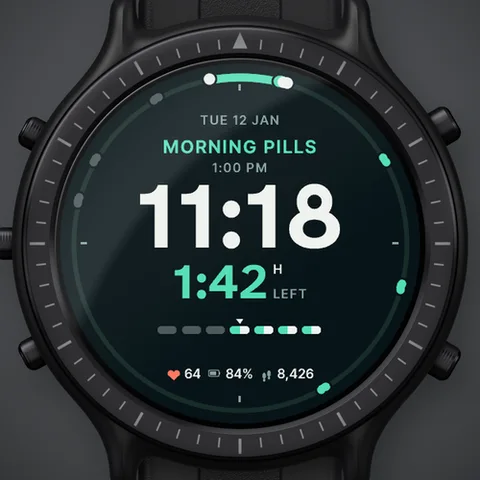
Dose
Your next dose and the time left, at a glance.
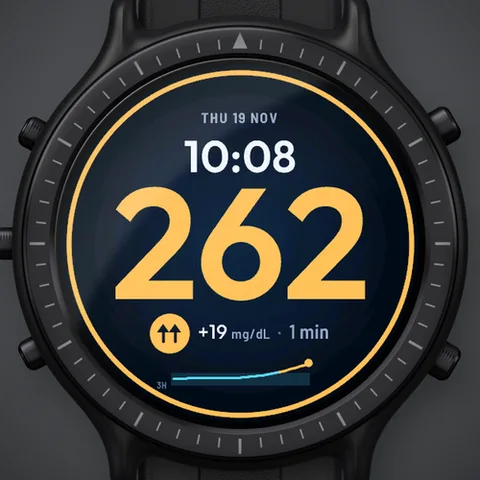
Blood sugar you can read across the room.
Astra Glucose Big shows your CGM glucose on a Garmin watch face in digits three times taller than the time, with a large trend arrow and a ring in your zone color, for children and seniors with diabetes. Data comes from your phone. Free; Pro, 3.99 USD once, adds a graph and thresholds. Visual only, not a medical device.
Guide: CGM blood sugar on a Garmin watch face, with xDrip+ or NightscoutPrice may vary by country. Final price and taxes are confirmed on Connect IQ.
Downloaded directly from Garmin Connect IQ.
No account needed.
A CLOSER LOOK
Your CGM glucose in digits three times taller than the time, colored by zone, with a large trend arrow, the change over 5 minutes, the age of the reading and a ring around the face in your zone color, from xDrip+, Juggluco, AAPS, Nightscout or a glucose app widget; made for children and seniors with diabetes, visual alerts only, not a medical device. Pro adds a 3 or 6-hour graph on your target band, your own thresholds, color-blind friendly zone colors, four more themes including a light one for bright sun, and two data fields of your choice with the 24-hour average.
Big-number CGM blood sugar watch face: glucose digits three times taller than the time, a large trend arrow and a ring in your zone color, easy to read at arm's length for children and seniors with diabetes. Not a medical device; do not use for treatment decisions.
From the Pro listing on the Connect IQ Store.
Visual alerts only: a watch face cannot vibrate or sound, so alarms stay in your CGM app. Garmin lets a watch face read new data at most every 5 minutes, so a value can be up to about 10 minutes old; its age is always shown and old data turns grey. Your phone must stay connected, with the Garmin Connect app running. On iPhone, a Nightscout site is required.
YOUR FACE. YOUR CHOICE.
The Free edition is yours to keep. Choose Pro when you want the extra possibilities.
How Free & Pro workMADE FOR YOUR WATCH
Find your exact model. Compatibility is checked separately for each approved edition.
Explore by watchNo. A watch face cannot vibrate or sound, so alarms stay in your CGM app. The alerts are visual only: the digits and the whole ring take the zone color, with a red glow behind lows, and old data turns grey.
On Android: xDrip+, Juggluco or AAPS. On Android or iPhone: a Nightscout site (on iPhone, Nightscout is required). Another glucose app with a Connect IQ widget also works. Every source is in the Free; your phone must stay connected, with the Garmin Connect app running.
Garmin lets a watch face read new data at most every 5 minutes, so a value can be up to about 10 minutes old. Its age is always shown next to the change over 5 minutes, and old data turns grey. Do not use it for treatment decisions.
A 3 or 6-hour graph on your target band, your own thresholds (target low and high, urgent low, very high), color-blind friendly zone colors, 4 more themes including a light one for bright sun, and 2 data fields of your choice with the 24-hour average. The Free uses a 70 to 180 mg/dL (3.9 to 10.0 mmol/L) target range.
Astra Glucose shows the reading with a graph of the last hours on your target range. Astra Glucose Big puts the number first, as large as the screen allows, for anyone who reads it at arm's length or from across the room.
The Free edition runs on 112 Garmin watch models and the Pro on 99, among them the fēnix 8, Forerunner 970, Venu 4, vívoactive 6 and Instinct 3. Search your exact model in the compatibility list on this page: the Connect IQ app only offers the face to a supported watch.
No. Astra Glucose Big Pro is a one-time purchase of $3.99 through the Garmin Connect IQ Store, with no renewal. The Free edition never expires. The store shows the final price for your country.
Yes. Install the Free edition, then buy the Astra Glucose Big Pro key (3.99 USD, one-time) on the Pro key page with the 8-character watch code shown under Pro key in the face settings. Enter the 10-character key there and the Free switches to Pro. See unlock Pro with a key.
Choose an available edition above to open its Connect IQ page. Select a compatible watch in the Connect IQ app, install the face and sync your watch. Then select the new face on your watch.
Open Connect IQ, find the installed watch face under My Device, and open Settings. Available options depend on the face and edition. Save the changes and sync your watch.
Page updated on , from the current Connect IQ listings and the face itself.
YOUR NEXT DISCOVERY
Your next dose and the time left, at a glance.
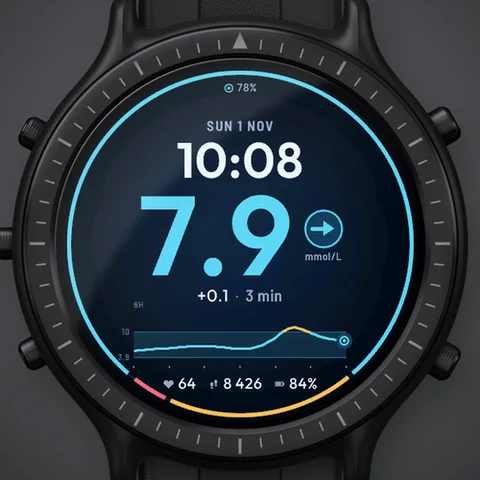
Your glucose, large and clear.
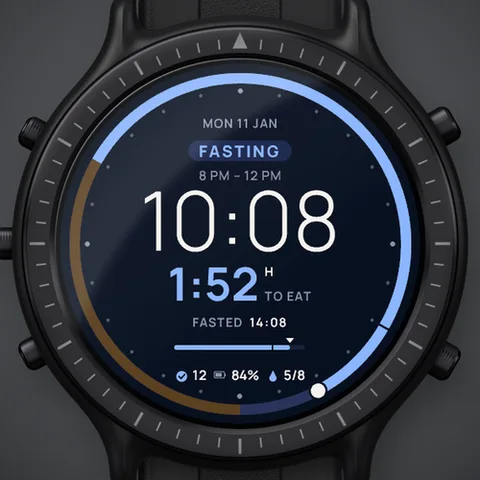
Fasting or eating, and how long to go.
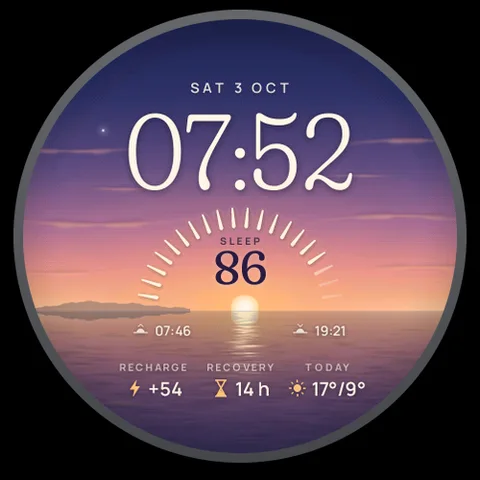
Your night, in the dawn.
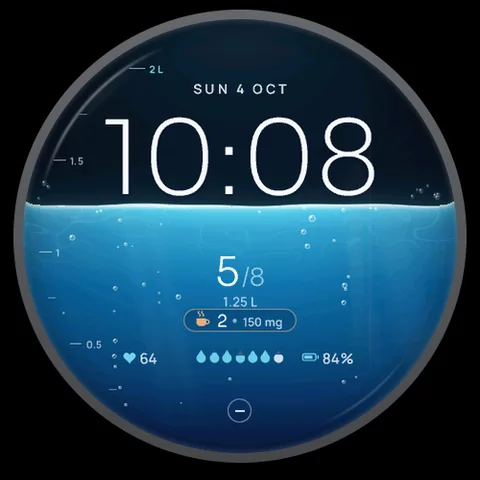
One more glass.
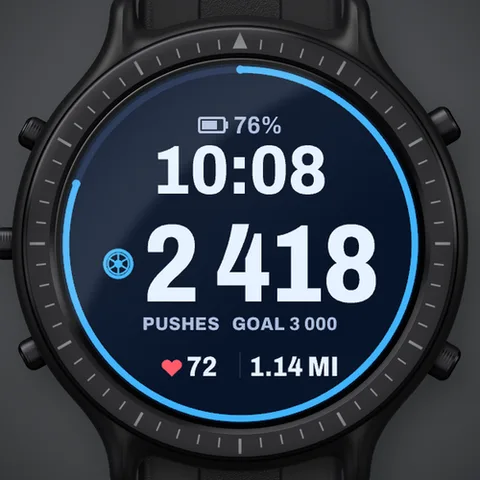
Your wheelchair pushes, front and center.
A LITTLE HELP GOES A LONG WAY
From your first install to your favorite settings. Make yourself at home.