

Free available
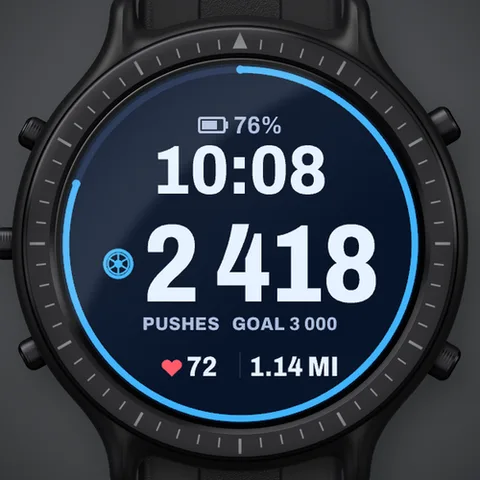
Push
Your wheelchair pushes, front and center.
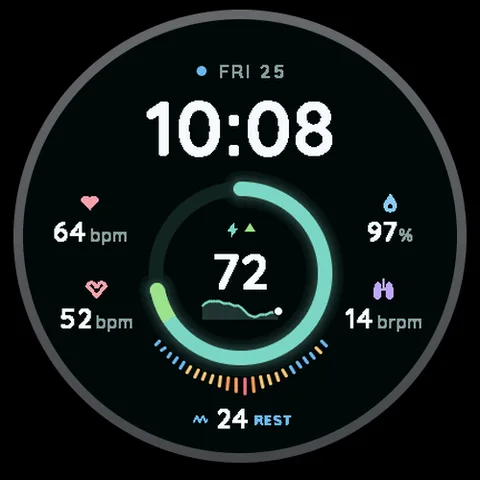
Tune in to your day.
A health-focused face built around stress and Body Battery information.
Price may vary by country. Final price and taxes are confirmed on Connect IQ.
Downloaded directly from Garmin Connect IQ.
No account needed.
A CLOSER LOOK
A health-focused face built around stress and Body Battery information.
Calm stress and Body Battery watch face for keeping an eye on your health and wellness at a glance. A large glowing Body Battery ring sits at the centre, your stress level right under it, and heart rate, resting heart rate, Pulse Ox (SpO2) and respiration rate on both sides, in soft pastel colours on a very dark background. See in a second whether your energy is charging or draining, on rest days, recovery days and busy days alike.
Good to know: the face shows the values your watch records, on models that measure them; it is not a medical device. Weather, sunrise and sunset use the Garmin weather location synced from your phone.
From the Pro listing on the Connect IQ Store.
YOUR FACE. YOUR CHOICE.
The Free edition is yours to keep. Choose Pro when you want the extra possibilities.
How Free & Pro workMADE FOR YOUR WATCH
Find your exact model. Compatibility is checked separately for each approved edition.
Explore by watchBoth editions run on the same 74 Garmin watch models, among them the fēnix 8, Forerunner 970, Venu 4, vívoactive 6 and Instinct 3. Search your exact model in the compatibility list on this page: the Connect IQ app only offers the face to a supported watch.
No. Astra Vital Pro is a one-time purchase of $4.99 through the Garmin Connect IQ Store, with no renewal. The Free edition never expires. The store shows the final price for your country.
Yes. Install the Free edition, then buy the Astra Vital Pro key (4.99 USD, one-time) on the Pro key page with the 8-character watch code shown under Pro key in the face settings. Enter the 10-character key there and the Free switches to Pro. See unlock Pro with a key.
Choose an available edition above to open its Connect IQ page. Select a compatible watch in the Connect IQ app, install the face and sync your watch. Then select the new face on your watch.
Open Connect IQ, find the installed watch face under My Device, and open Settings. Available options depend on the face and edition. Save the changes and sync your watch.
YOUR NEXT DISCOVERY
Your wheelchair pushes, front and center.
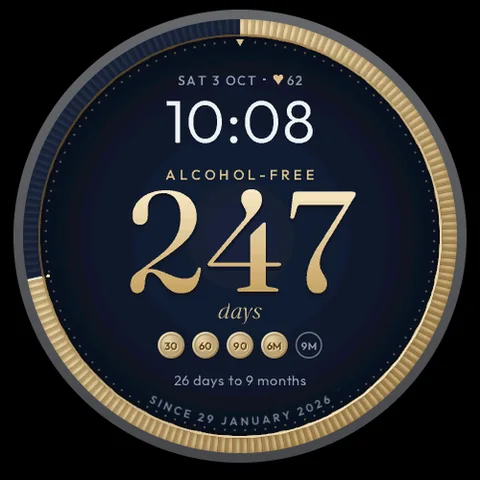
Count the days that matter.
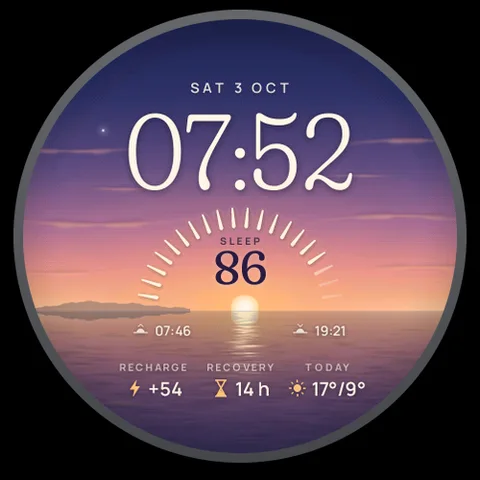
Your night, in the dawn.
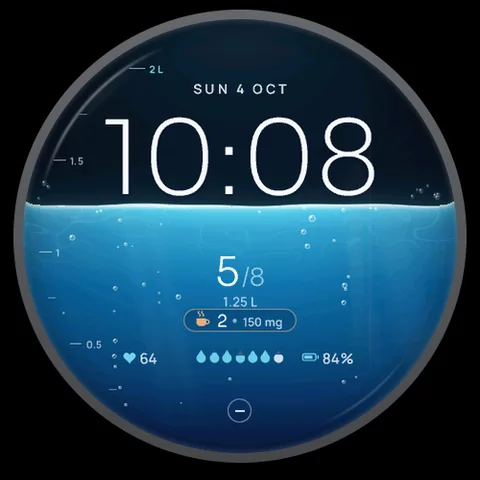
One more glass.
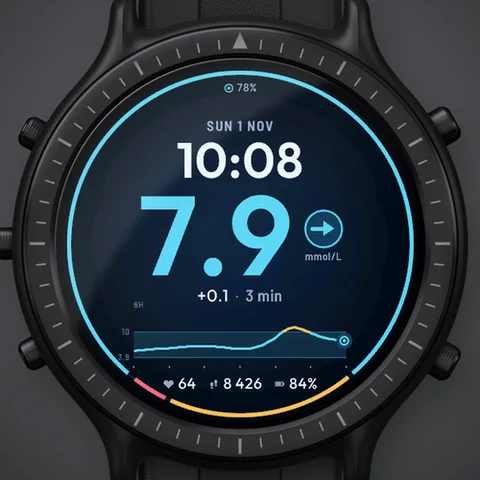
Your glucose, large and clear.
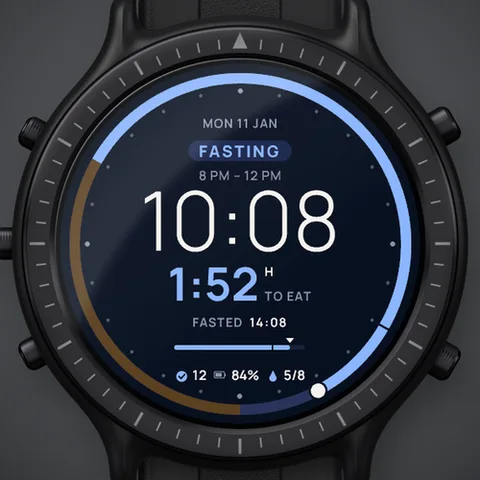
Fasting or eating, and how long to go.
A LITTLE HELP GOES A LONG WAY
From your first install to your favorite settings. Make yourself at home.