

Free available
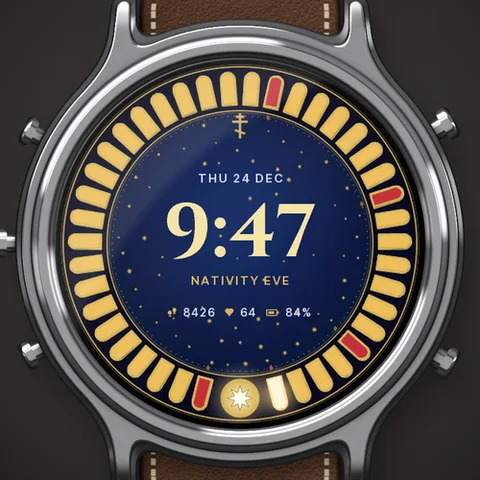
Nativity
The Nativity Fast, one window a day.
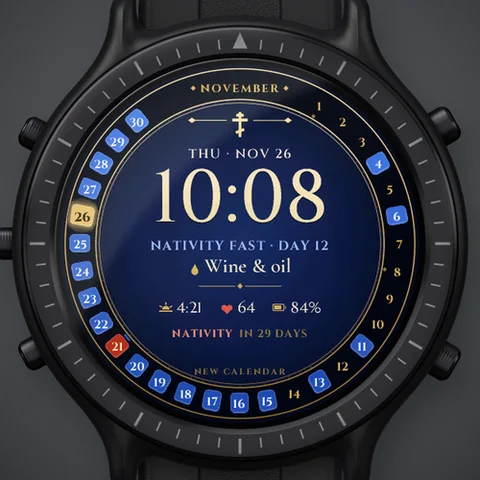
The Orthodox year, around your bezel.
Astra Orthodox Calendar shows the Orthodox Church year on your Garmin watch face: the month's fast days in blue and feasts in red around the bezel, today's liturgical day in the center, Old or New calendar, computed on the watch offline. Pro (4.99 USD, one-time) adds the daily fasting rule and a feast countdown. A guide only: follow your parish.
Guide: Orthodox fasting calendar on a Garmin watch: is today a fast day?Price may vary by country. Final price and taxes are confirmed on Connect IQ.
Downloaded directly from Garmin Connect IQ.
No account needed.
A CLOSER LOOK
The month's fast days in blue and the feasts in red around the dial, with today's liturgical day in the center, Old or New calendar, computed on the watch. Pro adds the daily fasting rule and a countdown to the next feast.
The Orthodox Church calendar of the month around the bezel, like a Byzantine mosaic: each day is a tessera, blue for fast days, red for great feasts, gold for today.
Practices vary between jurisdictions and parishes: this face is a guide, not a prescription. Please ask your priest or your parish. Not supported: the Church of Finland, which keeps the Gregorian Pascha.
From the Pro listing on the Connect IQ Store.
Everything is calculated on the watch: works offline, no companion app, no subscription, no network request. Sunset comes from the watch; the location permission is only a fallback where the watch does not give it.
YOUR FACE. YOUR CHOICE.
The Free edition is yours to keep. Choose Pro when you want the extra possibilities.
How Free & Pro workMADE FOR YOUR WATCH
Find your exact model. Compatibility is checked separately for each approved edition.
Explore by watchBoth, free. New (Revised Julian) for Greece, Constantinople, the OCA, Antioch, Romania and Bulgaria; Old (Julian) for Russia, Serbia, Georgia, Jerusalem, Mount Athos and ROCOR. Pascha is the same in both. The Church of Finland, which keeps the Gregorian Pascha, is not supported.
The Pro's Fasting guide follows the Typikon as published by the OCA by default, or Greek usage (fish in the Nativity Fast until 17 December, except Wednesday and Friday), or can be hidden. It shows Strict fast, Wine & oil, Fish allowed, Dairy, no meat or Fast-free. Practices vary: ask your priest.
Yes. Pascha, the feasts and the fasts are computed on the watch for 1900 to 2099, with no network request. Sunset comes from the watch; the location permission is only a fallback on older watches that do not provide it.
A Pro option since version 1.0.1: the Byzantine time of Mount Athos, where the day starts at sunset. The face shows 12:00 at your local sunset and counts a 12-hour dial from there. It is off by default.
No. A watch face cannot send notifications. The Pro shows a countdown to the next great feast on the face, for example NATIVITY IN 29 DAYS.
The Free edition runs on 123 Garmin watch models and the Pro on 98, among them the fēnix 8, Forerunner 970, Venu 4, vívoactive 6 and Instinct 3. Search your exact model in the compatibility list on this page: the Connect IQ app only offers the face to a supported watch.
No. Astra Orthodox Calendar Pro is a one-time purchase of $4.99 through the Garmin Connect IQ Store, with no renewal. The Free edition never expires. The store shows the final price for your country.
Yes. Install the Free edition, then buy the Astra Orthodox Calendar Pro key (4.99 USD, one-time) on the Pro key page with the 8-character watch code shown under Pro key in the face settings. Enter the 10-character key there and the Free switches to Pro. See unlock Pro with a key.
Choose an available edition above to open its Connect IQ page. Select a compatible watch in the Connect IQ app, install the face and sync your watch. Then select the new face on your watch.
Open Connect IQ, find the installed watch face under My Device, and open Settings. Available options depend on the face and edition. Save the changes and sync your watch.
Page updated on , from the current Connect IQ listings and the face itself.
YOUR NEXT DISCOVERY
The Nativity Fast, one window a day.
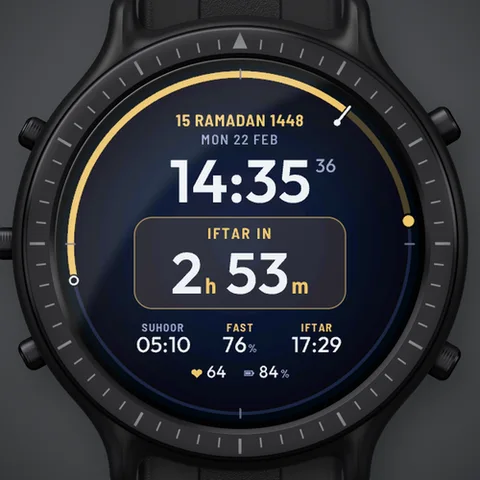
The countdown to iftar and suhoor.
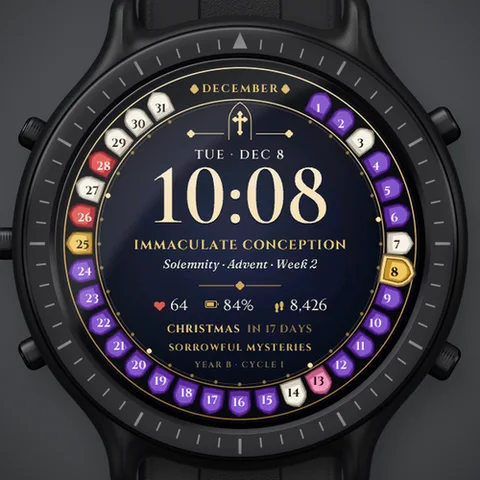
The Catholic year, in its liturgical colors.
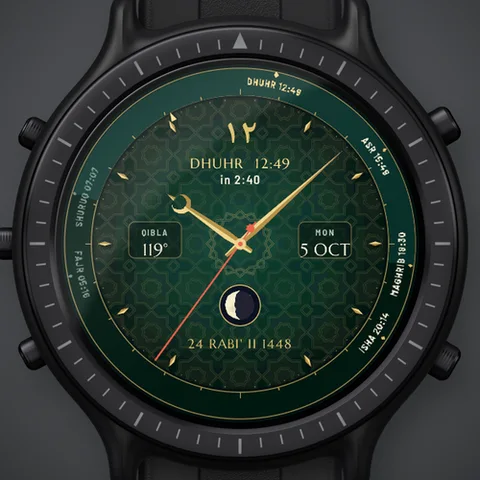
Prayer times on an analog dial.
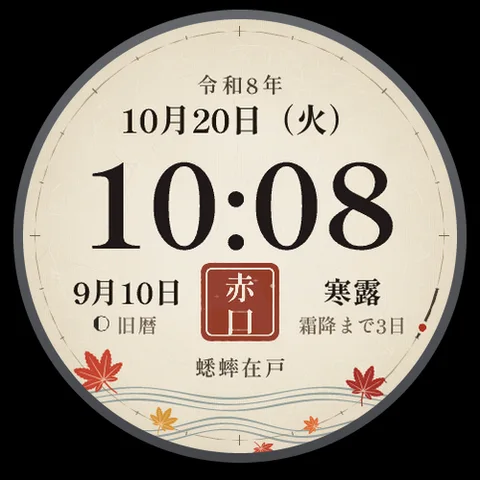
The seasons of Japan.
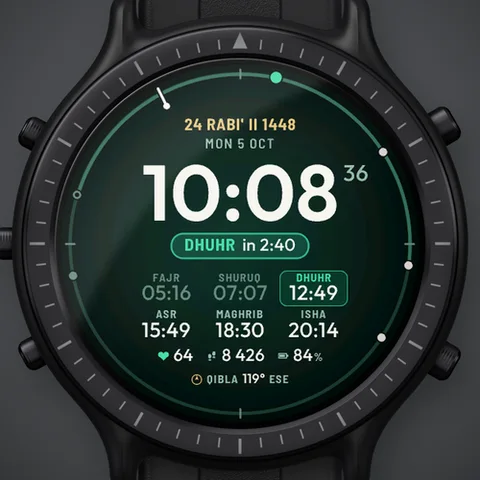
The next prayer, at a glance.
A LITTLE HELP GOES A LONG WAY
From your first install to your favorite settings. Make yourself at home.