

Free available
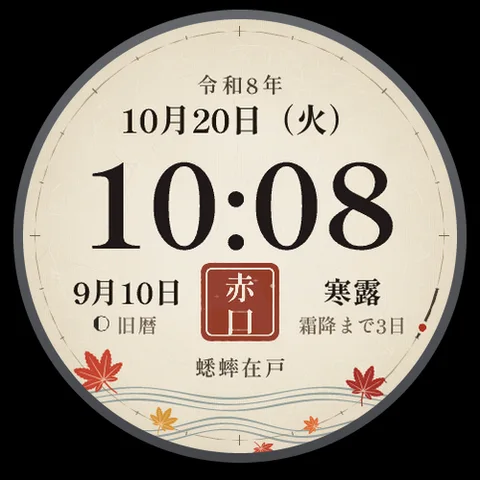
Koyomi
The seasons of Japan.

The Catholic year, in its liturgical colors.
Astra Liturgia shows the Roman Catholic liturgical calendar on your Garmin watch face: the month around the bezel in liturgical colors, today's celebration, fast and abstinence days and a countdown to Christmas or Easter, calculated offline for every year. Free; Pro 4.99 USD once adds the saint of the day, the U.S. calendar, the Rosary mysteries and the readings cycle.
Guide: Catholic liturgical calendar on a Garmin watch, computed for every yearPrice may vary by country. Final price and taxes are confirmed on Connect IQ.
Downloaded directly from Garmin Connect IQ.
No account needed.
A CLOSER LOOK
The whole month on the bezel in liturgical colors, today's celebration in its color, Lent, Advent and every feast of the General Roman Calendar calculated on the watch, offline. Pro adds the saint of the day, the United States calendar, the mysteries of the Rosary and the readings cycle.
Catholic liturgical calendar watch face with the saint of the day, liturgical colors, Lent and Advent. Everything is calculated on the watch: works offline, no companion app, no subscription, no network request, no data to download each year. Sunrise and sunset come from the watch; the location permission is only a fallback where the watch does not give them.
The Roman Catholic liturgical calendar of the month around the bezel, like a rose window: each day is a stained-glass lancet in its liturgical color, with today ringed in gold.
Local calendars vary: national proper days, diocesan feasts and the patron of your parish are not all included. This face is a guide, not a replacement for your parish or diocesan ordo. Not included: the 1962 calendar (Extraordinary Form) and the calendars of the Eastern Catholic Churches. Labels and saint names are in English.
From the Pro listing on the Connect IQ Store.
YOUR FACE. YOUR CHOICE.
The Free edition is yours to keep. Choose Pro when you want the extra possibilities.
How Free & Pro workMADE FOR YOUR WATCH
Find your exact model. Compatibility is checked separately for each approved edition.
Explore by watchThe Free follows the General Roman Calendar, with Epiphany, Ascension and Corpus Christi set on Sunday or on their weekday as in your country. The Pro adds the United States calendar: the American saints and days, such as the Guadalupe feast on December 12 and Thanksgiving. I checked my calculation day by day against the USCCB calendars for 2026 to 2028: 0 differences over 2,192 days.
No. National proper days, diocesan feasts and the patron of your parish are not all included, and the 1962 calendar (Extraordinary Form) and the Eastern Catholic calendars are not either. The face is a guide, not a replacement for your parish or diocesan ordo.
Yes, in the Free too: fast and abstinence on Ash Wednesday and Good Friday, and abstinence on the Fridays of Lent, except when a solemnity falls on a Friday.
No. Easter, Lent, Advent, Ordinary Time and its weeks, the solemnities, feasts and memorials with their transfers are calculated on the watch for every year, with no app, no subscription and no data to download. Labels and saint names are in English.
The Free edition runs on 123 Garmin watch models and the Pro on 98, among them the fēnix 8, Forerunner 970, Venu 4, vívoactive 6 and Instinct 3. Search your exact model in the compatibility list on this page: the Connect IQ app only offers the face to a supported watch.
No. Astra Liturgia Pro is a one-time purchase of $4.99 through the Garmin Connect IQ Store, with no renewal. The Free edition never expires. The store shows the final price for your country.
Yes. Install the Free edition, then buy the Astra Liturgia Pro key (4.99 USD, one-time) on the Pro key page with the 8-character watch code shown under Pro key in the face settings. Enter the 10-character key there and the Free switches to Pro. See unlock Pro with a key.
Choose an available edition above to open its Connect IQ page. Select a compatible watch in the Connect IQ app, install the face and sync your watch. Then select the new face on your watch.
Open Connect IQ, find the installed watch face under My Device, and open Settings. Available options depend on the face and edition. Save the changes and sync your watch.
Page updated on , from the current Connect IQ listings and the face itself.
YOUR NEXT DISCOVERY
The seasons of Japan.
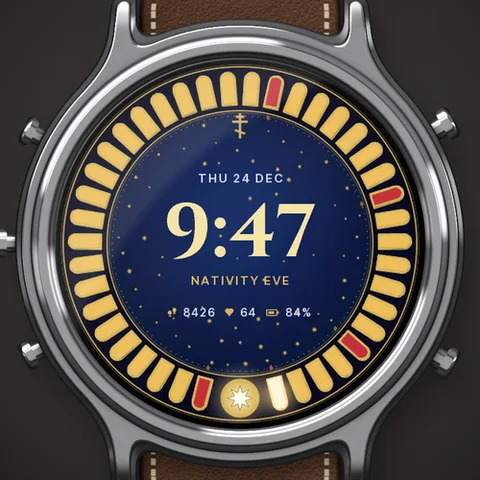
The Nativity Fast, one window a day.
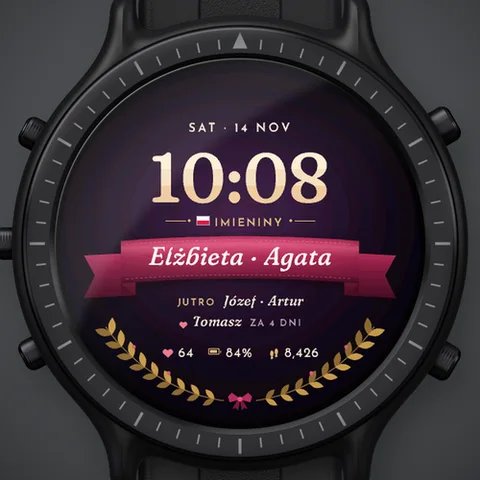
Today's name days, on a satin ribbon.
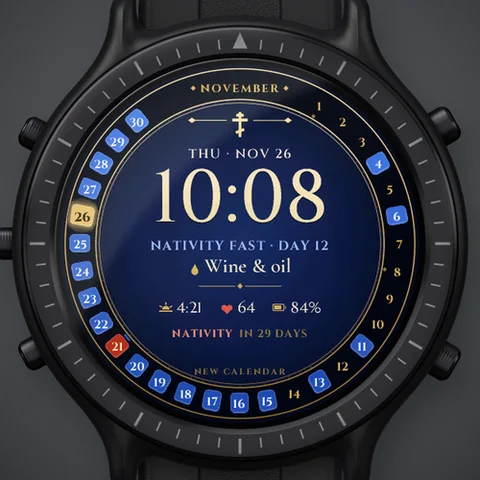
The Orthodox year, around your bezel.

A papercut Lunar New Year.
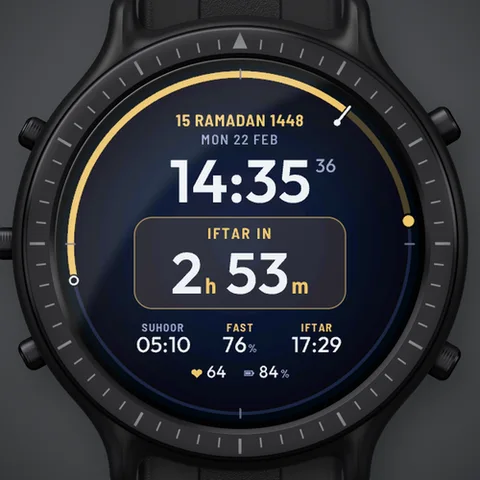
The countdown to iftar and suhoor.
A LITTLE HELP GOES A LONG WAY
From your first install to your favorite settings. Make yourself at home.