

Free available
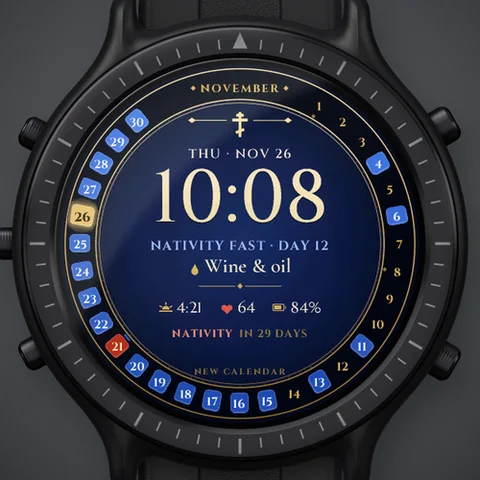
Orthodox Calendar
The Orthodox year, around your bezel.
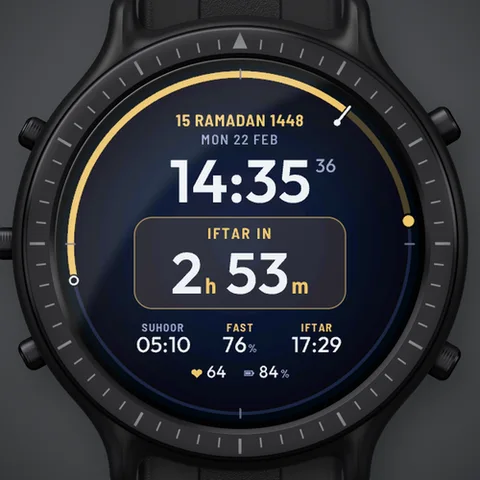
The countdown to iftar and suhoor.
Astra Iftar shows the time left until iftar (Maghrib) and until suhoor ends (Fajr) in large digits on your Garmin watch face, with the day of Ramadan and the Hijri date, computed on the watch, offline, with your country's method. Pro, 3.99 USD once, adds 20 methods and minute adjustments. Please confirm with your local mosque.
Guide: Prayer times on a Garmin watch face, offline and without the phonePrice may vary by country. Final price and taxes are confirmed on Connect IQ.
Downloaded directly from Garmin Connect IQ.
No account needed.
A CLOSER LOOK
The time left until iftar (Maghrib) during the fast and until suhoor ends (Fajr) at night, in large digits, calculated on the watch for your location with the method of your country, with a 24-hour fasting ring, the day of Ramadan and the Hijri date; please confirm the times with your local mosque. Pro adds 20 calculation methods, a minute adjustment for each prayer, a Hijri offset for moon sighting, the next prayer outside Ramadan, optional Imsak, the Qibla bearing, prayer names in Arabic, seconds and six more themes.
The time left until iftar (Maghrib) and until suhoor ends (Fajr) in large digits, computed on the watch for your location with the calculation method of your country, and the day of Ramadan from the Hijri date. No phone, no internet.
Prayer times are calculated; please confirm with your local mosque. If they differ, you can change the method, the Asr and the minutes of each prayer.
From the Pro listing on the Connect IQ Store.
Works offline, no companion app, no subscription, no network request, no GPS search, no waiting screen. The face reads your watch's last known position, then your phone's weather position, otherwise the coordinates you enter: the location permission is only for this. Calculated once a day, no sensor, low power. A watch face cannot vibrate or play the adhan (azan, athan).
YOUR FACE. YOUR CHOICE.
The Free edition is yours to keep. Choose Pro when you want the extra possibilities.
How Free & Pro workMADE FOR YOUR WATCH
Find your exact model. Compatibility is checked separately for each approved edition.
Explore by watchThe Free picks the usual method of your country automatically from your location, with standard Asr and an automatic high-latitude rule. The Pro lets you choose among 20 methods (MWL, ISNA, Egypt, Umm al-Qura, Karachi, Diyanet, JAKIM, KEMENAG and more), the Asr, the high-latitude rule and ± 60 minutes for each prayer. Times are calculated: please confirm them with your local mosque.
The Hijri date comes from the published Umm al-Qura table (1446-1470). The Pro adds a Hijri date offset of ± 2 days for local moon sighting, which also moves the start of Ramadan on the face.
By default the fast countdown stays on all year, for voluntary fasts. In the Pro you can count down to the next prayer instead, add Imsak 10 minutes before Fajr, and show the Qibla bearing and the prayer names in Arabic.
A watch face cannot vibrate or play the adhan. It works offline with no companion app: it reads your watch's last known position, then your phone's weather position, otherwise the coordinates you enter, and calculates the times once a day.
Astra Salah is a prayer times face for every day: the next prayer with its countdown and the six times on a 24-hour ring. Astra Iftar is made for the fast: one large countdown to iftar or to the end of suhoor, and a ring that fills from suhoor to iftar.
The Free edition runs on 89 Garmin watch models and the Pro on 88, among them the fēnix 8, Forerunner 970, Venu 4, vívoactive 6 and Instinct 3. Search your exact model in the compatibility list on this page: the Connect IQ app only offers the face to a supported watch.
No. Astra Iftar Pro is a one-time purchase of $3.99 through the Garmin Connect IQ Store, with no renewal. The Free edition never expires. The store shows the final price for your country.
Yes. Install the Free edition, then buy the Astra Iftar Pro key (3.99 USD, one-time) on the Pro key page with the 8-character watch code shown under Pro key in the face settings. Enter the 10-character key there and the Free switches to Pro. See unlock Pro with a key.
Choose an available edition above to open its Connect IQ page. Select a compatible watch in the Connect IQ app, install the face and sync your watch. Then select the new face on your watch.
Open Connect IQ, find the installed watch face under My Device, and open Settings. Available options depend on the face and edition. Save the changes and sync your watch.
Page updated on , from the current Connect IQ listings and the face itself.
YOUR NEXT DISCOVERY
The Orthodox year, around your bezel.
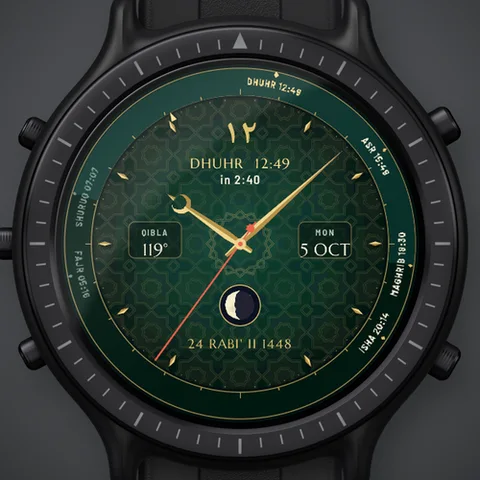
Prayer times on an analog dial.
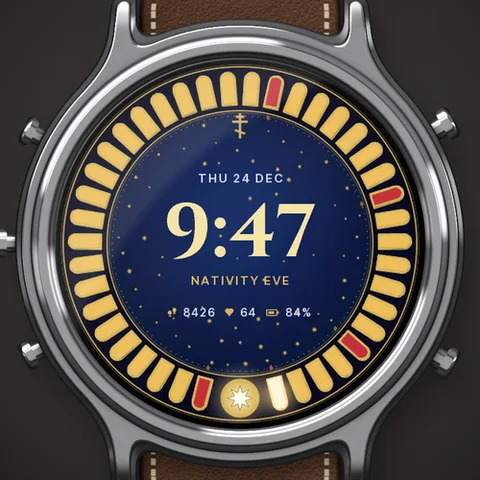
The Nativity Fast, one window a day.
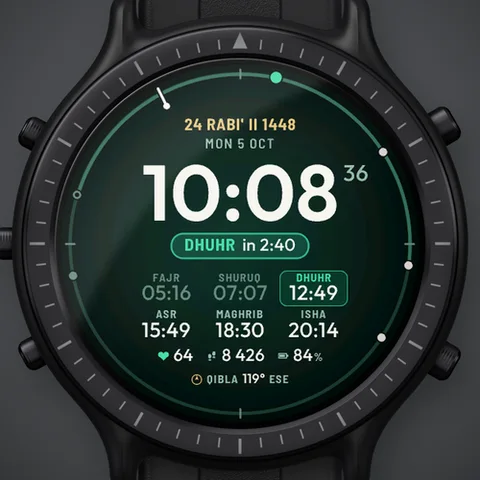
The next prayer, at a glance.

The Catholic year, in its liturgical colors.
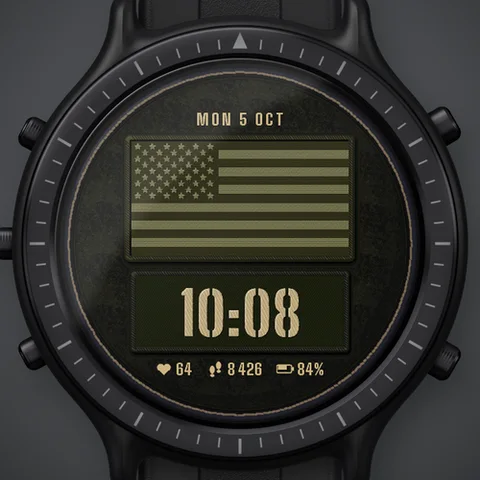
Your flag, waving on your wrist.
A LITTLE HELP GOES A LONG WAY
From your first install to your favorite settings. Make yourself at home.