

Free available
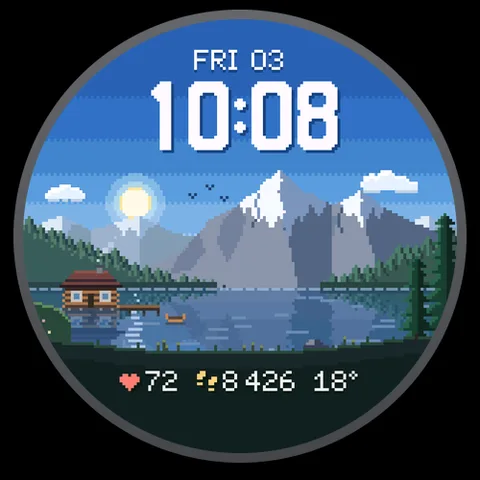
Diorama
A tiny world, pixel by pixel.
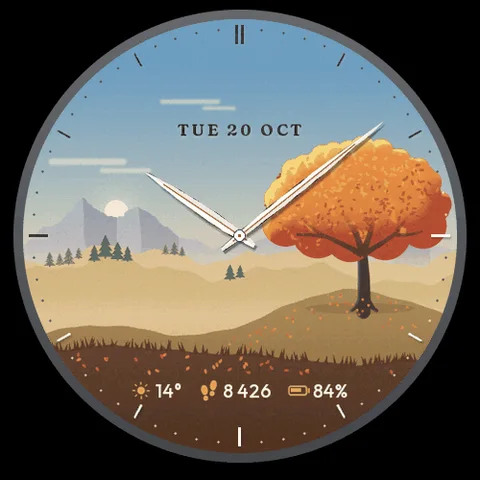
A view worth keeping.
A tree-filled landscape brings a seasonal mood to your watch.
Price may vary by country. Final price and taxes are confirmed on Connect IQ.
Downloaded directly from Garmin Connect IQ.
No account needed.
A CLOSER LOOK
A tree-filled landscape brings a seasonal mood to your watch.
Four seasons tree landscape watch face: a lone tree on its hill lives through spring, summer, autumn and winter, a nature scene that follows the real date and the time of day. Cherry blossom in April, deep green in July, gold and red leaves in October, snow on the branches in January, with gradual changes in between. The sky follows the sun: the sun moves along an arc, dusk turns the sky peach and violet, then come the moon with its real phase and the stars. Soft illustrated layers with valley mist and a light paper grain, and leaf-shaped hands with a centre vein in the colour of the season.
From the Pro listing on the Connect IQ Store.
YOUR FACE. YOUR CHOICE.
The Free edition is yours to keep. Choose Pro when you want the extra possibilities.
How Free & Pro workMADE FOR YOUR WATCH
Find your exact model. Compatibility is checked separately for each approved edition.
Explore by watchThe Free edition runs on 73 Garmin watch models and the Pro on 68, among them the fēnix 8, Forerunner 970, Venu 4, vívoactive 6 and Instinct 3. Search your exact model in the compatibility list on this page: the Connect IQ app only offers the face to a supported watch.
No. Astra Seasons Pro is a one-time purchase of $4.99 through the Garmin Connect IQ Store, with no renewal. The Free edition never expires. The store shows the final price for your country.
Yes. Install the Free edition, then buy the Astra Seasons Pro key (4.99 USD, one-time) on the Pro key page with the 8-character watch code shown under Pro key in the face settings. Enter the 10-character key there and the Free switches to Pro. See unlock Pro with a key.
Choose an available edition above to open its Connect IQ page. Select a compatible watch in the Connect IQ app, install the face and sync your watch. Then select the new face on your watch.
Open Connect IQ, find the installed watch face under My Device, and open Settings. Available options depend on the face and edition. Save the changes and sync your watch.
YOUR NEXT DISCOVERY
A tiny world, pixel by pixel.
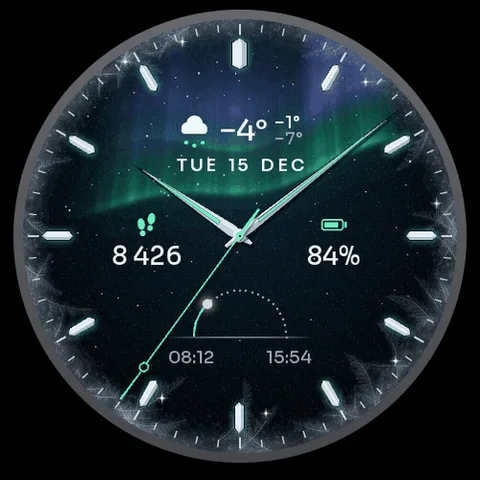
Northern lights behind the glass.
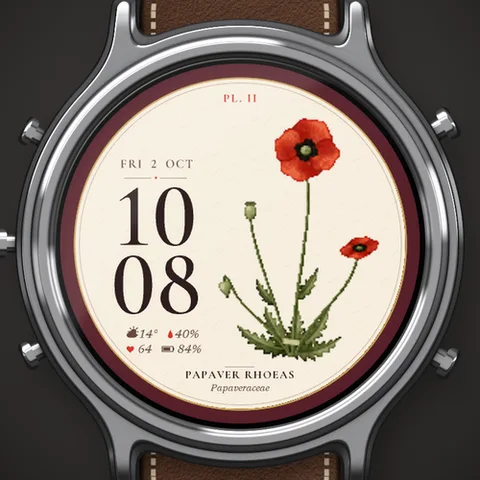
A new flower every day.
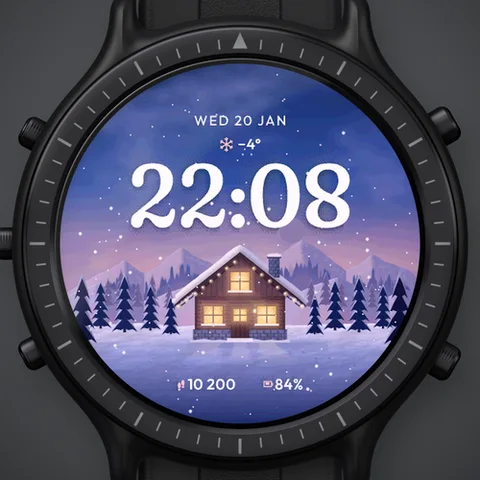
A cozy winter night on your wrist.
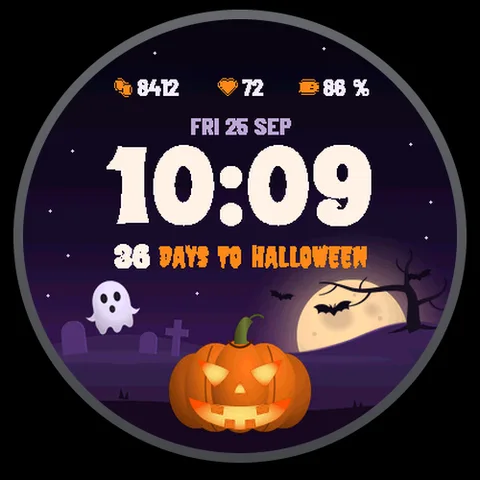
A seasonal little spirit.
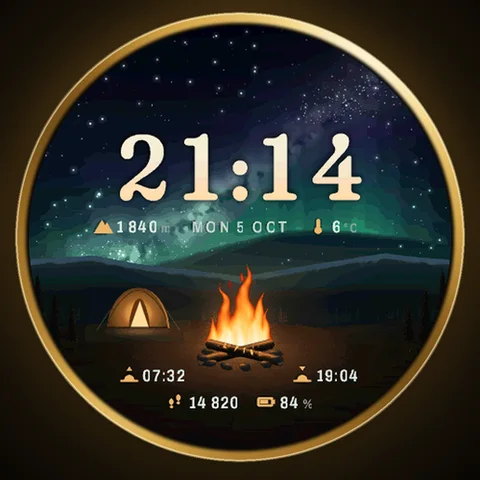
A little escape.
A LITTLE HELP GOES A LONG WAY
From your first install to your favorite settings. Make yourself at home.