

Animated Free available
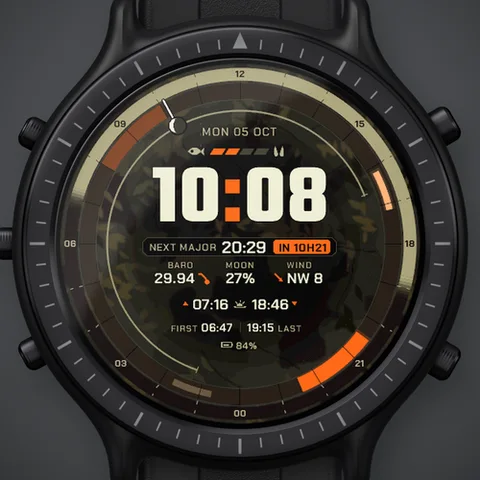
Solunar
When the fish will bite.
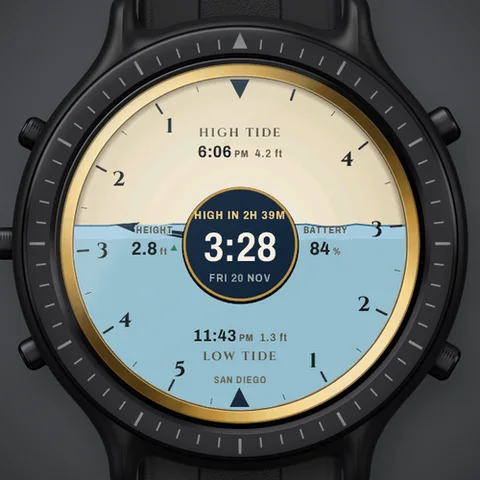
A real tide clock, computed on the watch.
Astra Tide Clock turns your Garmin watch face into an analog tide clock: the hand runs from the last high or low water to the next, with hour marks set on the real length of each half cycle. Computed offline. Free: 245 U.S. NOAA stations. Pro, 3.99 USD once: 508 stations and heights. Not for navigation.
Guide: Offline tide times on a Garmin watch, no phone neededPrice may vary by country. Final price and taxes are confirmed on Connect IQ.
Downloaded directly from Garmin Connect IQ.
No account needed.
A CLOSER LOOK
An analog tide clock whose hand runs from the last high or low water to the next one, HIGH TIDE at the top and LOW TIDE at the bottom, with hour marks set on the real length of each half cycle, a dial that fills with water to the tide level and a countdown, computed offline for 245 NOAA stations in the USA; estimates, not for navigation. Pro adds 263 more stations (Europe, Queensland, New Zealand, Costa Rica), the heights of the next high and low water in feet or meters, two data of your choice and four more themes.
Tide clock watch face: a real analog tide clock whose hand points to the hours left before the next high or low tide, computed on the watch for 508 stations (USA, Europe, Australia, New Zealand), with the dial filling with water to the tide level. Works offline: no phone, no internet, no subscription. Not for navigation.
Made for people who live by the sea: like the tide clock on a boat, but it follows the real tide of your coast. A mechanical tide clock assumes 12 h 25 min for every cycle; this hand goes from the last high or low water to the next one.
Tide times are computed on the watch from harmonic constants: they are estimates, not a tide table to rely on, and must not be used for navigation. No account, no network: nothing leaves the watch. It uses the last known position of the watch (no GPS search) and the closest station within about 80 km, or a station number set on the phone.
From the Pro listing on the Connect IQ Store.
YOUR FACE. YOUR CHOICE.
The Free edition is yours to keep. Choose Pro when you want the extra possibilities.
How Free & Pro workMADE FOR YOUR WATCH
Find your exact model. Compatibility is checked separately for each approved edition.
Explore by watchA mechanical tide clock assumes 12 h 25 min for every cycle. Astra Tide Clock computes the tide of your station on the watch from harmonic constants, so the hand goes from the last high or low water to the next one. The hour marks are uneven because each half cycle has its own length: the hand reaches 2 two hours before low water.
The Free has 245 NOAA stations in the USA. The Pro has 508: all 423 U.S. stations plus France, Portugal, Norway, the UK, Ireland, Iceland, Italy, Queensland, New Zealand and Costa Rica. The face uses the nearest station within about 80 km of your watch's last known position, or a station number you set on the phone.
No. A Pro key unlocks the Pro options in the Free edition (heights, units, data and themes), but the Free package only carries its 245 U.S. stations. For the 508 stations, install Astra Tide Clock Pro from the Connect IQ Store.
Astra Tidemark draws today's tide curve with the next high and low. Astra Tide Clock reads like the tide clock on a boat: one hand, HIGH TIDE at the top, LOW TIDE at the bottom, the sea falling on the right and rising on the left. Both compute tides on the watch, and neither is for navigation.
The Free edition runs on 127 Garmin watch models and the Pro on 99, among them the fēnix 8, Forerunner 970, Venu 4, vívoactive 6 and Instinct 3. Search your exact model in the compatibility list on this page: the Connect IQ app only offers the face to a supported watch.
No. Astra Tide Clock Pro is a one-time purchase of $3.99 through the Garmin Connect IQ Store, with no renewal. The Free edition never expires. The store shows the final price for your country.
Yes. Install the Free edition, then buy the Astra Tide Clock Pro key (3.99 USD, one-time) on the Pro key page with the 8-character watch code shown under Pro key in the face settings. Enter the 10-character key there and the Free switches to Pro. See unlock Pro with a key.
Choose an available edition above to open its Connect IQ page. Select a compatible watch in the Connect IQ app, install the face and sync your watch. Then select the new face on your watch.
Open Connect IQ, find the installed watch face under My Device, and open Settings. Available options depend on the face and edition. Save the changes and sync your watch.
Page updated on , from the current Connect IQ listings and the face itself.
YOUR NEXT DISCOVERY
When the fish will bite.
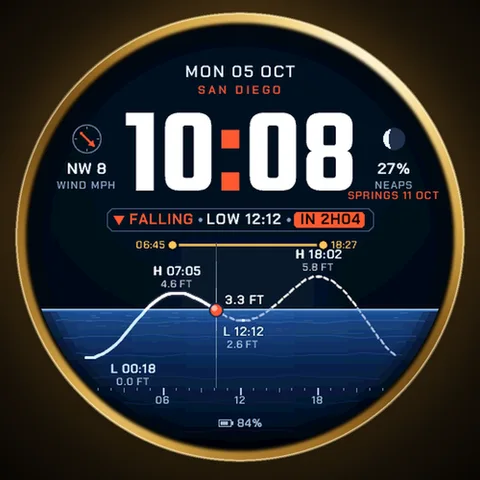
The tide, computed on your wrist.
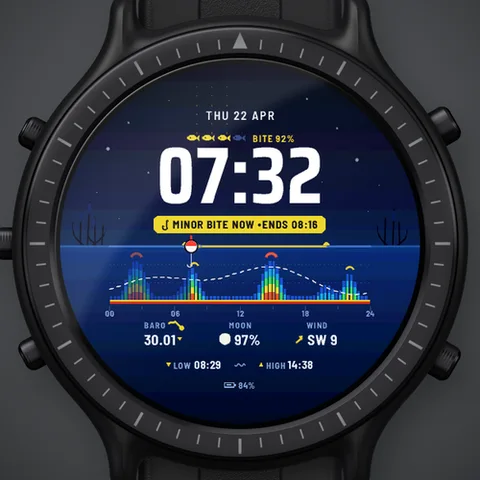
The best fishing times, on a sonar screen.
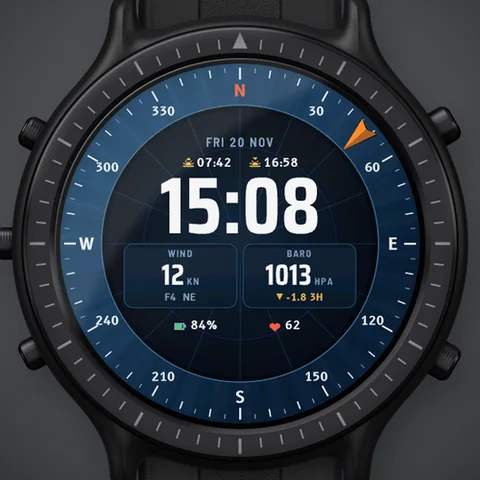
Wind, barometer and sun times for sailors.
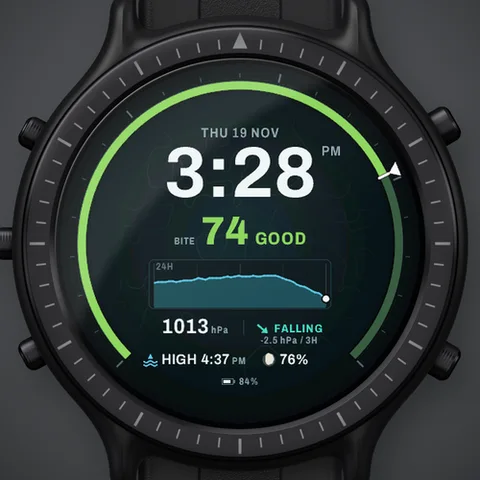
Your barometer says when to fish.
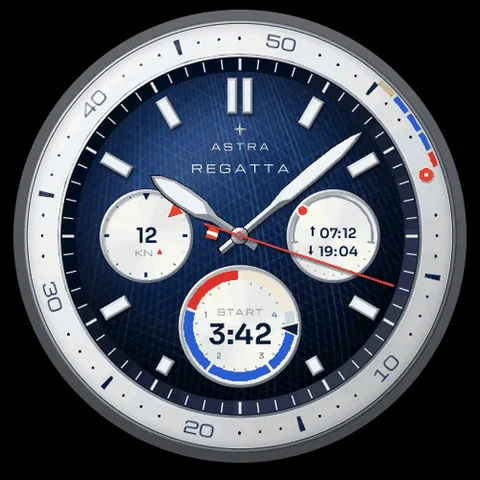
Ready for the start.
A LITTLE HELP GOES A LONG WAY
From your first install to your favorite settings. Make yourself at home.