

Animated Free available
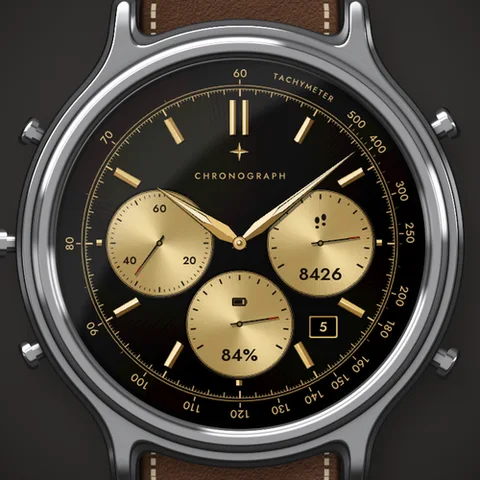
Chrono Noir
Black lacquer, gold hands.
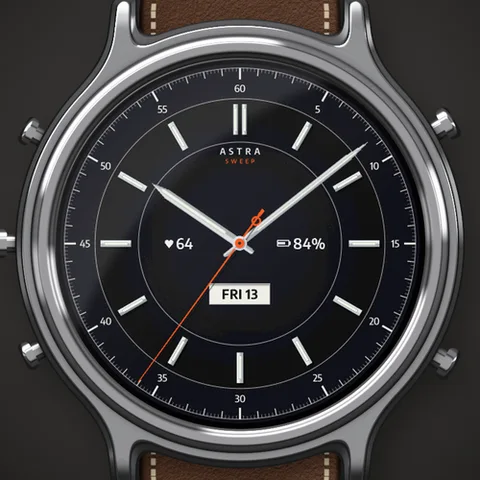
A real seconds hand that sweeps.
Astra Sweep is an analog Garmin watch face with a real seconds hand: it sweeps smoothly over a track marked in fifths of a second while the screen is awake, for timing a run or a brew. Free in Black; Pro 4.99 USD once keeps the seconds ticking in low power on MIP screens. The AMOLED always-on screen shows no seconds.
Guide: Can a Garmin watch face show the seconds all the time?Price may vary by country. Final price and taxes are confirmed on Connect IQ.
Downloaded directly from Garmin Connect IQ.
No account needed.
A CLOSER LOOK
An elegant sector dial with a long seconds hand in a signal color that sweeps smoothly over a track marked in fifths of a second; at every wrist raise it spins a full turn and locks onto the exact second. Free has the Black theme, the needle hand, the date and the battery; Pro adds six themes, two more hands in eight colors, four data slots and a large date.
Watch face with seconds hand: an elegant, legible analog dial with a real second hand that sweeps smoothly each time you raise your wrist. The watch for people who want to see the seconds. A long seconds hand in a signal color sweeps smoothly over a classic sector dial, all the way to a track marked in 1/5 of a second. Applied baton indices, polished hands with lume and the seconds numbered from 5 to 60 keep it clean and readable. Raise your wrist and the seconds hand spins a full turn from 12 before it locks onto the exact second. Made for anyone who times a pulse, a run, a brew or a meeting.
From the Pro listing on the Connect IQ Store.
Are the seconds always visible? Yes while the watch is awake. The AMOLED always-on screen is redrawn once a minute, so it shows no seconds; MIP screens keep them in low power with Pro.
YOUR FACE. YOUR CHOICE.
The Free edition is yours to keep. Choose Pro when you want the extra possibilities.
How Free & Pro workMADE FOR YOUR WATCH
Find your exact model. Compatibility is checked separately for each approved edition.
Explore by watchWhile the watch is awake, yes. The AMOLED always-on screen is redrawn once a minute, so it shows no seconds: Garmin does not allow more. On MIP screens (fēnix 7, Enduro, Forerunner 255 and others), the Pro keeps the seconds hand ticking in low power, within the watch's power budget.
Smooth on AMOLED screens, ticking on MIP screens. In the Pro you can also choose a ticking or hidden seconds hand, and pick a needle, lollipop or arrow hand in 8 colors.
The hand and the 1/5-second track make counting beats over 15 or 30 seconds easy. The face only shows the time: it does not measure or calculate anything and is not a medical device. The Pro can also show digital seconds or your heart rate from the watch in a slot.
The Black theme with the precision seconds track, the sweeping needle seconds hand, the weekday and date at 6, the battery at 3 and the wake animation. The Pro adds 6 themes, 3 hand styles, 4 data slots, a large date and MIP seconds in low power.
The Free edition runs on 99 Garmin watch models and the Pro on 98, among them the fēnix 8, Forerunner 970, Venu 4, vívoactive 6 and Instinct 3. Search your exact model in the compatibility list on this page: the Connect IQ app only offers the face to a supported watch.
No. Astra Sweep Pro is a one-time purchase of $4.99 through the Garmin Connect IQ Store, with no renewal. The Free edition never expires. The store shows the final price for your country.
Yes. Install the Free edition, then buy the Astra Sweep Pro key (4.99 USD, one-time) on the Pro key page with the 8-character watch code shown under Pro key in the face settings. Enter the 10-character key there and the Free switches to Pro. See unlock Pro with a key.
Choose an available edition above to open its Connect IQ page. Select a compatible watch in the Connect IQ app, install the face and sync your watch. Then select the new face on your watch.
Animation behavior depends on your watch and the edition. Check the settings in Connect IQ and the edition description on its store page. Animation is limited while the watch is in its low-power state.
Open Connect IQ, find the installed watch face under My Device, and open Settings. Available options depend on the face and edition. Save the changes and sync your watch.
Page updated on , from the current Connect IQ listings and the face itself.
YOUR NEXT DISCOVERY
Black lacquer, gold hands.
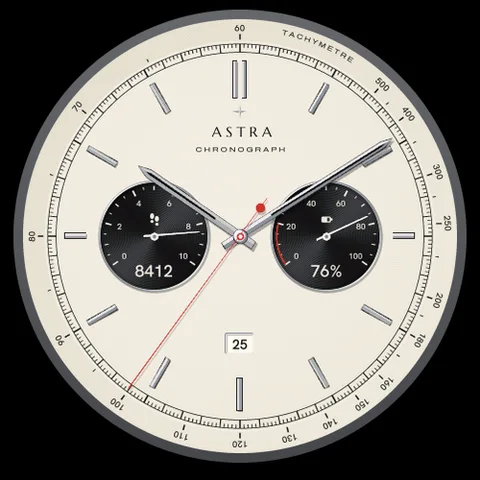
A nod to the originals.
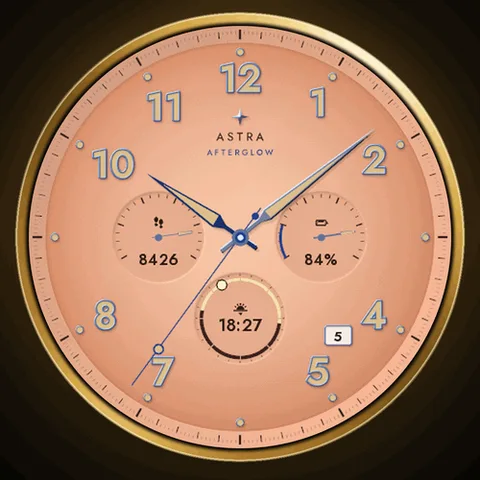
A chronograph that glows at night.
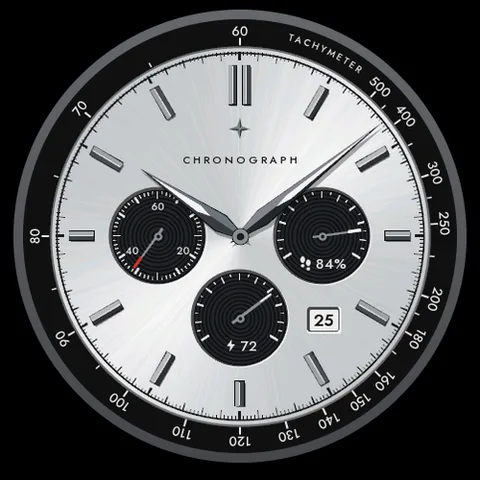
A modern classic, in motion.
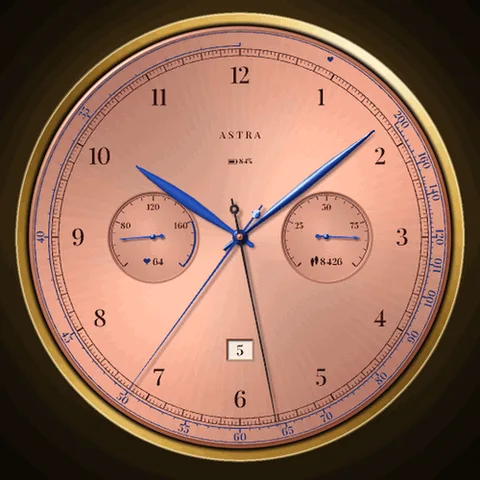
A split second, on your pulse.
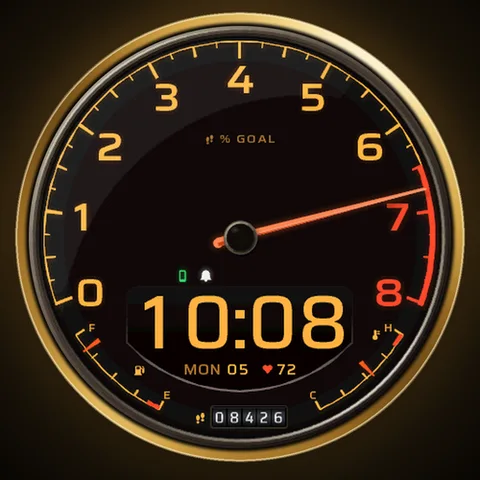
Time in the fast lane.
A LITTLE HELP GOES A LONG WAY
From your first install to your favorite settings. Make yourself at home.