

Animated Free available
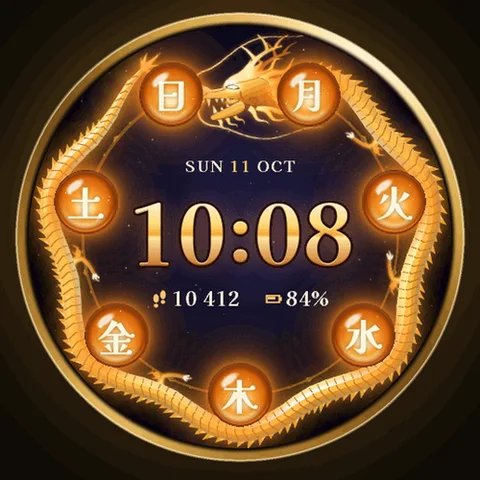
Seven Orbs
Make every day count.
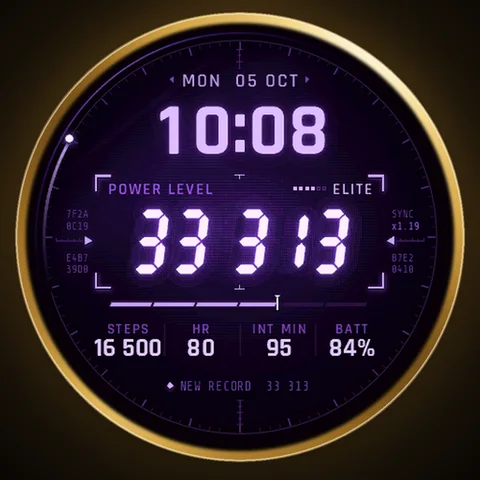
A different kind of energy.
An animated scanner-inspired face with a bold illustrated personality.
Price may vary by country. Final price and taxes are confirmed on Connect IQ.
Downloaded directly from Garmin Connect IQ.
No account needed.
A CLOSER LOOK
An animated scanner-inspired face with a bold illustrated personality.
A scanner visor over your whole watch. You read the time through tinted green glass, and a huge segment counter locked between four brackets shows your power level of the day, built from your steps, your intensity minutes and your heart rate. Each time you raise your wrist, a scan line lights up the HUD, the brackets lock on and the counter races up to your power. Beat your record and the visor overloads. Anime fans know the scene: the scanner beeps, the numbers climb… now it's your turn.
From the Pro listing on the Connect IQ Store.
YOUR FACE. YOUR CHOICE.
The Free edition is yours to keep. Choose Pro when you want the extra possibilities.
How Free & Pro workMADE FOR YOUR WATCH
Find your exact model. Compatibility is checked separately for each approved edition.
Explore by watchBoth editions run on the same 74 Garmin watch models, among them the fēnix 8, Forerunner 970, Venu 4, vívoactive 6 and Instinct 3. Search your exact model in the compatibility list on this page: the Connect IQ app only offers the face to a supported watch.
No. Astra Power Level Pro is a one-time purchase of $4.99 through the Garmin Connect IQ Store, with no renewal. The Free edition never expires. The store shows the final price for your country.
Yes. Install the Free edition, then buy the Astra Power Level Pro key (4.99 USD, one-time) on the Pro key page with the 8-character watch code shown under Pro key in the face settings. Enter the 10-character key there and the Free switches to Pro. See unlock Pro with a key.
Choose an available edition above to open its Connect IQ page. Select a compatible watch in the Connect IQ app, install the face and sync your watch. Then select the new face on your watch.
Animation behavior depends on your watch and the edition. Check the settings in Connect IQ and the edition description on its store page. Animation is limited while the watch is in its low-power state.
Open Connect IQ, find the installed watch face under My Device, and open Settings. Available options depend on the face and edition. Save the changes and sync your watch.
YOUR NEXT DISCOVERY
Make every day count.
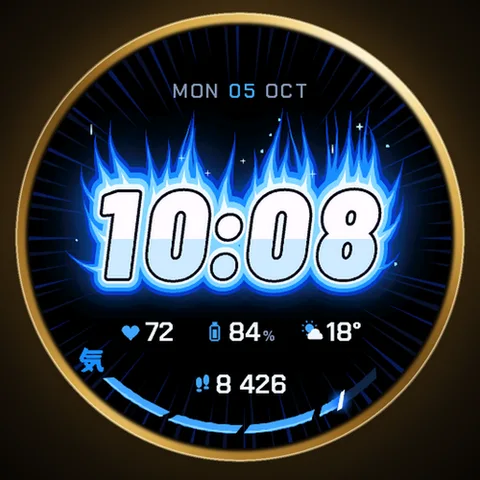
Power up with every step.
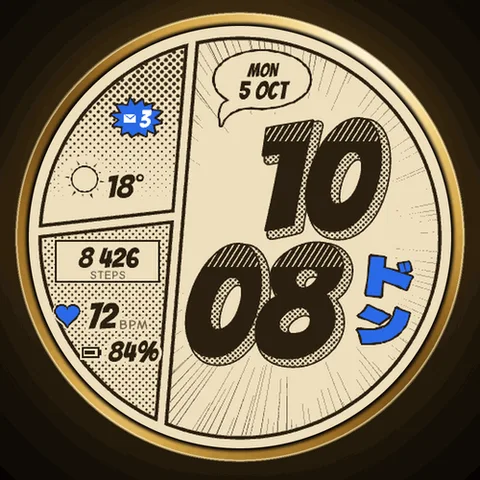
Your time, in comic panels.
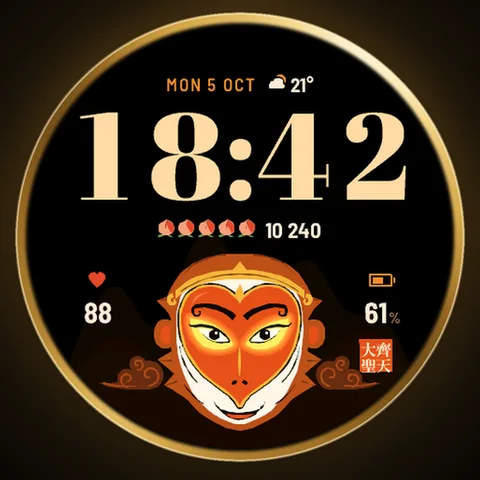
The Monkey King on your wrist.
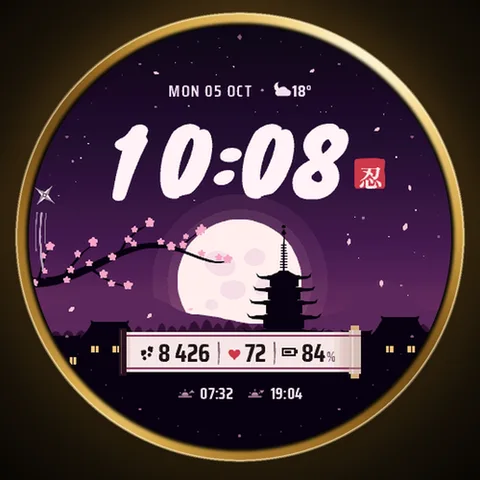
A ninja night in silhouette.
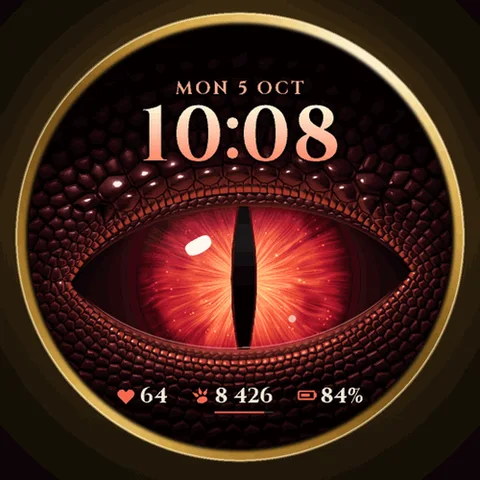
An eye that wakes up with you.
A LITTLE HELP GOES A LONG WAY
From your first install to your favorite settings. Make yourself at home.