

Animated Free available
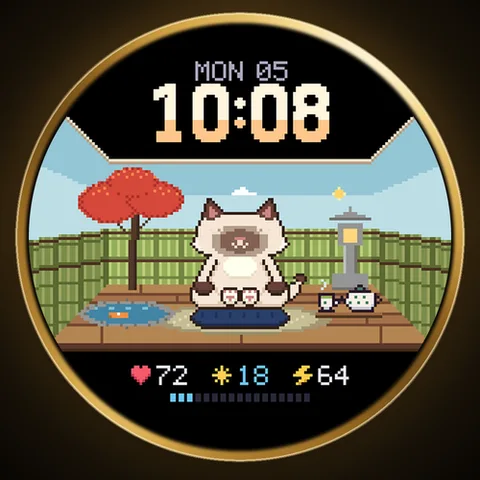
Zen Cat
Find your softer side.
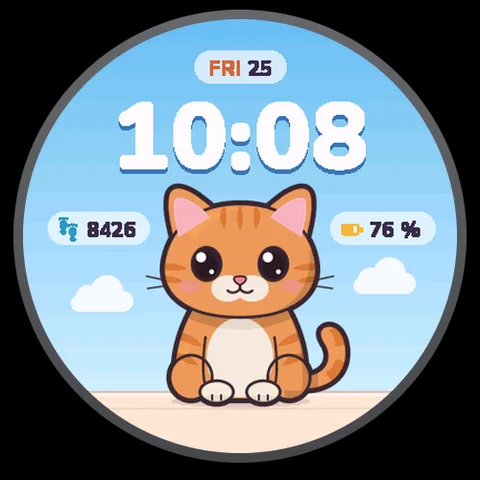
A little company.
A characterful cat design that brings a lighter touch to the day.
Price may vary by country. Final price and taxes are confirmed on Connect IQ.
Downloaded directly from Garmin Connect IQ.
No account needed.
A CLOSER LOOK
A characterful cat design that brings a lighter touch to the day.
Cute cat watch face with a kawaii kitten that keeps you company all day. My own chubby cartoon cat sits on a window ledge, and the round screen is the window: the sky behind it follows the time of day, and the cat changes pose by itself. A sweet little pet on your wrist, for cat lovers, for girls who love cute things and for anyone who melts at the sight of a sleeping cat.
Good to know: weather data needs a Garmin weather location, synced from the phone. The live sky takes sunrise and sunset from that location or from your last activity, otherwise it uses 6:30 and 19:30.
From the Pro listing on the Connect IQ Store.
YOUR FACE. YOUR CHOICE.
The Free edition is yours to keep. Choose Pro when you want the extra possibilities.
How Free & Pro workMADE FOR YOUR WATCH
Find your exact model. Compatibility is checked separately for each approved edition.
Explore by watchBoth editions run on the same 73 Garmin watch models, among them the fēnix 8, Forerunner 970, Venu 4, vívoactive 6 and Instinct 3. Search your exact model in the compatibility list on this page: the Connect IQ app only offers the face to a supported watch.
No. Astra Kitten Pro is a one-time purchase of $4.99 through the Garmin Connect IQ Store, with no renewal. The Free edition never expires. The store shows the final price for your country.
Yes. Install the Free edition, then buy the Astra Kitten Pro key (4.99 USD, one-time) on the Pro key page with the 8-character watch code shown under Pro key in the face settings. Enter the 10-character key there and the Free switches to Pro. See unlock Pro with a key.
Choose an available edition above to open its Connect IQ page. Select a compatible watch in the Connect IQ app, install the face and sync your watch. Then select the new face on your watch.
Open Connect IQ, find the installed watch face under My Device, and open Settings. Available options depend on the face and edition. Save the changes and sync your watch.
YOUR NEXT DISCOVERY
Find your softer side.
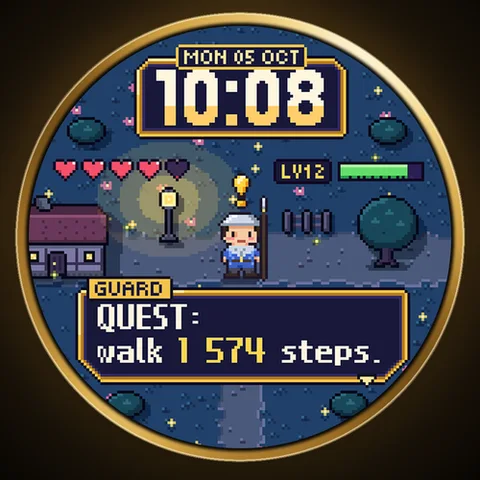
Nice weather today.
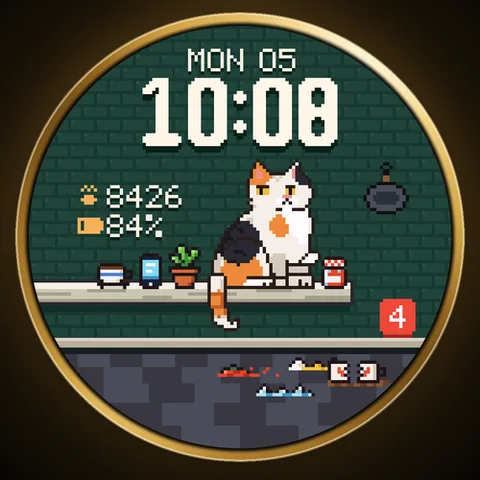
One notification, one more mess.
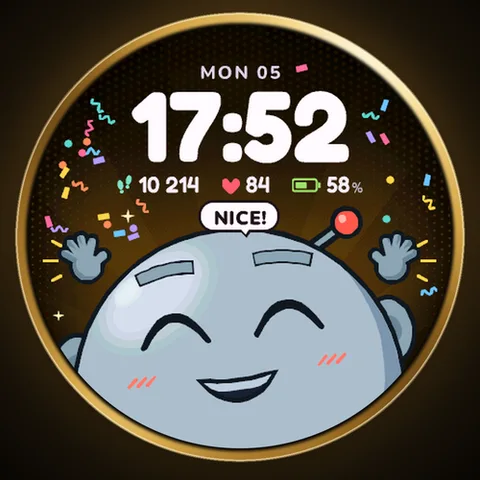
A mascot that reacts to your day.
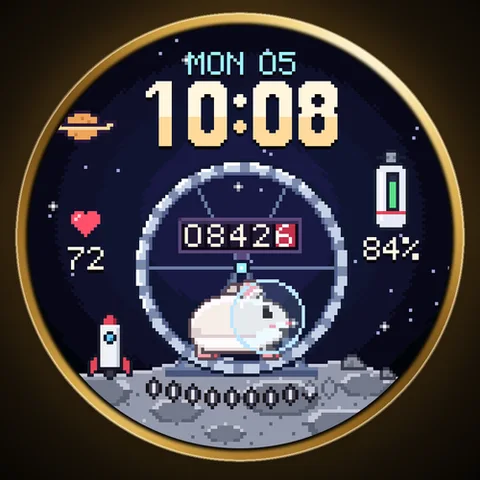
Every step turns the wheel.
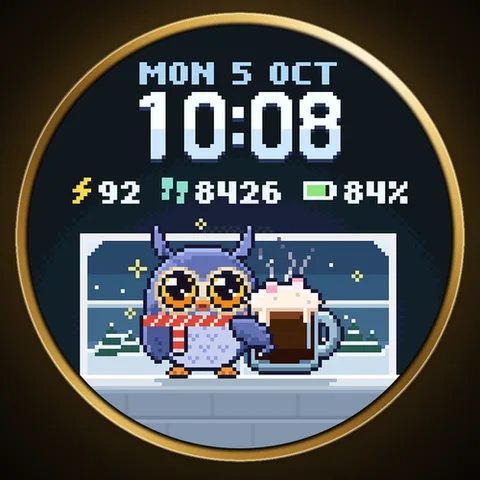
Your energy, in a mug of coffee.
A LITTLE HELP GOES A LONG WAY
From your first install to your favorite settings. Make yourself at home.